
Utilities Windows
SHAREit
Transfer photos, videos and other files between a Windows PC and nearby devices over Wi-Fi, without using mobile data for the transfer.
What is SHAREit?
SHAREit moves files between nearby devices, including a Windows PC and an Android phone. It is useful for copying photos or videos to a computer without a USB cable. The publisher describes local transfers as data-free and offers a Windows EXE download.
The devices still need a working local wireless connection. The publisher documents hotspot mode when a WLAN is unavailable and notes that an iOS device and its receiving device must share a local Wi-Fi network. Wireless conditions, distance and device activity can affect transfer speed; advertised peak speeds are not a guarantee.
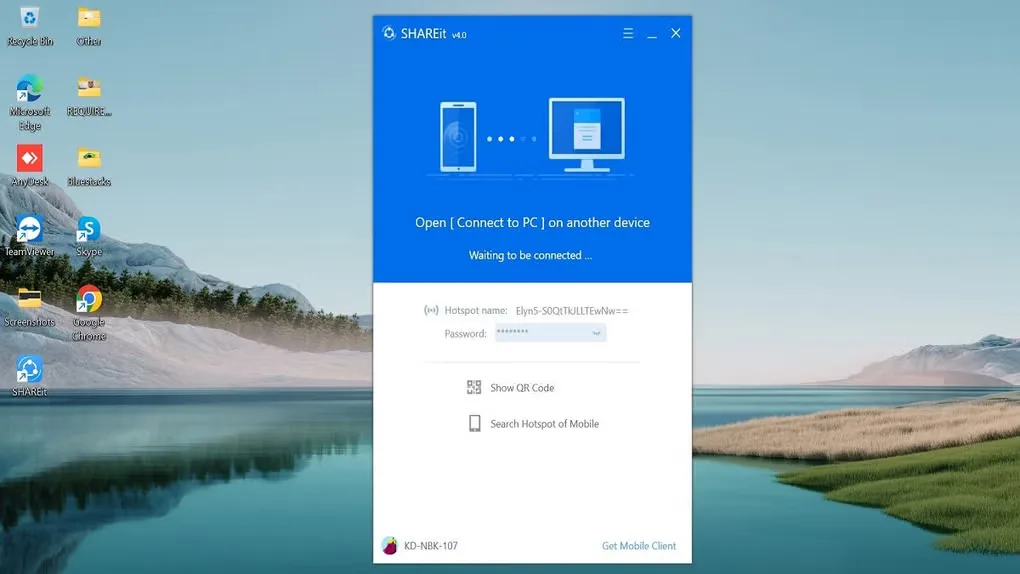
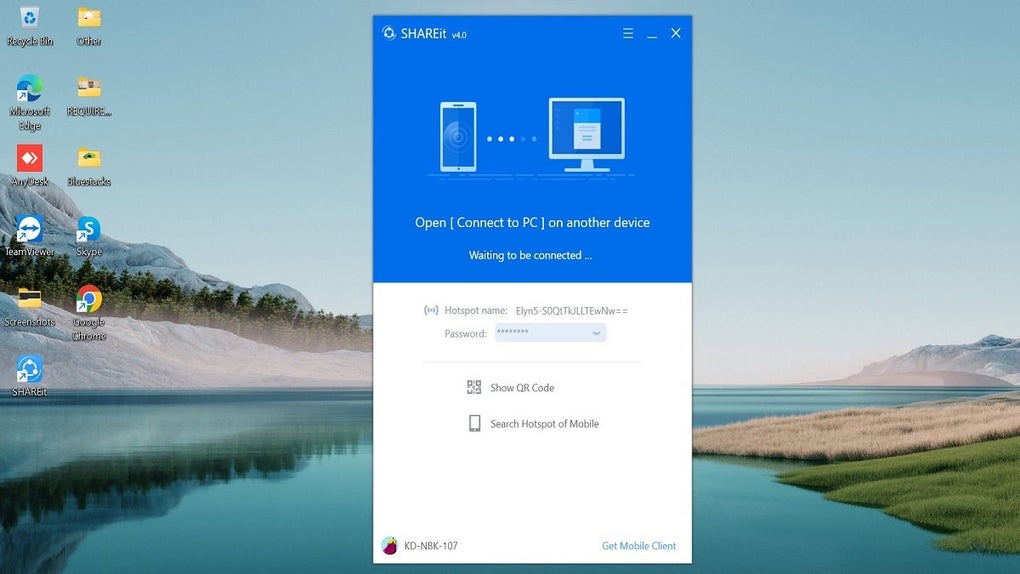
The screenshot shows the older SHAREit v4.0 Windows connection screen, including QR-code and mobile-hotspot options. It illustrates the connection workflow, not the exact interface or version of the linked installer. The publisher download has been checked by HEAD request only; its embedded version, processor architecture and current Windows requirements have not been independently confirmed.
What it offers
- Transfer files between Windows and Android devices over a local wireless connection.
- Share photos, videos and other files without using mobile data for the transfer.
- Select multiple files or folders for a transfer.
- Use hotspot mode when a local WLAN is unavailable, as documented by the publisher.
Good to know
- A working Wi-Fi connection between devices is still required; iOS transfers require the receiving device to be on the same local Wi-Fi network.
- Transfer speed depends on wireless conditions, distance and device activity.
- The linked Windows installer’s embedded version, architecture and minimum Windows requirements are unconfirmed; the gallery screenshot depicts an older v4.0 interface.
Product images
Sources
References used for this listing. Retrieval dates do not indicate hands-on testing.
- SHAREit - Download ↗Retrieved
- SHAREit: Transfer, Share Files, and More ↗Retrieved
- SHAREit Group Help Center ↗Retrieved
- SHAREit Group — Windows download selection ↗Retrieved
- SHAREit Group Terms and Policies ↗Retrieved
More in utilities
View category ↗
1.1.1.1 with WARP 2026.8.2115.0
Encrypt traffic from your Mac to Cloudflare’s network with WARP, or use DNS-only mode for encrypted DNS queries to the 1.1.1.1 resolver.
1.1.1.1 with WARP 2026.8.2115.0
Encrypt traffic between your Windows PC and Cloudflare, or use encrypted DNS only, with the free 1.1.1.1 with WARP app.

3uTools 9.12.005
Manage iPhone and iPad photos, music, apps and backups from Windows with 3uTools, a free utility that also includes device checks and firmware flashing tools.