
Utilities Windows
Shefware Google Workspace Backup Tool
Back up Google Workspace mail, Drive files, contacts, calendars and tasks to local storage, with user selection, date filters and scheduled jobs.
- Operating system
- Publisher lists Windows 11, Windows 10, Windows 7 (64-bit) and Windows Server 2025.
- Architecture
- Selected installer architecture not specified.
- Download package
- EXE installer
Publisher lists 4 GB minimum RAM (8 GB recommended) and 1 GB disk space. These requirements were not independently tested.
Link checked · Download guidance
What is Shefware Google Workspace Backup Tool?
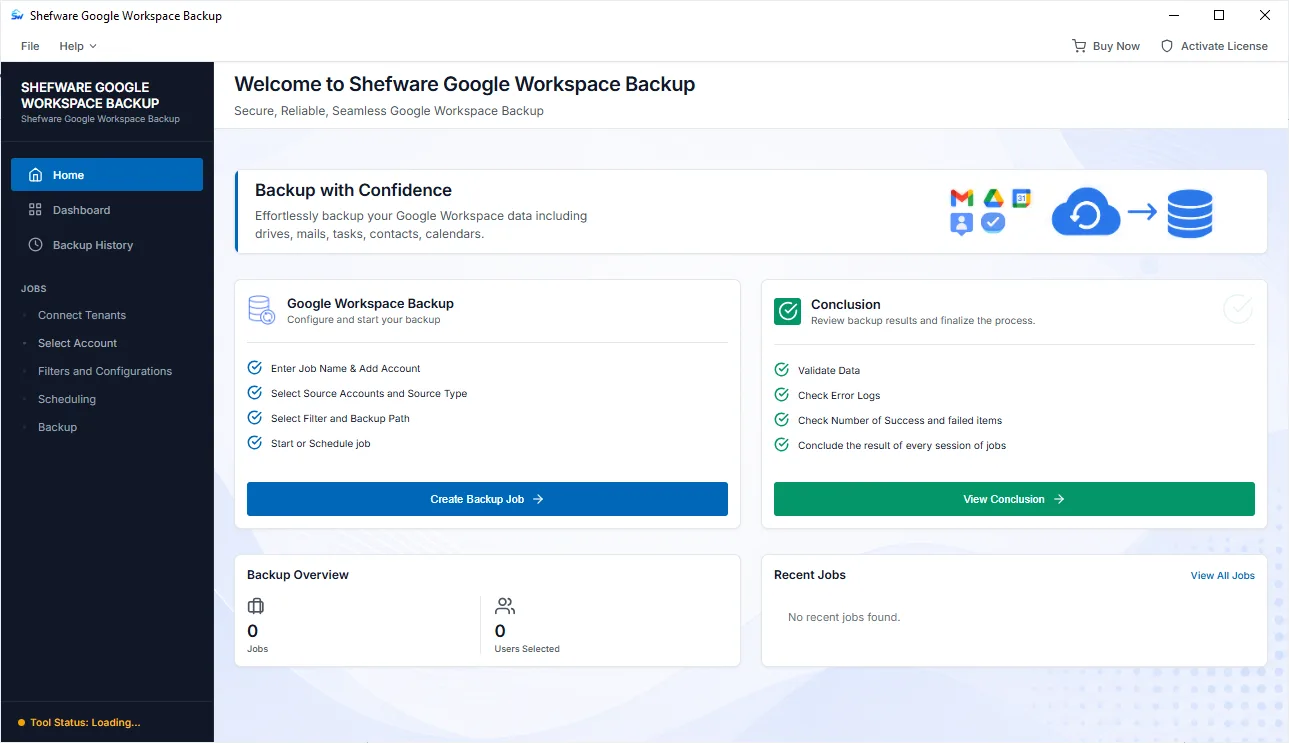
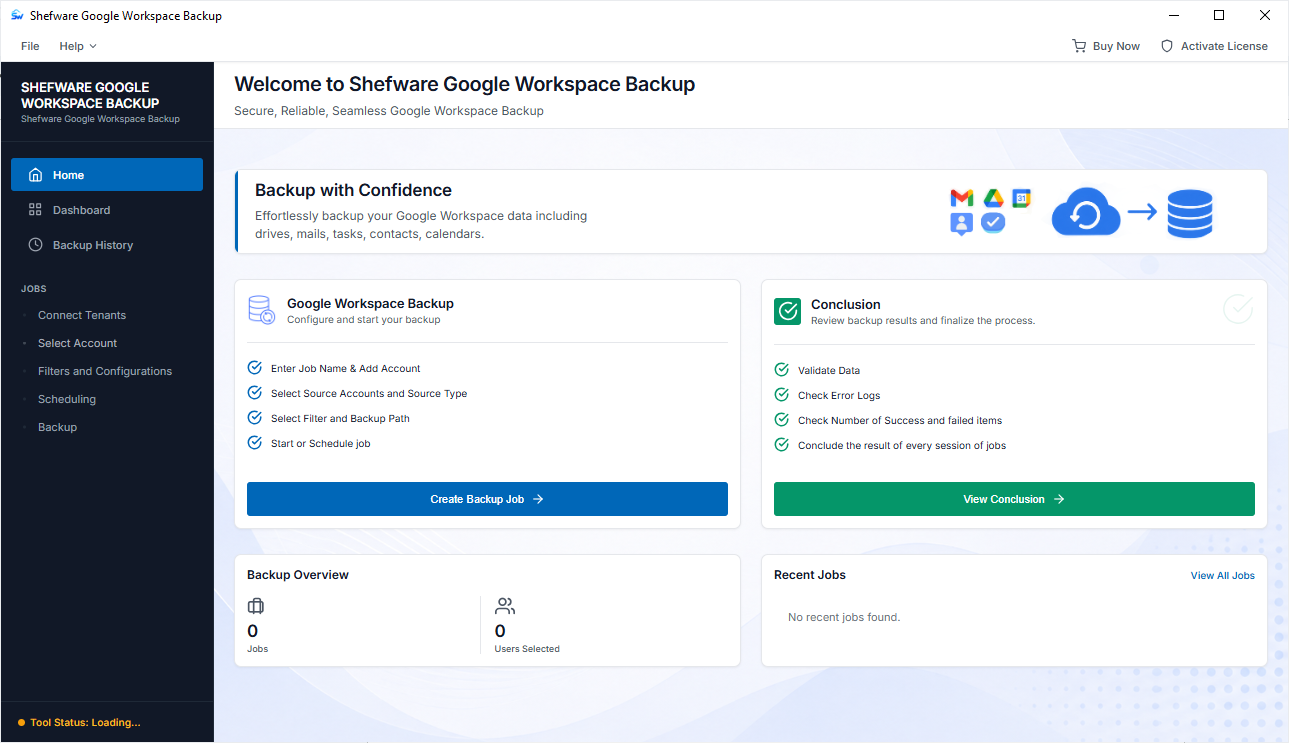
Shefware Google Workspace Backup Tool creates local copies of selected Google Workspace data from a Windows PC. A backup job defines the account, users, data types and destination. Mail, Drive, Contacts, Calendar and Tasks can be selected according to the job, rather than copying every workload. Date-range filters narrow the backup period, while incremental mode skips data already backed up.
Jobs can run immediately or at a scheduled date and time. The publisher also lists PST splitting and a backup-history view for reviewing job results. This is a credential-based backup workflow, not an account-free export: Google Workspace credentials must be configured before selecting users. The publisher offers a free demo alongside paid licenses, but the retrieved pages do not establish the demo’s backup limits.
What it offers
- Select Google Workspace users and back up Mail, Drive, Contacts, Calendar or Tasks to a local output path.
- Filter backups by date range and skip previously backed-up data with incremental mode.
- Run a configured job immediately or schedule it for a future date and time.
- Split large PST output files and choose a target folder.
- Monitor active jobs and review completed or failed jobs in Backup History.
Good to know
- Requires Google Workspace credentials and backup-job configuration before selecting users and data.
- Paid licenses are offered separately from the free demo; the retrieved publisher pages do not specify the demo’s backup limits.
Product images
Sources
References used for this listing. Retrieval dates do not indicate hands-on testing.
More in utilities
View category ↗
1.1.1.1 with WARP 2026.8.2115.0
Encrypt traffic from your Mac to Cloudflare’s network with WARP, or use DNS-only mode for encrypted DNS queries to the 1.1.1.1 resolver.
1.1.1.1 with WARP 2026.8.2115.0
Encrypt traffic between your Windows PC and Cloudflare, or use encrypted DNS only, with the free 1.1.1.1 with WARP app.

3uTools 9.12.005
Manage iPhone and iPad photos, music, apps and backups from Windows with 3uTools, a free utility that also includes device checks and firmware flashing tools.