

Utilities Windows
ShellExView for Windows
Inspect installed Windows shell extensions and disable or re-enable individual handlers with ShellExView, a freeware tool for investigating Explorer context-menu problems.
- Operating system
- Windows 98 through Windows 10, as listed by the publisher
- Architecture
- x64 (selected download)
- Download package
- ZIP archive; standalone executable
Publisher offers separate standard ZIP and self-installing packages. Windows 11 support is not confirmed by the published requirements.
Link checked · Download guidance
What is ShellExView?
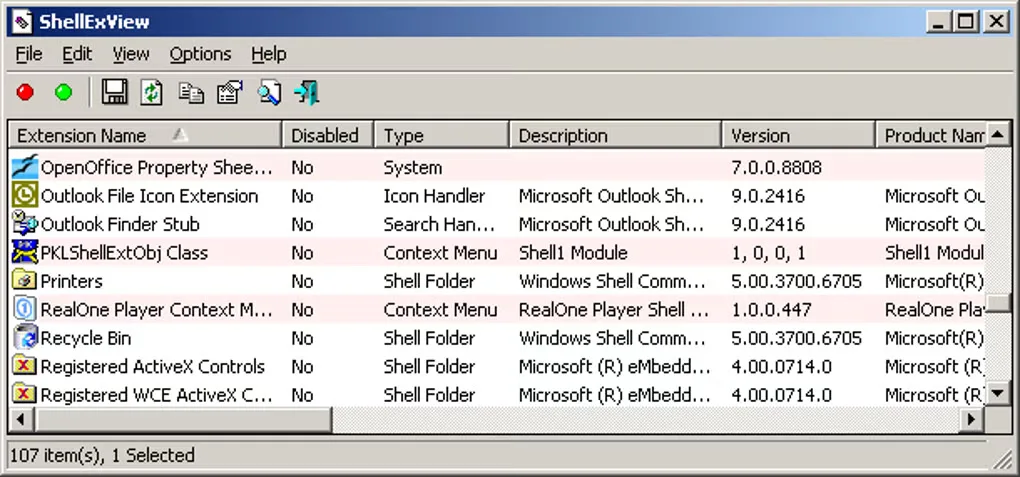
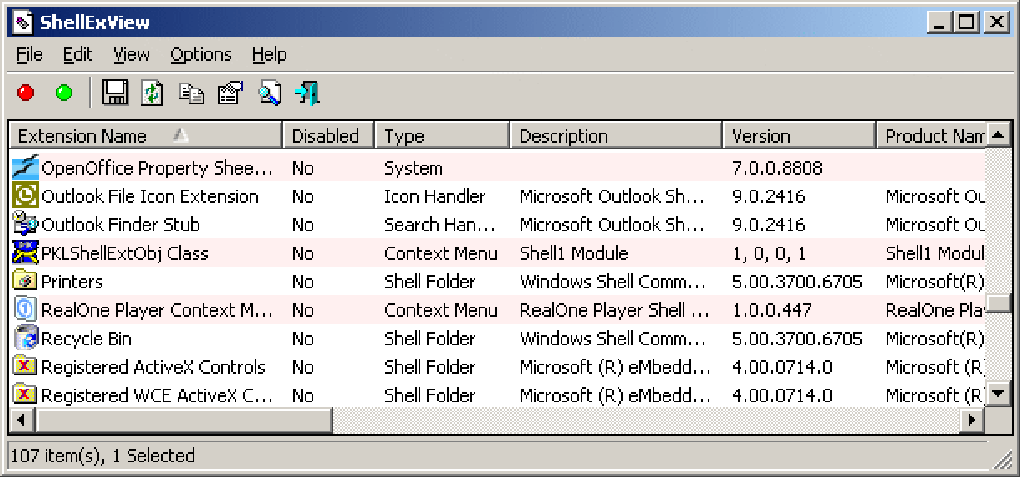
ShellExView lists the shell extensions installed on a Windows PC, including context-menu handlers, icon handlers and shell folders. Its table shows each extension's disabled state, type, description, version, company and filename, helping you identify which application added a particular Explorer component. You can disable a selected extension and enable it again when investigating a context-menu problem.
Filter by extension type or hide Microsoft extensions to narrow the list. The utility also exports extension details to formats including CSV, HTML and XML, and offers a Restart Explorer command when a change does not take effect immediately. The linked download is the publisher's x64 ZIP containing a standalone utility; no installation process is required for that package.
Changing shell extensions is not a guaranteed repair. The publisher warns that disabling system extensions can leave Windows unable to boot correctly. Its documented system requirements cover Windows 98 through Windows 10, with x64 support; Windows 11 compatibility is not established by that requirements statement.
What it offers
- View shell-extension details, including type, disabled state, company, version and DLL filename.
- Disable and re-enable selected extensions to investigate Explorer context-menu problems.
- Filter extensions by type or hide Microsoft extensions to focus the list.
- Export extension lists as CSV, HTML, XML or text files.
- Restart Windows Explorer from the utility when extension changes do not appear immediately.
Good to know
- Disabling system extensions can prevent Windows from booting correctly; the publisher warns against indiscriminate disabling.
- The publisher documents support through Windows 10; its requirements statement does not confirm Windows 11 compatibility.
- The publisher documents an administrator requirement under Windows Vista and Windows 7.
Product images
Sources
References used for this listing. Retrieval dates do not indicate hands-on testing.
- ShellExView - Shell Extension Manager For Windows ↗Retrieved
- ShellExView - Download ↗Retrieved
More in utilities
View category ↗
1.1.1.1 with WARP 2026.8.2115.0
Encrypt traffic from your Mac to Cloudflare’s network with WARP, or use DNS-only mode for encrypted DNS queries to the 1.1.1.1 resolver.
1.1.1.1 with WARP 2026.8.2115.0
Encrypt traffic between your Windows PC and Cloudflare, or use encrypted DNS only, with the free 1.1.1.1 with WARP app.

3uTools 9.12.005
Manage iPhone and iPad photos, music, apps and backups from Windows with 3uTools, a free utility that also includes device checks and firmware flashing tools.