

Utilities macOS
Shottr for macOS
Capture scrolling screenshots, annotate images and copy text with OCR in Shottr for Mac. Free use includes purchase reminders; uploading requires activation.
- Operating system
- macOS Catalina 10.15 or later
- Architecture
- Apple Silicon optimization stated; complete architecture list not specified
- Download package
- DMG disk image
Publisher labels the download v1.9.3; the linked filename is Shottr-1.9.3b.dmg. The filename suffix is not treated as a separately documented release.
Link checked · Download guidance
What is Shottr?
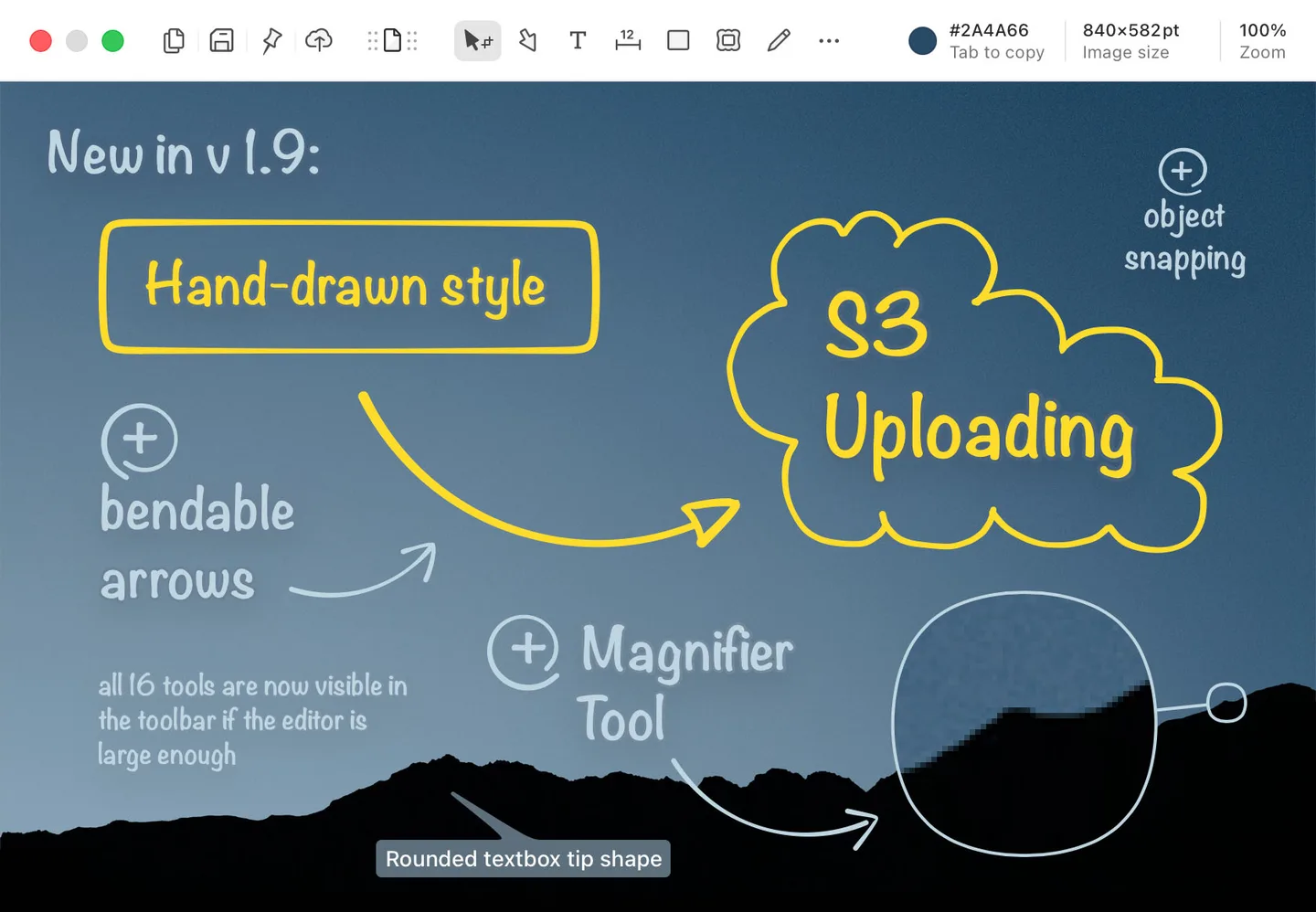
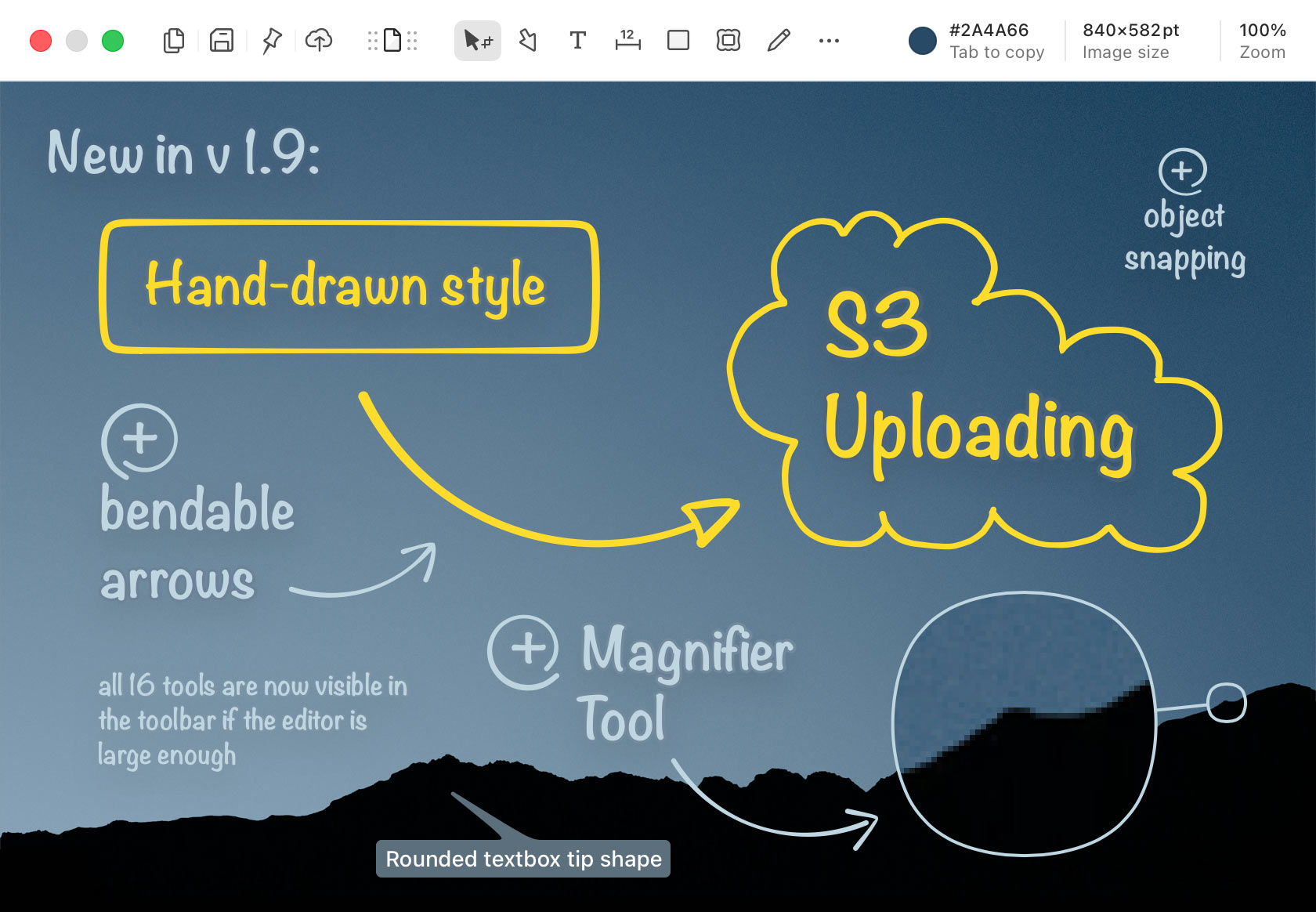
Shottr captures and marks up screenshots on macOS. Use it to document a long page or chat, point out interface details with arrows and text, or copy otherwise unselectable text with OCR. Its screen ruler, zoom and color picker are useful when checking layout dimensions and individual pixels. Multiple captures can share one canvas, and screenshots can be pinned above other windows as references.
The editor also offers pixelation and object removal, image overlays, resizing and decorative backgrounds. Most features remain available without a time limit in the free version, but it periodically asks you to consider buying a license. Image uploading requires activation, so free local capture and annotation should not be confused with unrestricted online sharing.
What it offers
- Capture scrolling pages and conversations rather than only the visible screen area.
- Add text, arrows, freehand marks and highlights; combine captures on one canvas.
- Copy text from a selected screen region with OCR and read QR codes.
- Measure screenshot dimensions, inspect pixels with zoom and copy colors.
- Pixelate or remove content, resize images and pin screenshots as floating reference windows.
Good to know
- Free use periodically displays purchase reminders, and image uploading requires activation.
- Requires macOS Catalina 10.15 or later; this is not a Windows download.
Product images
Sources
References used for this listing. Retrieval dates do not indicate hands-on testing.
- Shottr for Mac - Download ↗Retrieved
- Shottr – Screenshot Annotation App For Mac ↗Retrieved
More in utilities
View category ↗
1.1.1.1 with WARP 2026.8.2115.0
Encrypt traffic from your Mac to Cloudflare’s network with WARP, or use DNS-only mode for encrypted DNS queries to the 1.1.1.1 resolver.
1.1.1.1 with WARP 2026.8.2115.0
Encrypt traffic between your Windows PC and Cloudflare, or use encrypted DNS only, with the free 1.1.1.1 with WARP app.

3uTools 9.12.005
Manage iPhone and iPad photos, music, apps and backups from Windows with 3uTools, a free utility that also includes device checks and firmware flashing tools.