
Utilities Windows
SignalRGB
Synchronize supported RGB keyboards, mice, fans and other devices across brands with SignalRGB for Windows. Customize effects and arrange devices on a shared lighting canvas.
- Operating system
- Windows 10 or Windows 11
- Architecture
- Not specified by the cited publisher pages
- Download package
- EXE installer
Requires compatible RGB hardware. Version and release date refer to the publisher's 2.5.80 changelog, not an inspected installer; the Windows download URL is unversioned.
Link checked · Download guidance
What is SignalRGB?
SignalRGB brings supported RGB hardware into one Windows application instead of leaving each brand in a separate lighting utility. Use it to coordinate keyboards, mice, fans, strips and other compatible devices, choose an effect from the library, and adjust its available colors, speed or brightness.
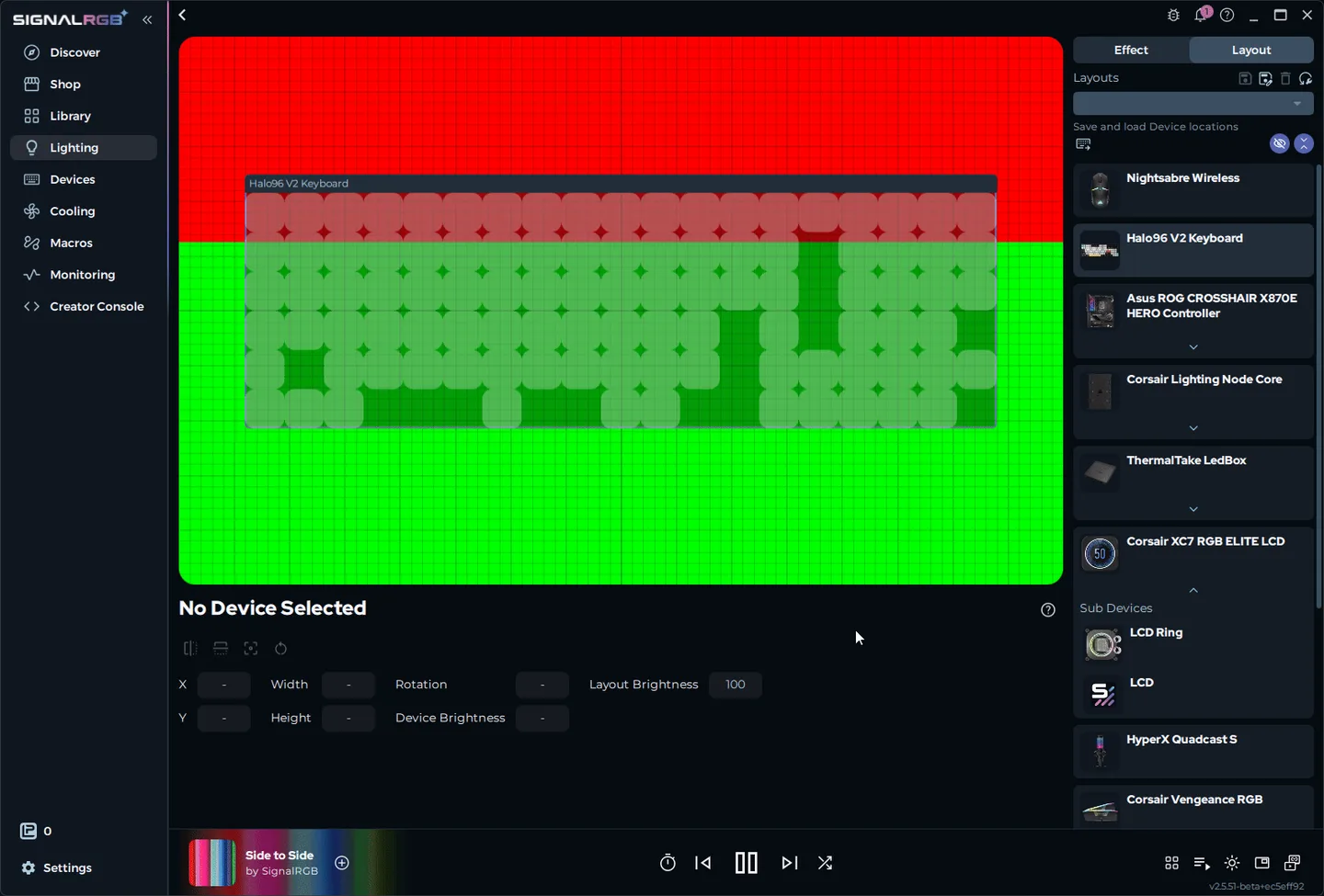
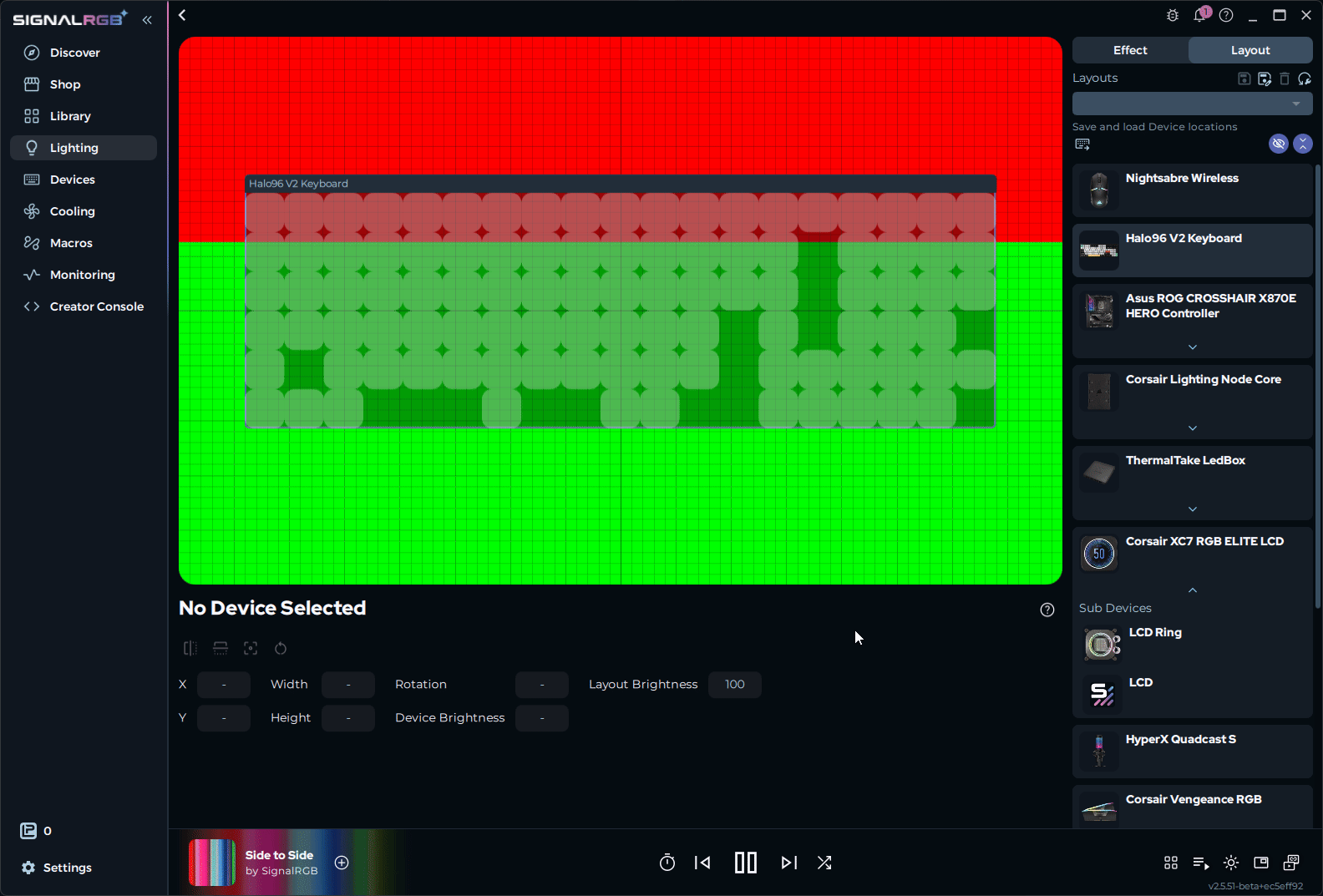
The layout canvas maps devices to their physical positions on your desk or inside your case. Positioning devices on that canvas lets a lighting pattern move across the setup rather than restarting independently on each device. Saved layouts and effect presets let you return to a configuration without rebuilding it.
Core RGB control and a selection of effects are free. SignalRGB Pro is a paid subscription for additional content and advanced features; individual content can also be bought with Light Points. The publisher currently includes basic fan-control presets and PC monitoring in the free offering, while custom fan curves and advanced monitoring customization are Pro features.
Check the publisher's device list before choosing it: support depends on the exact hardware, not just the brand. Other RGB applications such as iCUE, Synapse or Aura can prevent SignalRGB from controlling devices. The publisher's setup guide recommends closing or uninstalling conflicting RGB software. The linked EXE is the publisher's unversioned Windows download endpoint, so its contents can change independently of this entry.
What it offers
- Control and synchronize supported RGB hardware from different brands in one application.
- Arrange devices on a lighting canvas to coordinate effects with their physical positions.
- Customize the parameters an effect exposes, including colors, speed and brightness, and save presets.
- Save and switch between multiple device layouts.
- Use basic fan-control presets and PC monitoring; advanced controls are part of SignalRGB Pro.
Good to know
- Hardware compatibility is device-specific; check the publisher's supported-device list rather than assuming every product from a supported brand works.
- Other RGB utilities can conflict with device control and may need to be closed or uninstalled.
- The free offering does not include every effect or advanced feature; Pro requires a paid subscription, and Light Points content is purchased separately.
Product images
Sources
References used for this listing. Retrieval dates do not indicate hands-on testing.
- SignalRgb - Download ↗Retrieved
- SignalRGB — publisher product page ↗Retrieved
- How to Get Started with SignalRGB | SignalRGB ↗Retrieved
- Layouts | SignalRGB ↗Retrieved
- How to Customize Effects | SignalRGB ↗Retrieved
- Changelogs | SignalRGB ↗Retrieved
- Terms of Service | SignalRGB ↗Retrieved
More in utilities
View category ↗
1.1.1.1 with WARP 2026.8.2115.0
Encrypt traffic from your Mac to Cloudflare’s network with WARP, or use DNS-only mode for encrypted DNS queries to the 1.1.1.1 resolver.
1.1.1.1 with WARP 2026.8.2115.0
Encrypt traffic between your Windows PC and Cloudflare, or use encrypted DNS only, with the free 1.1.1.1 with WARP app.

3uTools 9.12.005
Manage iPhone and iPad photos, music, apps and backups from Windows with 3uTools, a free utility that also includes device checks and firmware flashing tools.