
Development Windows
Simple DNS Plus
Host DNS zones or run a local resolver/cache on Windows with Simple DNS Plus, a commercial DNS server with graphical management and a 14-day evaluation.
- Operating system
- Windows 7 SP1 / Windows Server 2008 R2 SP1 or later
- Architecture
- 32-bit and 64-bit Windows supported by publisher
- Download package
- EXE setup (third-party mirror)
Requires .NET Framework 4.8; publisher says setup installs it if missing. Installer contents and architecture were not inspected.
Link checked · Download guidance
What is Simple DNS Plus?
Simple DNS Plus is a Windows DNS server for administrators who want to manage domain records through a graphical interface. It can serve authoritative DNS for hosted domains, resolve Internet names for local clients, or perform both roles. Zone wizards, standard zone-file import/export and bulk updates help manage records without editing configuration files by hand.
For ongoing administration, it includes remote management, an HTTP API and stored zone versions that can be compared or restored. DNSSEC signing and DNS over TLS/HTTPS are supported. Choose the server role before changing client settings: a local resolver requires clients to use its IP address, while public domain hosting also requires a suitable static Internet IP address.
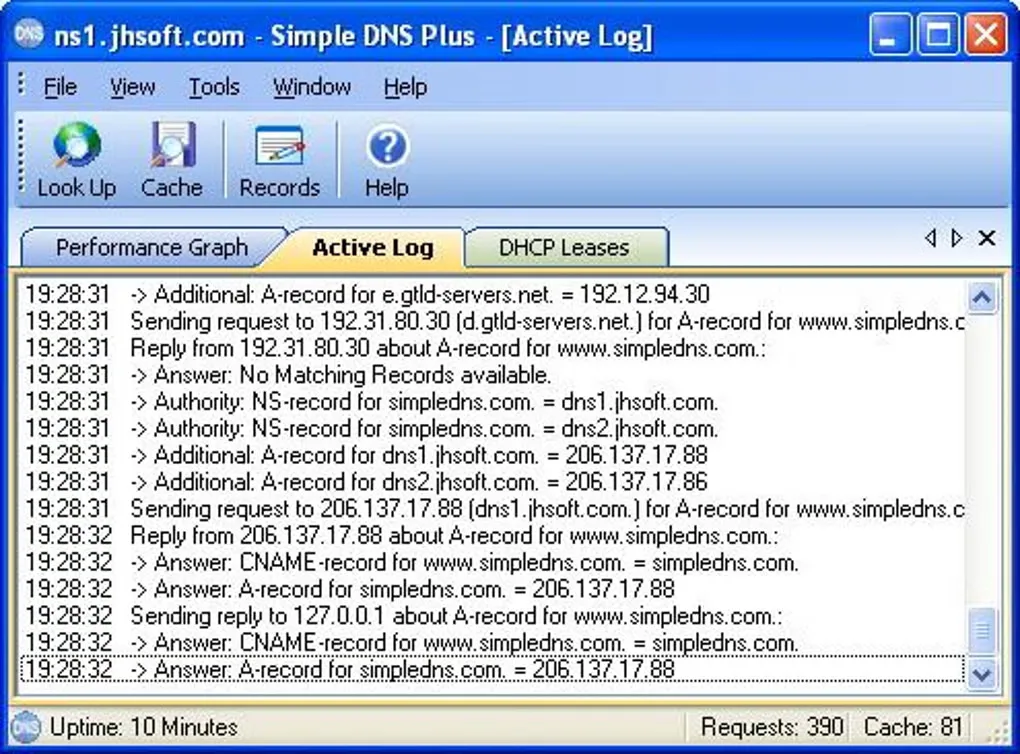
The evaluation lasts 14 days. Continued licensed use requires a paid, activated license, with the number of zones depending on the license size. Reverse and secondary zones count toward that limit. The download below is an explicitly identified third-party mirror of the 9.1 build 117 EXE, not a publisher-hosted file; only its HTTP headers were checked. The screenshot shows the historical Active Log interface from the source listing, not a verified view of build 117.
What it offers
- Serve authoritative DNS zones and provide recursive resolution with caching.
- Create zones, import/export standard zone files and apply bulk record changes through graphical wizards.
- Compare stored zone versions or restore an earlier zone version.
- Manage a remote server through the Windows GUI or integrate applications using the REST/JSON HTTP API.
- Use automatic DNSSEC signing, DNS over TLS/HTTPS and client-IP restrictions for recursion.
Good to know
- The free evaluation is limited to 14 days; commercial licenses require activation and enforce the selected zone limit.
- Reverse zones and secondary zones count toward the license size; some plug-ins require an Unlimited zones license.
- Hosting public Internet domains requires a static Internet IP address; this is not required just for resolving and caching.
- The linked installer is hosted by a third-party mirror. HEAD verification does not establish binary authenticity or installation behavior.
Product images
Sources
References used for this listing. Retrieval dates do not indicate hands-on testing.
- Simple DNS Plus — official product overview ↗Retrieved
- Simple DNS Plus — features ↗Retrieved
- What are the system requirements for Simple DNS Plus? ↗Retrieved
- V. 9.1 Release Notes ↗Retrieved
- Licensing FAQ ↗Retrieved
- How to get started ↗Retrieved
- ftp.dutaint.com — /jhsoft-simple-dns/ package catalog ↗Retrieved
- Simple DNS Plus - Download ↗Retrieved
More in development
View category ↗
010 Editor 17.0
Inspect and edit binary files on Mac with 010 Editor, a paid text and hex editor with Binary Templates, file comparison and a 30-day trial.
010 Editor 17.0
Inspect and edit binary files with 010 Editor for Windows, a text and hex editor with Binary Templates, file comparison and scripting. Includes a 30-day trial.
10x Editor
Edit and navigate C++ projects on Windows with a built-in parser, workspace search and Visual Studio project support. A paid license is required after the 30-day trial.