

Utilities Windows
Smarter Battery for Windows
Monitor laptop battery capacity, wear and charge history with Smarter Battery for Windows. Its demo allows ten sessions of 15 minutes before purchase is required.
What is Smarter Battery?
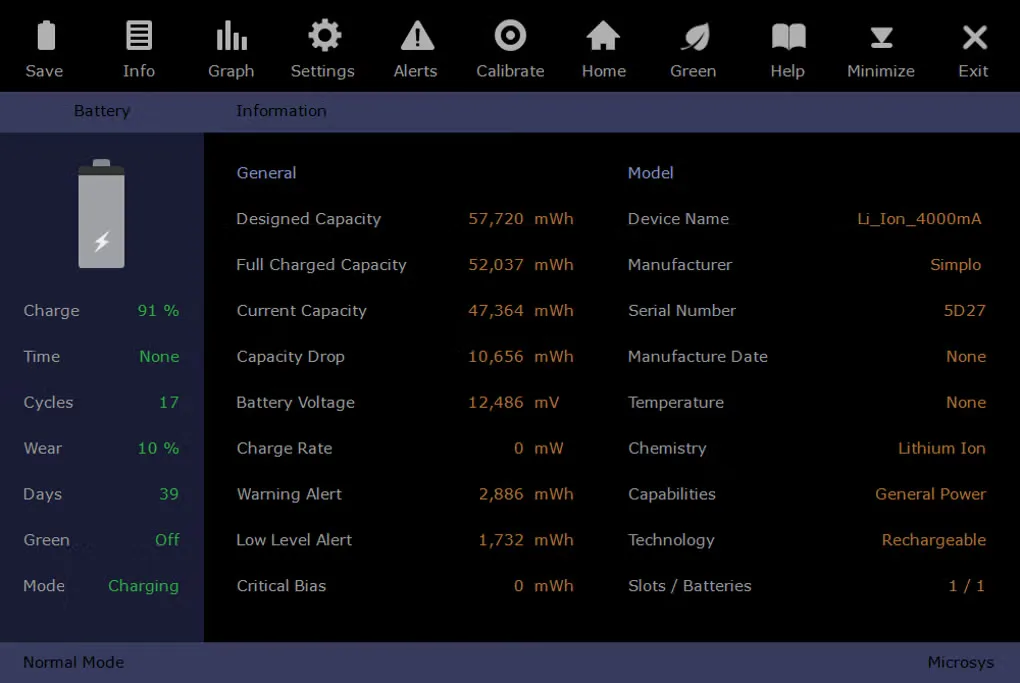
Smarter Battery collects battery information on Windows notebooks and tablets so you can compare designed capacity with full charged capacity, follow charge or discharge behavior and check wear and cycle statistics. Its Information screen brings battery readings and model details together, while the capacity graph shows changes over time and can be saved as a JPG.
Independent warning and critical alerts can use the remaining charge percentage or estimated runtime. A desktop battery gadget provides a separate view of the charge state. The utility also includes calibration and fast-discharge controls; the publisher says calibration statistics depend on leaving it running with the first battery selected.
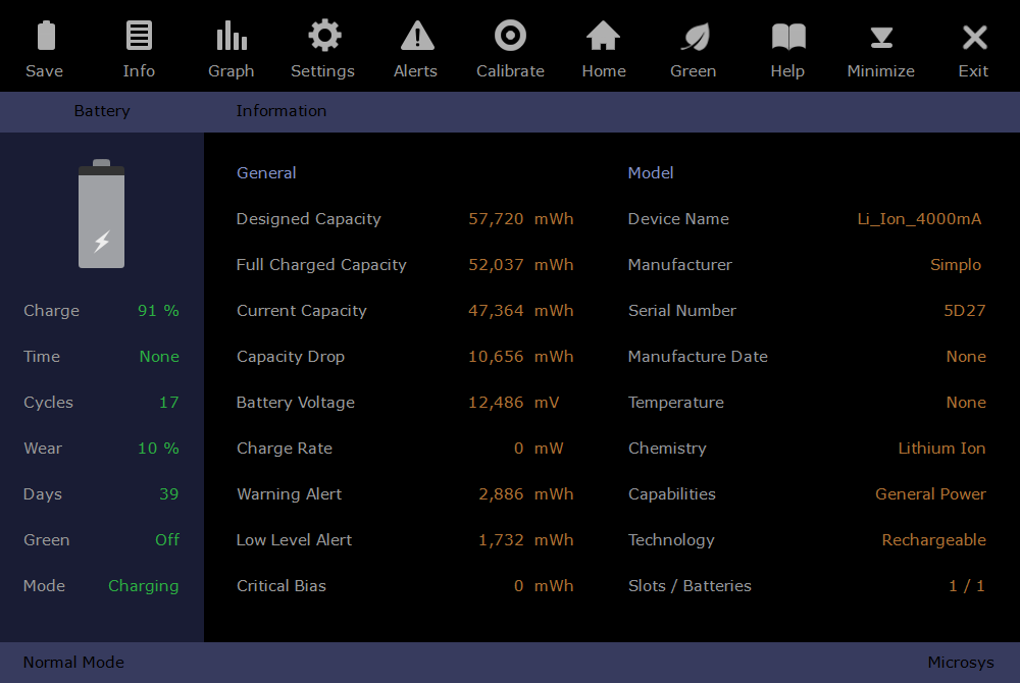
This is a paid utility with a limited demo, not an unrestricted free battery monitor. The publisher allows ten 15-minute demo sessions and requires purchase and battery-code registration for continued use. The linked Windows package is listed as version 9.2 in the publisher download catalog, while its explanatory product page still has release notes through 7.2. The source gallery screenshot illustrates the Information interface; it is not evidence of the 9.2 build or of measurements on your computer.
What it offers
- View designed, full charged and current battery capacity alongside voltage, charge rate and battery model details.
- Track charge and discharge capacity on a graph covering up to 16 hours, with JPG export.
- Configure separate warning and critical alerts using remaining time or charge percentage.
- Show a customizable desktop battery gadget and inspect wear and discharge-cycle statistics.
Good to know
- The demo is limited to ten sessions of 15 minutes; continued monitoring requires a paid license.
- The publisher says calibration statistics require the utility to stay running with the first battery selected.
- Registration uses battery codes and the license covers a single computer.
Product images
Sources
References used for this listing. Retrieval dates do not indicate hands-on testing.
- Microsys - Smarter Battery ↗Retrieved
- Microsys - Downloads ↗Retrieved
- Smarter Battery - Download ↗Retrieved
More in utilities
View category ↗
1.1.1.1 with WARP 2026.8.2115.0
Encrypt traffic from your Mac to Cloudflare’s network with WARP, or use DNS-only mode for encrypted DNS queries to the 1.1.1.1 resolver.
1.1.1.1 with WARP 2026.8.2115.0
Encrypt traffic between your Windows PC and Cloudflare, or use encrypted DNS only, with the free 1.1.1.1 with WARP app.

3uTools 9.12.005
Manage iPhone and iPad photos, music, apps and backups from Windows with 3uTools, a free utility that also includes device checks and firmware flashing tools.