

Utilities macOS
SMARTReporter for macOS
Monitor supported Mac drives for S.M.A.R.T. warnings and I/O errors with SMARTReporter, a free disk-monitoring utility with email and on-screen alerts.
What is SMARTReporter?
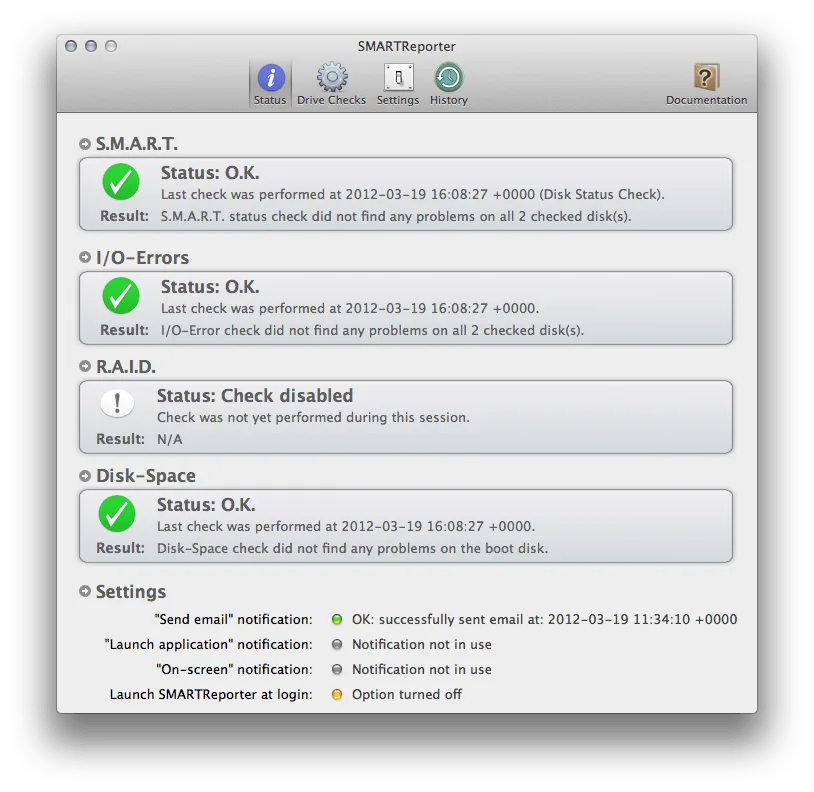
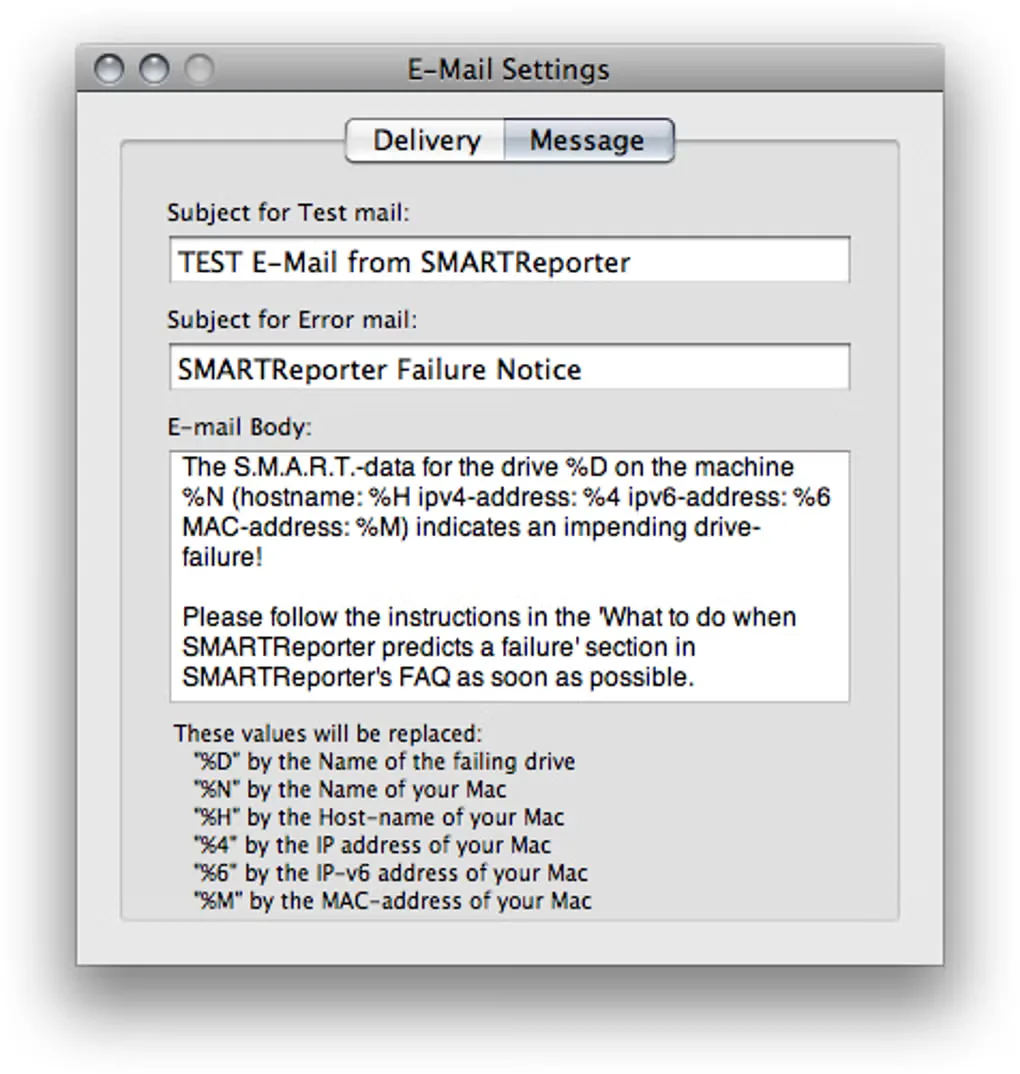
SMARTReporter periodically checks the S.M.A.R.T. status reported by supported drives and notifies you when it indicates a problem. It also watches for I/O errors, can monitor software RAID sets for degradation, and offers a free-space check. A changing menu-bar icon provides an at-a-glance status, with alert dialogs, on-screen notifications and email available for warnings.
CoreCode lists version 3.2.0 for macOS 10.14 Mojave or later, with native Apple Silicon support documented in its release history. The publisher now offers SMARTReporter free of charge, supported by displaying its other apps, but no longer provides technical support. The download linked here is the publisher's ZIP archive.
Treat its warnings as indicators, not a guarantee that a drive will fail or remain healthy. SMARTReporter cannot predict every hardware failure and does not check filesystem health or replace backups. S.M.A.R.T. monitoring depends on the drive and connection: internal supported drives are the main target, while USB and FireWire drives generally require additional third-party software. The screenshots are historical application views, not evidence of a current test on your Mac.
What it offers
- Periodically poll the S.M.A.R.T. status of supported hard drives and SSDs.
- Watch for I/O errors as an additional sign of drive problems.
- Receive warnings through alert dialogs, on-screen notifications or email, with a changing menu-bar status icon.
- Monitor software RAID degradation and available disk space.
Good to know
- Cannot predict all disk failures, assess filesystem health or replace regular backups.
- S.M.A.R.T. monitoring requires a supported drive; USB and FireWire drives generally need additional third-party software.
- The publisher no longer offers technical support.
Product images
Sources
References used for this listing. Retrieval dates do not indicate hands-on testing.
More in utilities
View category ↗
1.1.1.1 with WARP 2026.8.2115.0
Encrypt traffic from your Mac to Cloudflare’s network with WARP, or use DNS-only mode for encrypted DNS queries to the 1.1.1.1 resolver.
1.1.1.1 with WARP 2026.8.2115.0
Encrypt traffic between your Windows PC and Cloudflare, or use encrypted DNS only, with the free 1.1.1.1 with WARP app.

3uTools 9.12.005
Manage iPhone and iPad photos, music, apps and backups from Windows with 3uTools, a free utility that also includes device checks and firmware flashing tools.