

Utilities Windows
SoftOrbits Flash Drive Recovery for Windows
Scan USB flash drives and memory cards for deleted files with SoftOrbits Flash Drive Recovery for Windows. Preview results before choosing files to recover; saving requires the full version.
- Operating system
- Windows 11 and 10; publisher also lists Windows 8.1, 8 and 7
- Architecture
- Publisher lists 32-bit and 64-bit Windows; installer architecture not independently identified
- Download package
- EXE download
Version 4.8 is the publisher page listing. The linked executable was checked with HEAD only; its internal version and architecture were not inspected.
Link checked · Download guidance
What is SoftOrbits Flash Drive Recovery?
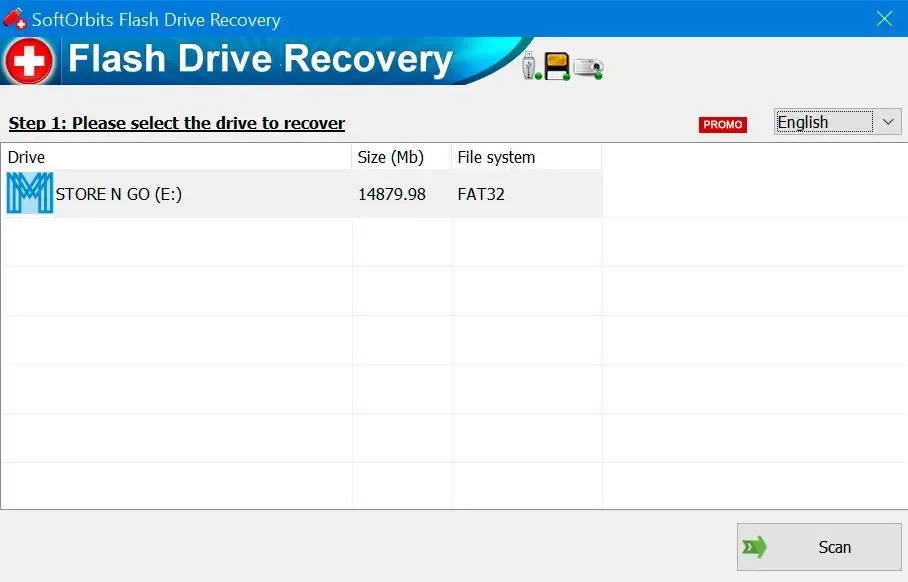
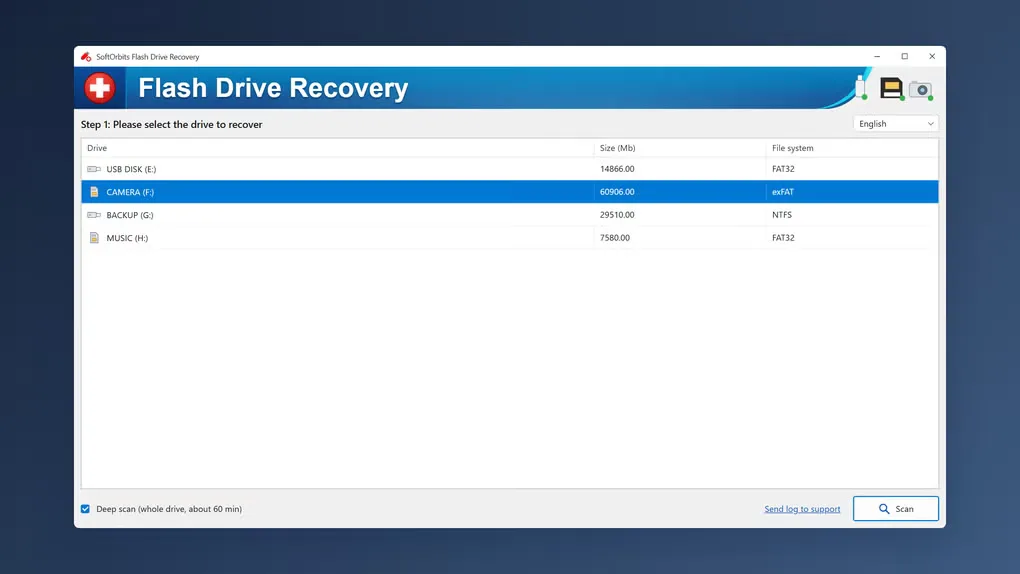
SoftOrbits Flash Drive Recovery helps locate files deleted from USB sticks and memory cards, including files lost after a quick format. Select a removable drive, scan it and browse the results before choosing a destination for recovered photos, documents, music or videos. Quick and deep scanning offer different ways to search, and file previews help you inspect candidates before saving them.
The trial allows scanning and previewing, but saving recovered files requires the full version. The publisher also states that the software cannot help when Windows does not recognize the USB drive. For memory cards, use a card reader and save recovered files to another disk rather than back onto the source card.
What it offers
- Scan USB flash drives and memory cards for deleted files or files lost after a quick format.
- Choose quick or deep scanning and inspect file previews before recovery.
- Browse found files in a folder tree and select which items to save.
- Recover supported photos, documents, music and videos to a destination folder.
Good to know
- Scanning and preview are free, but saving found files requires the full version.
- The software cannot help with a USB drive that Windows does not recognize.
Product images
Sources
References used for this listing. Retrieval dates do not indicate hands-on testing.
More in utilities
View category ↗
1.1.1.1 with WARP 2026.8.2115.0
Encrypt traffic from your Mac to Cloudflare’s network with WARP, or use DNS-only mode for encrypted DNS queries to the 1.1.1.1 resolver.
1.1.1.1 with WARP 2026.8.2115.0
Encrypt traffic between your Windows PC and Cloudflare, or use encrypted DNS only, with the free 1.1.1.1 with WARP app.

3uTools 9.12.005
Manage iPhone and iPad photos, music, apps and backups from Windows with 3uTools, a free utility that also includes device checks and firmware flashing tools.