
Development Windows
Sourcetree
Browse Git history, review diffs and stage changes with Sourcetree, Atlassian’s free graphical Git client for Windows.
Version 3.4.32 · Direct publisher file
Link checked · Download guidance
What is Sourcetree?
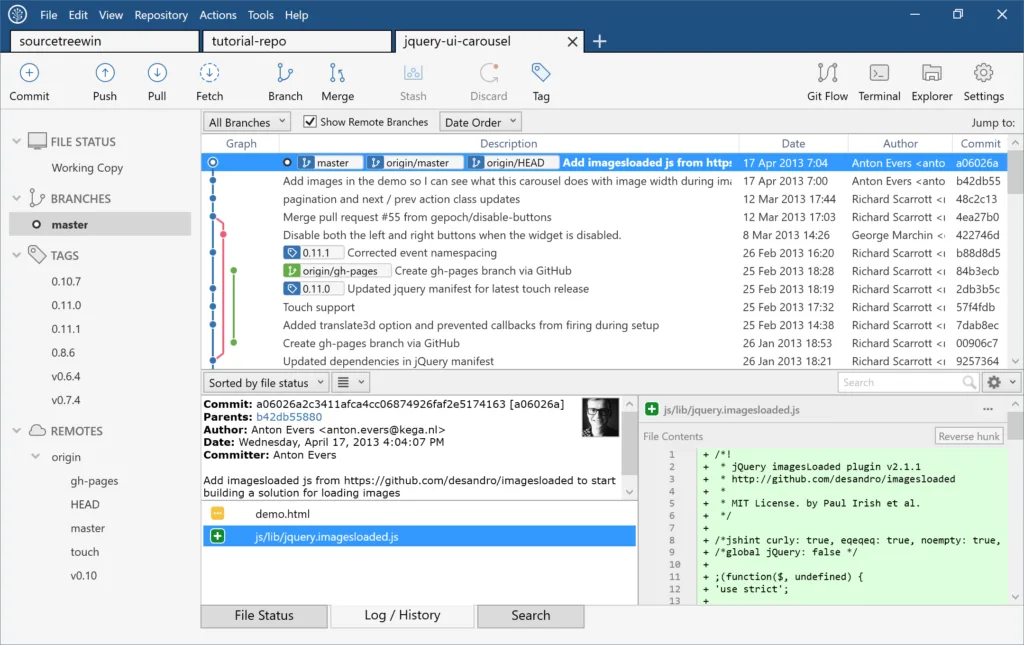
Sourcetree gives Git repositories a desktop interface for reviewing changes, making commits and following branches. It suits developers who want to see a repository’s history and inspect code changes without handling every operation at the command line. You can clone remote repositories, stage individual files or smaller changes, and use tools such as stash, cherry-pick and interactive rebase.
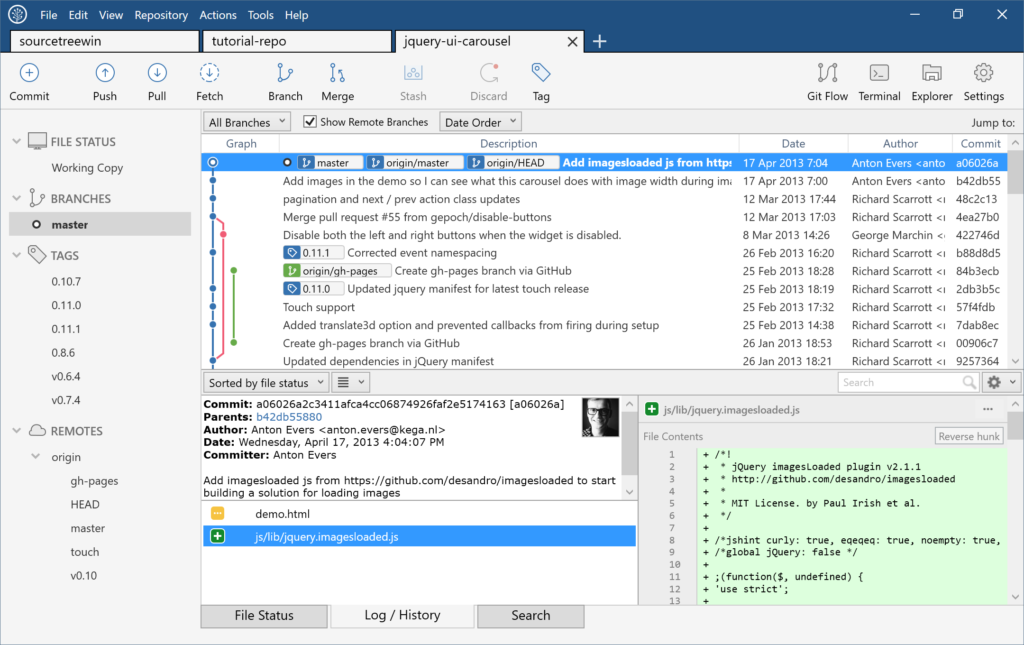
Local commits are not automatically shared: Atlassian’s tutorial explains that they remain on your computer until you push them to the remote repository. Sourcetree is a client, not a replacement for remote repository hosting. The linked download is the publisher’s Windows EXE for version 3.4.32. The screenshot is an authentic publisher image of the older Windows 2.0 interface, not a capture of this release.
What it offers
- Browse branches and commits through a visual Git interface.
- Review diffs and stage or discard changes by file, hunk or line.
- Clone remote repositories and push local commits.
- Stash changes, cherry-pick commits and perform interactive rebases.
- Work with Git LFS, Git-flow and submodules.
Good to know
- Committing locally does not publish changes to a remote repository; you must push the commits to share them.
Product images
Sources
References used for this listing. Retrieval dates do not indicate hands-on testing.
- Sourcetree — official product and Windows download ↗Retrieved
- Sourcetree Windows release notes ↗Retrieved
- Copy your repository and add files — Atlassian Support ↗Retrieved
- Install Sourcetree — Atlassian documentation ↗Retrieved
- SourceTree - Download — Windows listing ↗Retrieved
- SourceTree for Windows 2.0: New UI, faster performance, and Microsoft Git Virtual File System support - Inside Atlassian ↗Retrieved
More in development
View category ↗
010 Editor 17.0
Inspect and edit binary files on Mac with 010 Editor, a paid text and hex editor with Binary Templates, file comparison and a 30-day trial.
010 Editor 17.0
Inspect and edit binary files with 010 Editor for Windows, a text and hex editor with Binary Templates, file comparison and scripting. Includes a 30-day trial.
10x Editor
Edit and navigate C++ projects on Windows with a built-in parser, workspace search and Visual Studio project support. A paid license is required after the 30-day trial.