
Development macOS
SQLiteManager
Browse SQLite databases, edit table structures and records, and run queries with SQLiteManager for Mac, a commercial database GUI from SQLabs.
- Operating system
- macOS 10.14 or newer, as listed by the publisher
- Architecture
- Intel / ARM, as labeled by the publisher
- Download package
- ZIP archive
Selected package is the publisher's Mac download, not the separate Windows installer. No installation or runtime compatibility test performed.
Link checked · Download guidance
What is SQLiteManager?
SQLiteManager is a graphical editor for SQLite 3 databases on Mac. It brings table design, record editing and SQL queries into one application, with support for plain and in-memory databases, several encrypted SQLite formats and cubeSQL connections. It suits developers who want to inspect a database's structure and work with its contents without doing every operation at a command prompt.
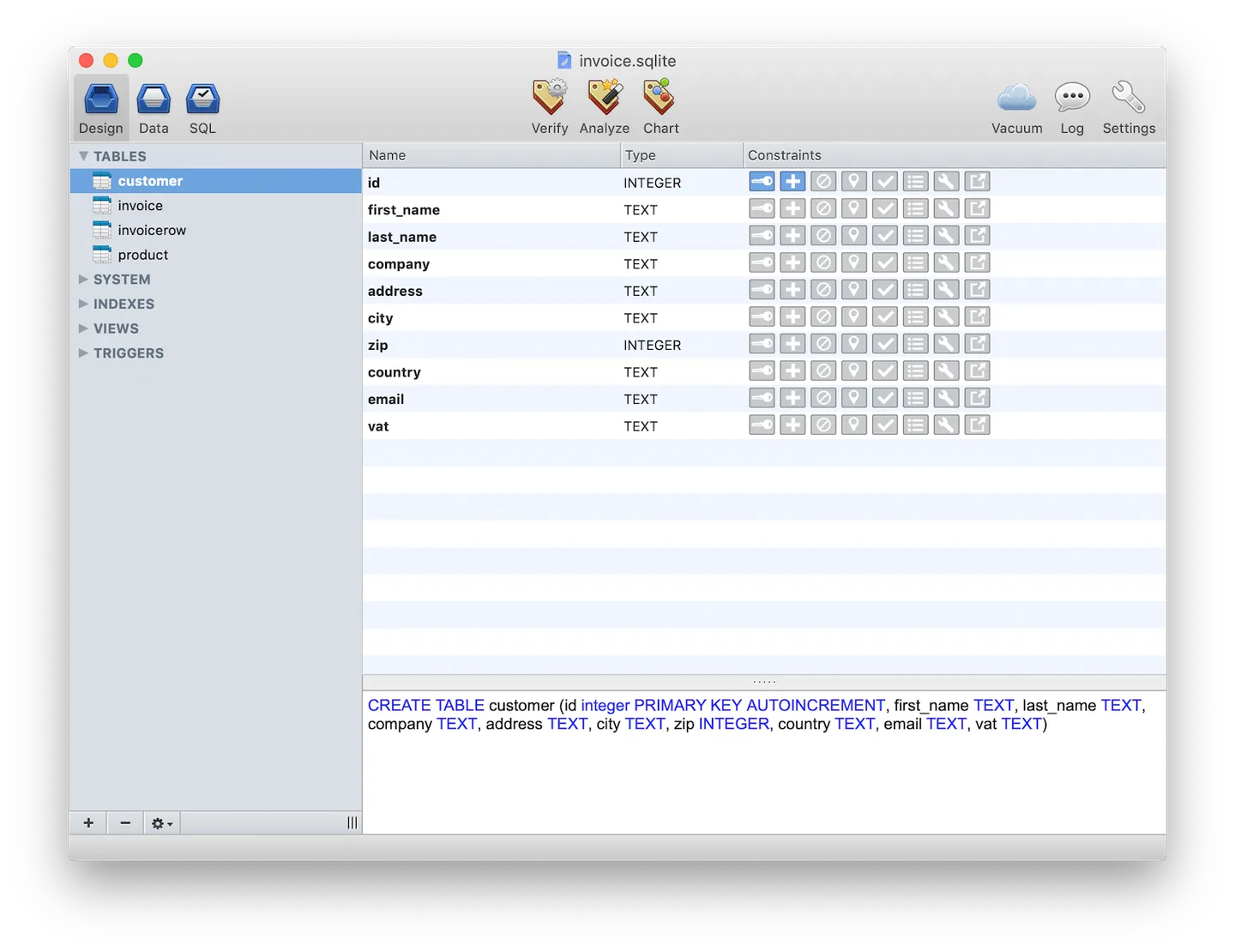
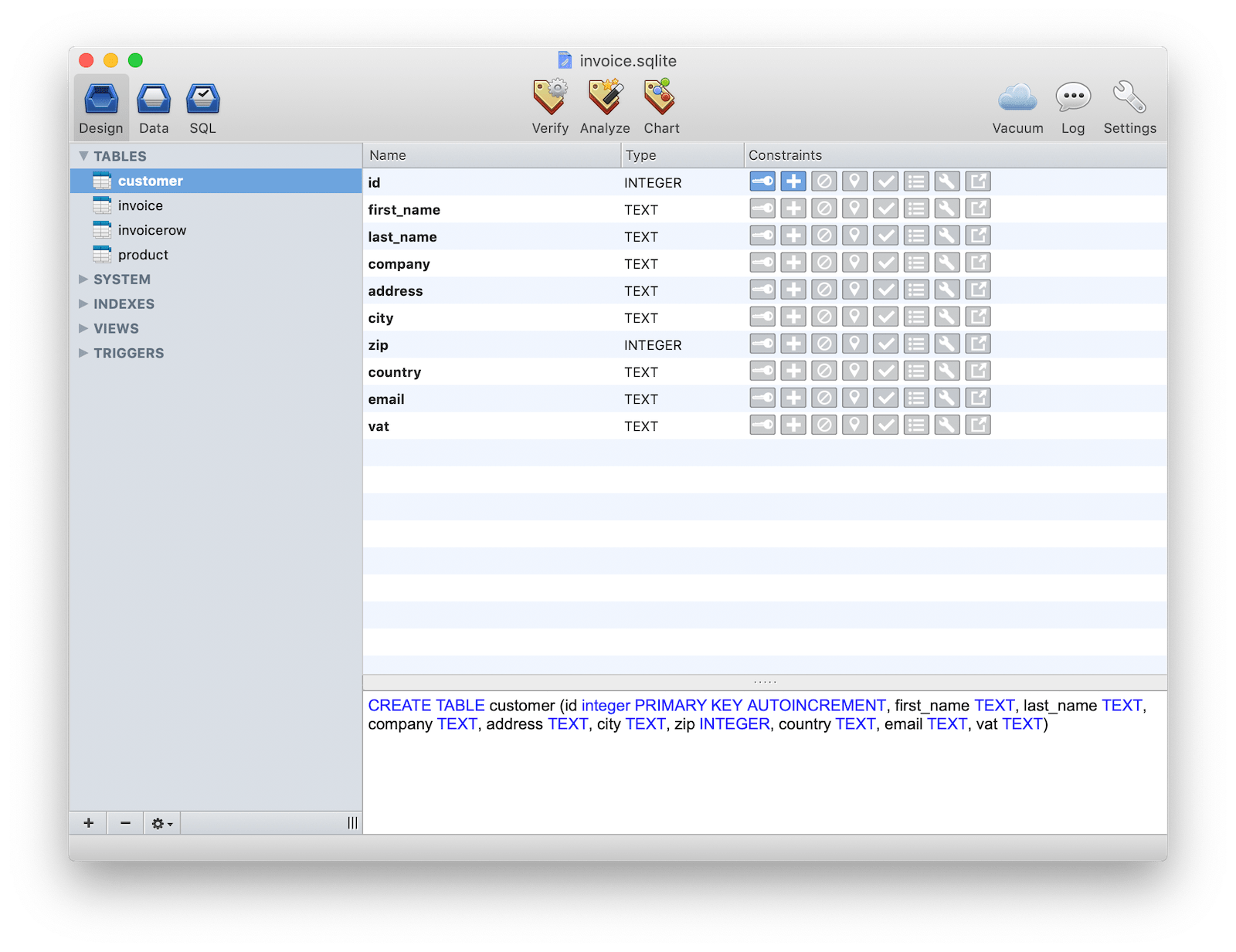
The table editor shows a live preview of generated SQL and supports foreign keys. For data work, the publisher describes stackable query filters, a popover editor for individual cells and keyboard-based row editing. Built-in Lua scripting can automate repetitive operations; query results can also become exportable PNG charts, and printing includes PDF export.
The publisher lists version 4.9.2, released December 4, 2024, and supplies a Mac Intel/ARM ZIP download for macOS 10.14 or newer. SQLiteManager is commercial software, not a free database editor: the product page advertises a $49 purchase and says a single license covers up to two computers only when they are not used at the same time. The publisher offers a separate multiplatform license for using the same serial number on Mac and Windows. The download link below identifies the publisher's Mac archive; it is not a claim that the application was installed or tested on a particular Mac.
What it offers
- Browse and edit SQLite 3 database structures and records through a graphical interface.
- Use a table editor with foreign-key support and a live preview of generated SQL.
- Refine table and view queries with stackable filters, and edit cells through a popover editor.
- Work with plain, in-memory, supported encrypted SQLite databases and cubeSQL connections.
- Automate repetitive work with built-in Lua scripting; export charts as PNG and print to PDF.
Good to know
- Commercial license required; the publisher advertises a $49 purchase rather than a free license.
- A single license covers up to two computers only when they are not used simultaneously; a multiplatform license is offered separately.
- The Mac download requires macOS 10.14 or newer.
Product images
Sources
References used for this listing. Retrieval dates do not indicate hands-on testing.
More in development
View category ↗
010 Editor 17.0
Inspect and edit binary files on Mac with 010 Editor, a paid text and hex editor with Binary Templates, file comparison and a 30-day trial.
010 Editor 17.0
Inspect and edit binary files with 010 Editor for Windows, a text and hex editor with Binary Templates, file comparison and scripting. Includes a 30-day trial.
10x Editor
Edit and navigate C++ projects on Windows with a built-in parser, workspace search and Visual Studio project support. A paid license is required after the 30-day trial.