

Development macOS
SQLiteStudio for macOS
Browse SQLite database files, edit table structures and data, and run SQL queries with SQLiteStudio. This entry links to the legacy 3.4.21 Mac x64 installer.
- Operating system
- macOS; minimum version not established from the cited release
- Architecture
- x64 (Intel 64-bit)
- Download package
- DMG installer
Publisher lists a separate portable DMG. This selected package is x64; native Apple Silicon support and operation on Apple Silicon were not verified.
Link checked · Download guidance
What is SQLiteStudio?
SQLiteStudio is a desktop manager for SQLite database files. It brings database objects, table structures, editable data and a SQL editor into one interface, so you can inspect a database or change its contents without working only from a command line. The 3.4 series includes SQL completion, syntax highlighting, query history, data filtering, CSV import and export tools.
This download is the SQLiteStudio 3.4.21 installer disk image for Mac x64, not the separate portable DMG. The publisher now calls the project Letos; this page retains the SQLiteStudio name because the linked package was released under that name. It does not represent the current Letos release.
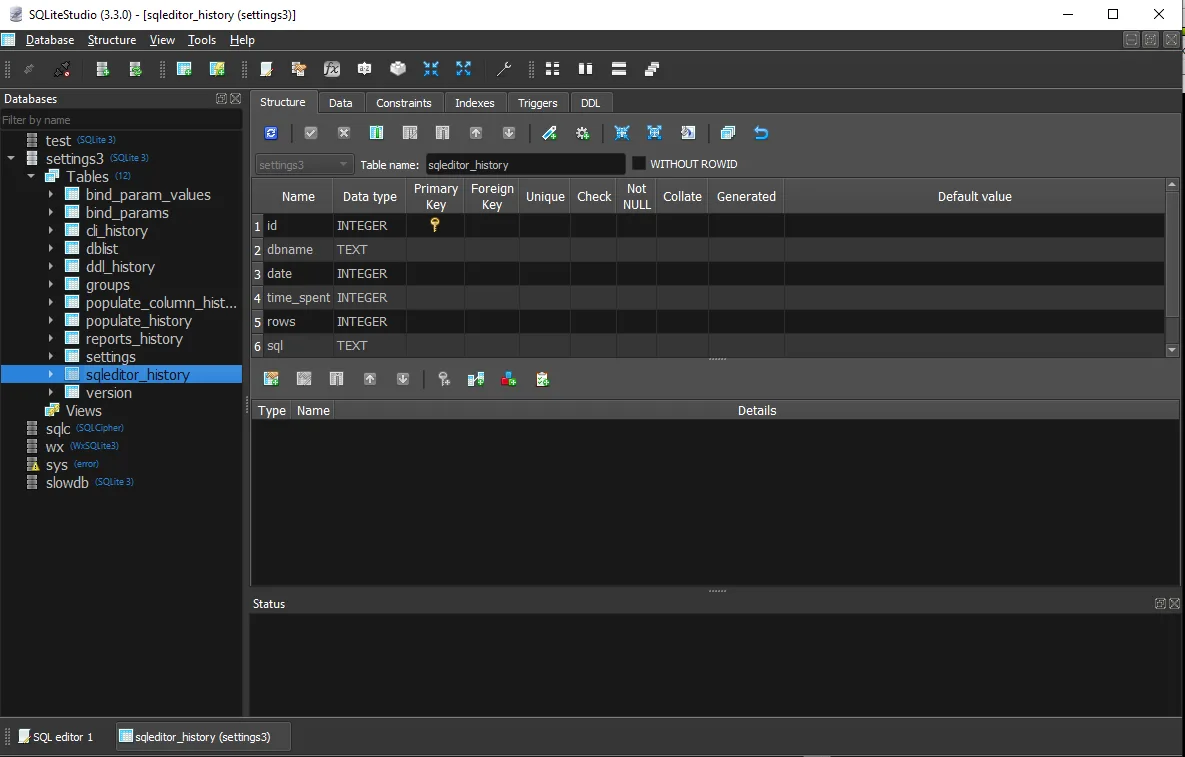
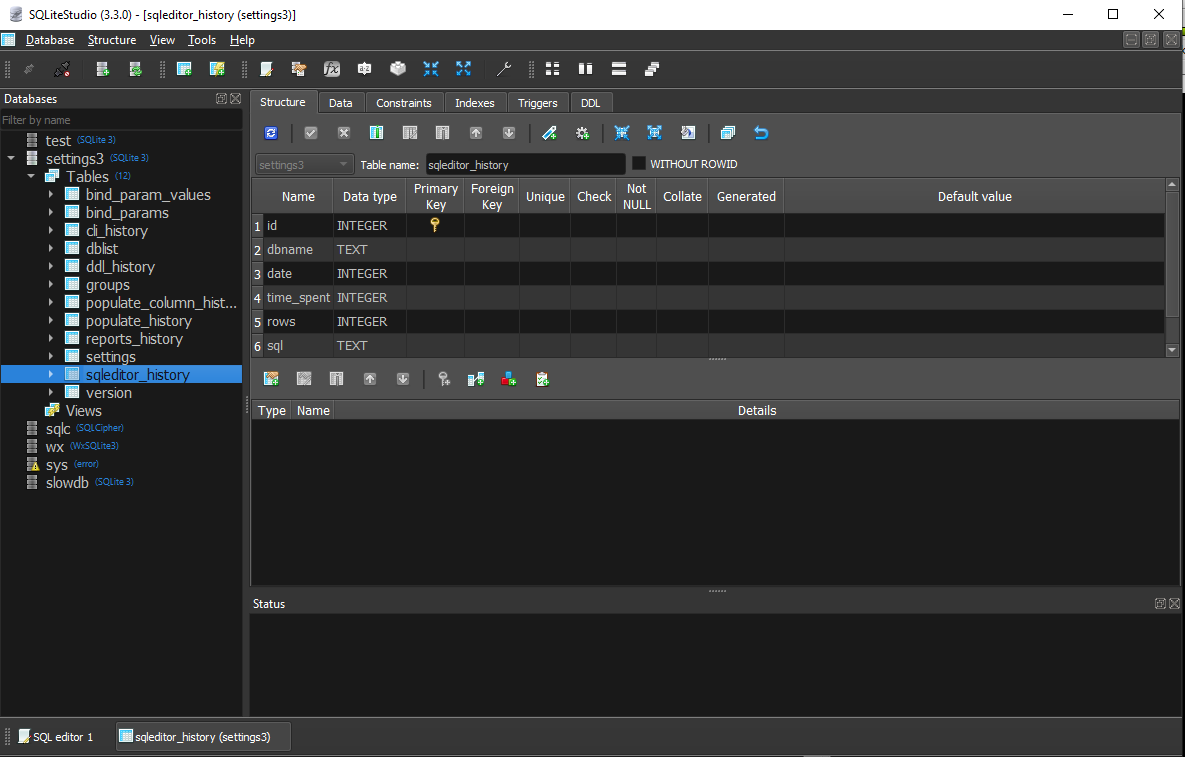
The release table identifies this Mac package as x64, not native Apple Silicon. A minimum macOS version and Apple Silicon operation were not established from the cited release evidence. The screenshot is an illustrative publisher image of SQLiteStudio 3.3.0 on Windows, not a capture of the Mac 3.4.21 build.
What it offers
- Browse database objects and edit table structures, constraints, indexes and triggers.
- Write and execute SQL with syntax assistance, highlighting and query history.
- View, edit, sort and filter table data through grid and form views.
- Import CSV data and export database objects or query results.
Good to know
- The linked installer is Mac x64; it is not identified as a native Apple Silicon package, and Apple Silicon operation is unverified here.
- This is the legacy SQLiteStudio 3.4.21 release. The project has since been renamed Letos; newer Letos features should not be assumed to exist in this package.
Product images
Sources
References used for this listing. Retrieval dates do not indicate hands-on testing.
- SQLiteStudio 3.4.21 release — publisher package table ↗Retrieved
- SQLiteStudio README at release tag 3.4.21 ↗Retrieved
- SQLiteStudio versioned ChangeLog through 3.4.21 ↗Retrieved
- SQLiteStudio 3.4.21 license ↗Retrieved
- Publisher repository — formerly SQLiteStudio ↗Retrieved
- Publisher project and author background ↗Retrieved
- Publisher gallery — historical SQLiteStudio screenshots ↗Retrieved
More in development
View category ↗
010 Editor 17.0
Inspect and edit binary files on Mac with 010 Editor, a paid text and hex editor with Binary Templates, file comparison and a 30-day trial.
010 Editor 17.0
Inspect and edit binary files with 010 Editor for Windows, a text and hex editor with Binary Templates, file comparison and scripting. Includes a 30-day trial.
10x Editor
Edit and navigate C++ projects on Windows with a built-in parser, workspace search and Visual Studio project support. A paid license is required after the 30-day trial.