

Development Windows
SQLiteStudio for Windows
Create, browse and edit SQLite databases on Windows with SQLiteStudio, a free graphical database manager with an SQL editor and data import/export tools.
- Operating system
- Windows; the discovery page lists Windows 11
- Architecture
- x64
- Download package
- EXE installer
Publisher also lists separate Windows i386 installers and portable ZIPs. Minimum Windows version was not established from the release evidence.
Link checked · Download guidance
What is SQLiteStudio?
SQLiteStudio puts SQLite database files, table structures and stored data in a desktop workspace. Use it to create a database, inspect columns and constraints, edit records or run SQL queries without working only through a command-line shell. The SQL editor and import/export tools suit development work and examining an application's local database.
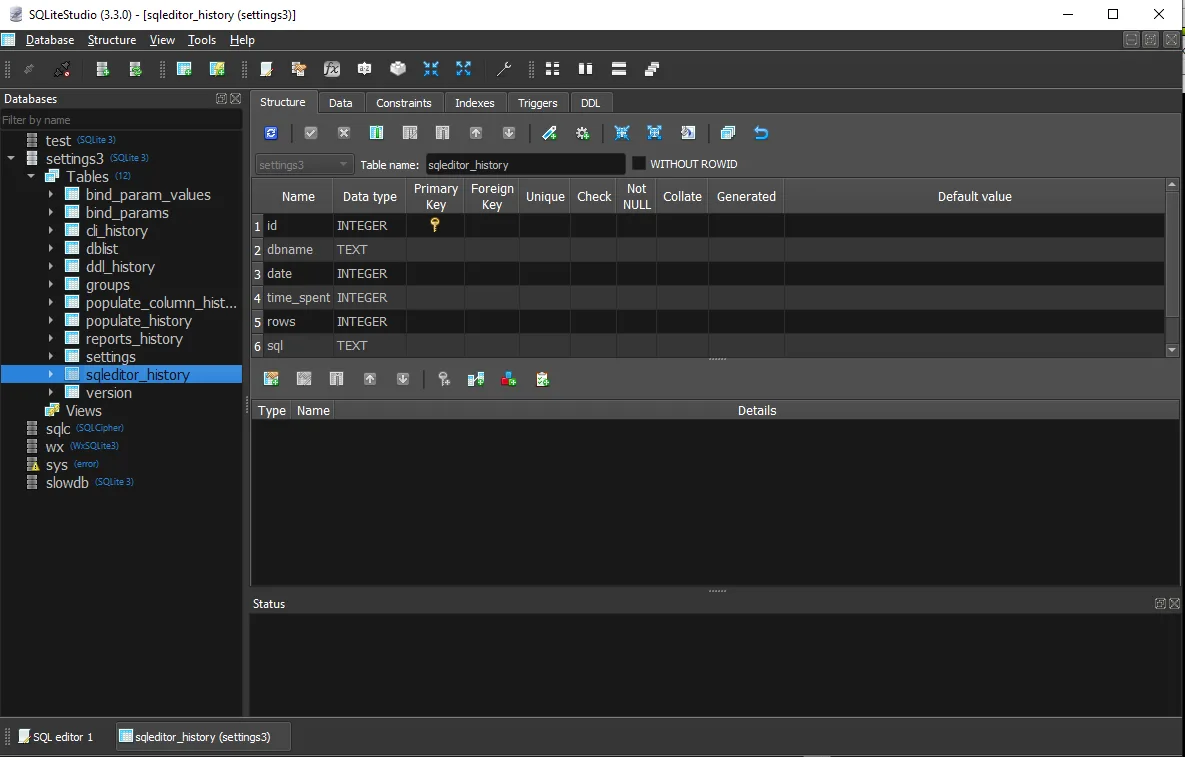
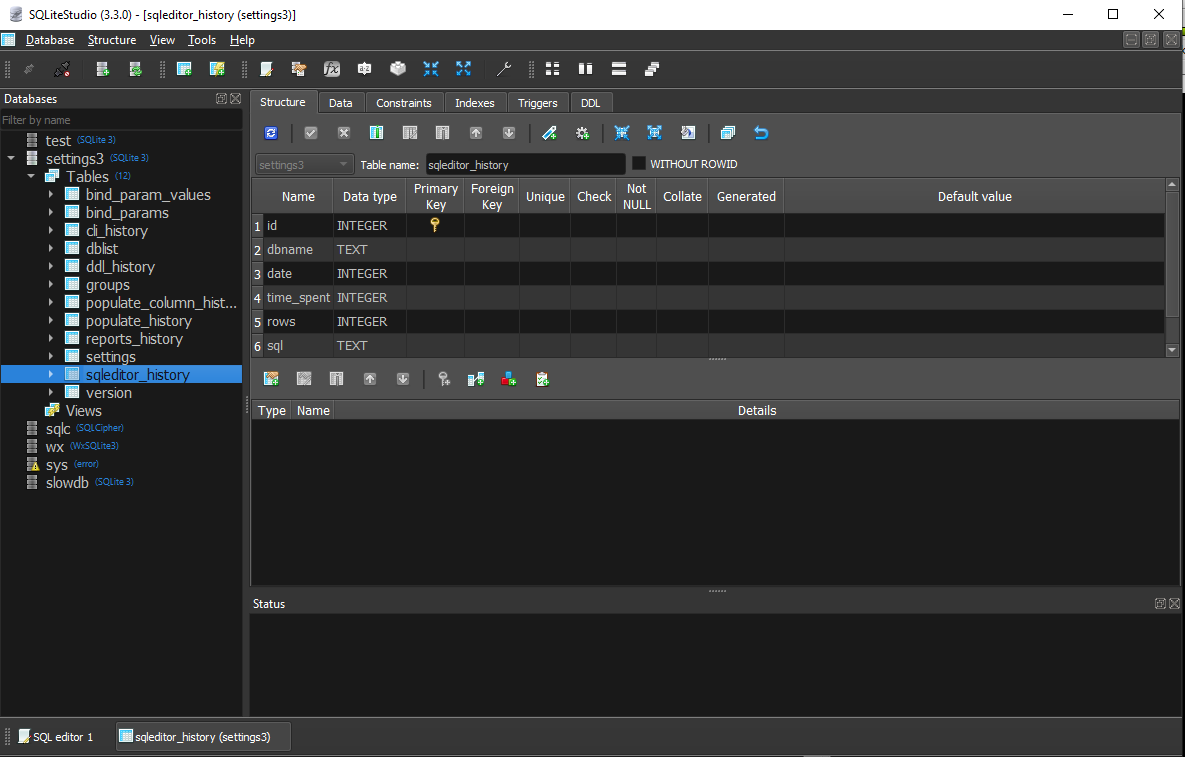
The download here is the publisher's SQLiteStudio 3.4.21 Windows x64 EXE installer. The project has since been renamed Letos; this is the older SQLiteStudio-branded release, not the current Letos release. Its publisher screenshot shows SQLiteStudio 3.3.0 on Windows in the Fusion Dark theme, so details can differ from the linked version.
Some capabilities need additional components: the Python scripting plugin requires Python to be installed on the system. The x64 installer is also distinct from the separately listed 32-bit installer and portable ZIP packages.
What it offers
- Create SQLite databases and inspect or edit table structures and data.
- Write and execute SQL queries in the SQL editor.
- Import data and export database content for use outside the application.
- Inspect tables, indexes, triggers and views through a graphical database tree.
- Use custom SQL functions and code snippets; Python scripting requires a separate Python installation.
Good to know
- This download is SQLiteStudio 3.4.21, an older release from before the project was renamed Letos; it is not the current Letos package.
- The Python scripting plugin requires Python installed on the system.
- The selected EXE is for Windows x64; 32-bit and portable packages are separate downloads.
Product images
Sources
References used for this listing. Retrieval dates do not indicate hands-on testing.
- SQLiteStudio - Download — Windows product page ↗Retrieved
- Publisher release 3.4.21 — Windows package table ↗Retrieved
- Publisher repository — formerly SQLiteStudio ↗Retrieved
- SQLiteStudio 3.4.21 license ↗Retrieved
- SQLiteStudio changelog at tag 3.4.21 ↗Retrieved
- Publisher gallery — SQLiteStudio 3.3.0 Windows screenshot ↗Retrieved
- Publisher homepage — current Letos release ↗Retrieved
More in development
View category ↗
010 Editor 17.0
Inspect and edit binary files on Mac with 010 Editor, a paid text and hex editor with Binary Templates, file comparison and a 30-day trial.
010 Editor 17.0
Inspect and edit binary files with 010 Editor for Windows, a text and hex editor with Binary Templates, file comparison and scripting. Includes a 30-day trial.
10x Editor
Edit and navigate C++ projects on Windows with a built-in parser, workspace search and Visual Studio project support. A paid license is required after the 30-day trial.