

Utilities Windows
Stretchly for Windows
Schedule short pauses and longer breaks with Stretchly, an open-source Windows break reminder with adjustable timers, break ideas and idle detection.
Version 1.22.1 · Direct publisher file
Link checked · Download guidance
What is Stretchly?
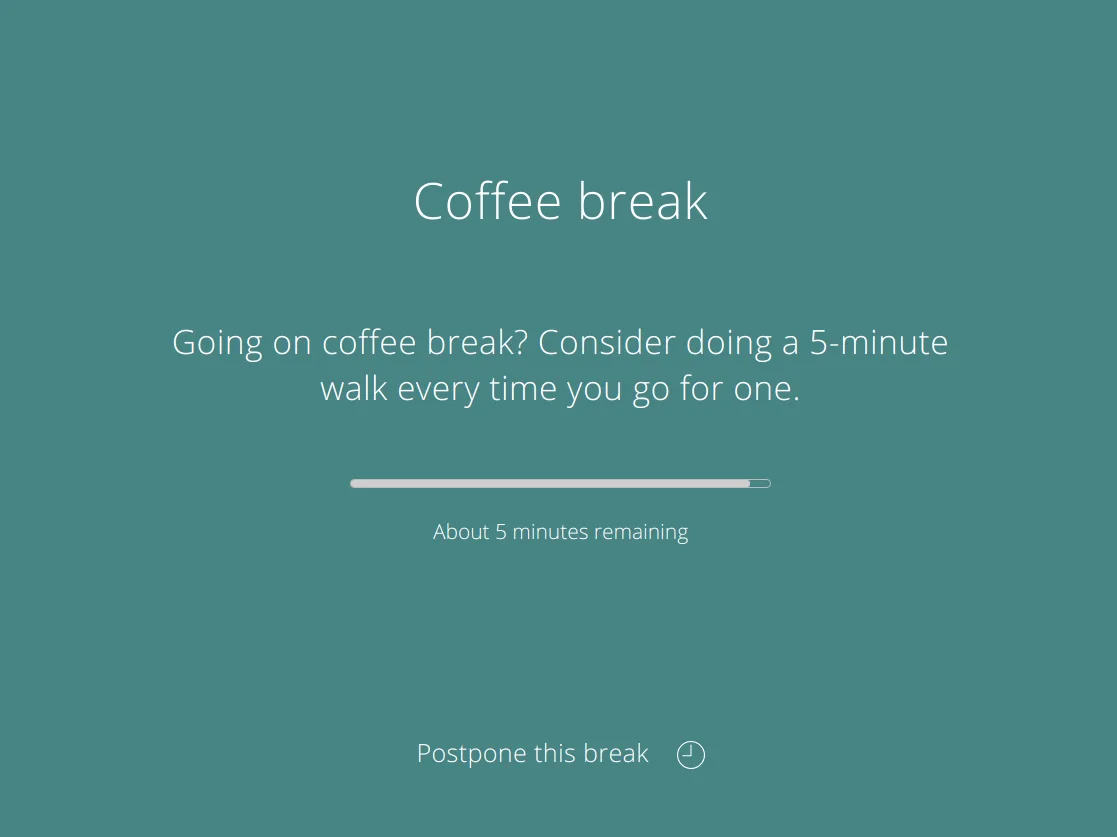
Stretchly runs in the system tray and interrupts computer work with timed break reminders. It suits people who want regular prompts to step away from the screen rather than watch a timer themselves. Mini breaks and longer breaks have separate schedules, with advance notifications and suggested activities in the break window.
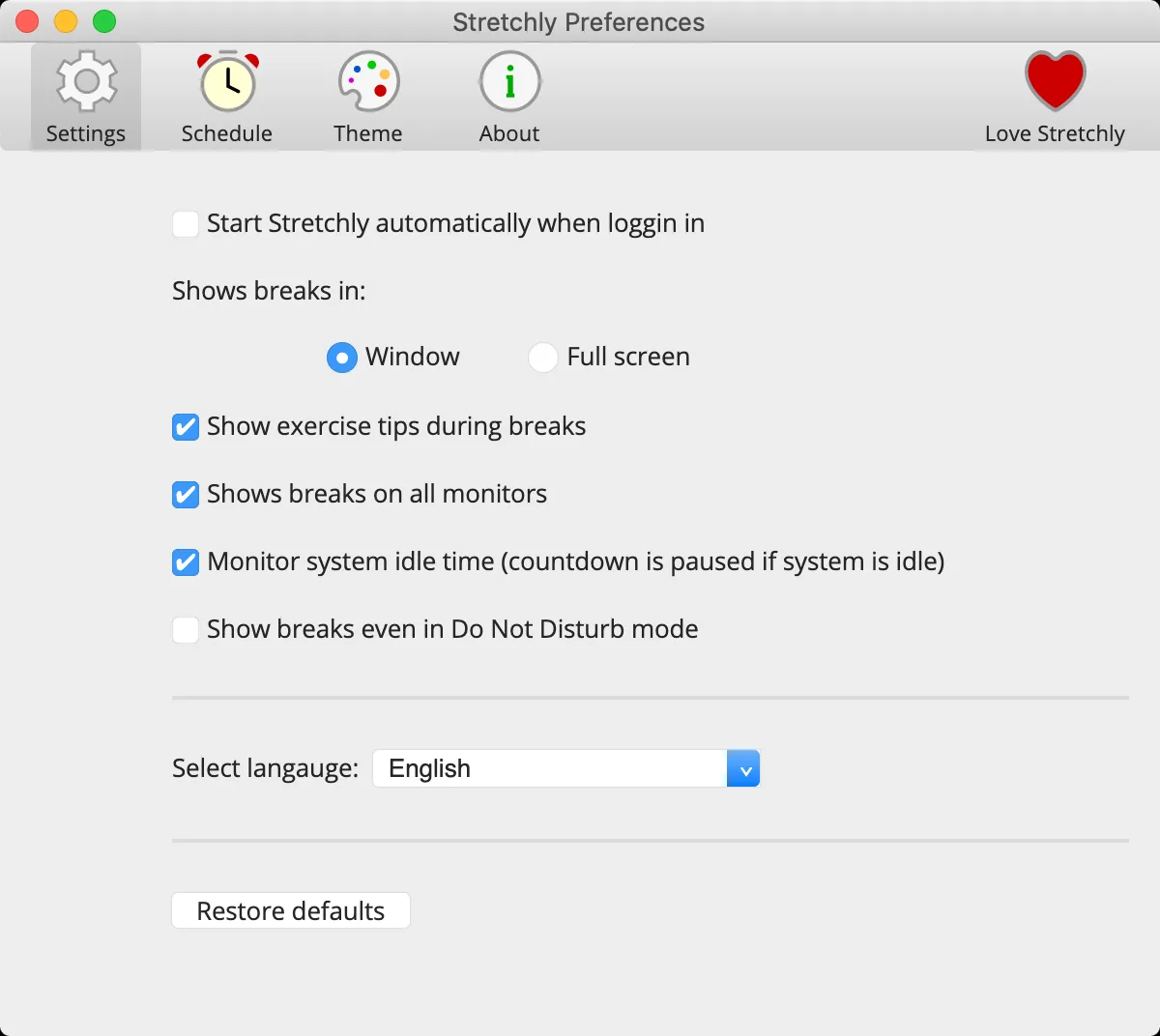
The publisher documents a default 20-second Mini break every 10 minutes and a five-minute Long break every 30 minutes, after two Mini breaks. You can change the timing, switch between windowed and full-screen reminders, choose sounds and colors, and pause reminders while the computer is idle or Do Not Disturb is active. The tray menu gives access to preferences and break controls.
Most settings are available in Preferences, but some advanced adjustments require editing a JSON file after quitting Stretchly. The publisher warns that manually entered values can display incorrectly in the preferences interface. This entry links to the regular Windows EXE installer for version 1.22.1, not the separate portable or Microsoft Store package. The screenshots are publisher-supplied illustrations of the shared application interface; the Preferences image uses macOS-style window controls and is not a capture of this Windows release.
What it offers
- Set separate durations and intervals for Mini breaks and Long breaks.
- Receive advance notifications and activity suggestions in reminder windows.
- Choose windowed or full-screen breaks, sounds, colors and multi-monitor display.
- Pause reminders automatically during idle time or Do Not Disturb mode.
- Control breaks through the system tray and interact with a running instance from the command line.
Good to know
- Some advanced preferences require manual JSON editing; the publisher warns that custom values can display incorrectly in the interface.
- Autostart is disabled in the separate Microsoft Store build. The publisher recommends the regular installer when autostart is needed.
Product images
Sources
References used for this listing. Retrieval dates do not indicate hands-on testing.
- Softonic source access observation — Client Challenge ↗Retrieved
- Stretchly v1.22.1 — publisher README ↗Retrieved
- Stretchly v1.22.1 — publisher package metadata ↗Retrieved
- Stretchly v1.22.1 — publisher release notes ↗Retrieved
- Stretchly v1.22.1 — official release asset listing ↗Retrieved
- Stretchly — publisher repository and screenshot links ↗Retrieved
- Stretchly — BSD two-clause license ↗Retrieved
More in utilities
View category ↗
1.1.1.1 with WARP 2026.8.2115.0
Encrypt traffic from your Mac to Cloudflare’s network with WARP, or use DNS-only mode for encrypted DNS queries to the 1.1.1.1 resolver.
1.1.1.1 with WARP 2026.8.2115.0
Encrypt traffic between your Windows PC and Cloudflare, or use encrypted DNS only, with the free 1.1.1.1 with WARP app.

3uTools 9.12.005
Manage iPhone and iPad photos, music, apps and backups from Windows with 3uTools, a free utility that also includes device checks and firmware flashing tools.