
Utilities Windows
SysInfo Gmail Attachment Downloader
Save attachments from selected Gmail emails to a local folder using the Windows SysInfo Gmail Backup workflow. The demo covers the first 50 emails per folder.
- Operating system
- Publisher lists Windows 11, 10, 8.1, 8 and 7, with older Windows versions also listed.
- Architecture
- Publisher lists 32-bit and 64-bit Windows support; the redirected installer architecture is unverified.
- Download package
- EXE demo installer (Gmail Backup link redirects to Google Apps Backup filename)
Publisher page labels its product v22.1, while Softonic lists 22.1.0. Neither establishes the embedded version of the redirected installer; no installation was performed.
Link checked · Download guidance
What is SysInfo Gmail Attachment Downloader?
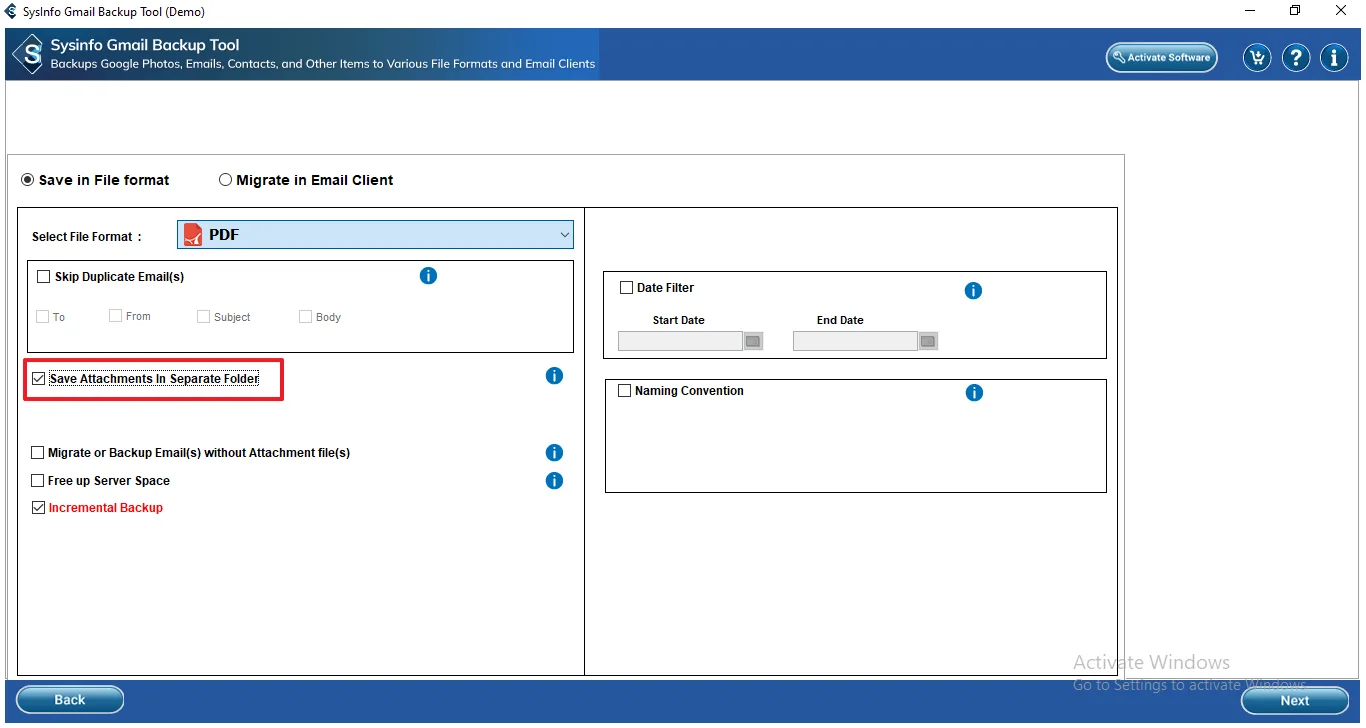
SysInfo Gmail Attachment Downloader is aimed at collecting files from Gmail messages without opening and saving each attachment individually. The publisher describes an attachment-extraction workflow inside SysInfo Gmail Backup: authenticate a Gmail account, choose the folders and emails, select PDF output and enable the option to save attachments separately. Emails are saved as PDFs, while their attachments go into a separate local folder at your chosen destination.
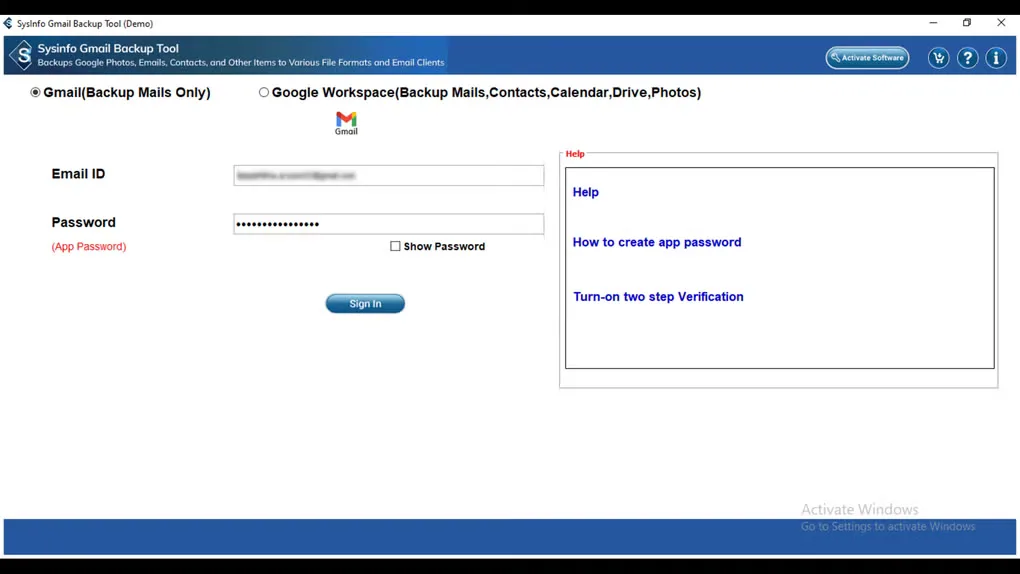
This is not a separately verified attachment-only executable. The publisher links a Windows Gmail Backup EXE, and that address currently redirects to an EXE named sysInfo-google-apps-backup.exe. The publisher screenshot also identifies the interface as SysInfo Gmail Backup Tool (Demo).
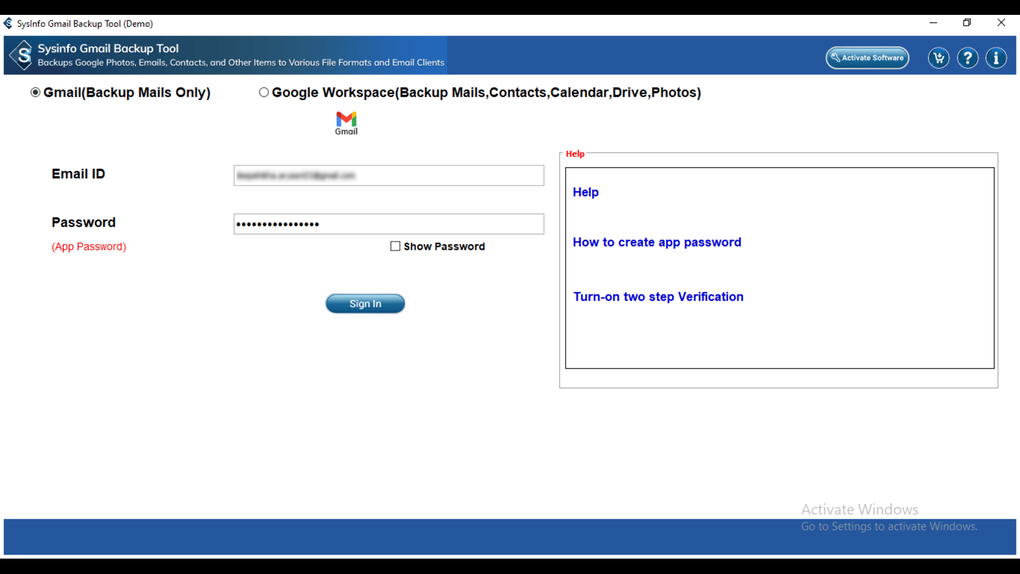
The demo extracts attachments from only the first 50 emails in each folder; the paid edition removes that stated demo limit. Gmail authentication is required. The publisher lists Windows 11, 10, 8.1, 8 and 7 among supported systems, but the redirected installer has not been installed or run here, and its embedded version and architecture have not been checked.
What it offers
- Extract attachments from multiple selected Gmail emails into a separate local folder.
- Choose Gmail folders and messages before extracting their attachments.
- Select a destination on the local computer for the saved files.
- Save attachments in their original file formats alongside PDF exports of the selected emails.
Good to know
- The demo extracts attachments from only the first 50 emails per folder; broader extraction requires a paid license.
- Requires Gmail account authentication before selecting messages.
- Attachment extraction uses the Gmail Backup PDF-export workflow, rather than a separately verified attachment-only program.
Product images
Sources
References used for this listing. Retrieval dates do not indicate hands-on testing.
More in utilities
View category ↗
1.1.1.1 with WARP 2026.8.2115.0
Encrypt traffic from your Mac to Cloudflare’s network with WARP, or use DNS-only mode for encrypted DNS queries to the 1.1.1.1 resolver.
1.1.1.1 with WARP 2026.8.2115.0
Encrypt traffic between your Windows PC and Cloudflare, or use encrypted DNS only, with the free 1.1.1.1 with WARP app.


3uTools 9.12.005
Manage iPhone and iPad photos, music, apps and backups from Windows with 3uTools, a free utility that also includes device checks and firmware flashing tools.