
Utilities Windows
Sysinternals Suite
Investigate Windows processes, file and Registry activity, and startup entries with Sysinternals Suite, a bundle of Microsoft troubleshooting tools and help files.
What is Sysinternals Suite?
Sysinternals Suite brings individual Windows troubleshooting utilities and their help files into one ZIP download. Use it when you need several diagnostic tools together rather than collecting each utility separately. The bundle includes Process Monitor, Process Explorer and Autoruns, alongside other Sysinternals utilities.
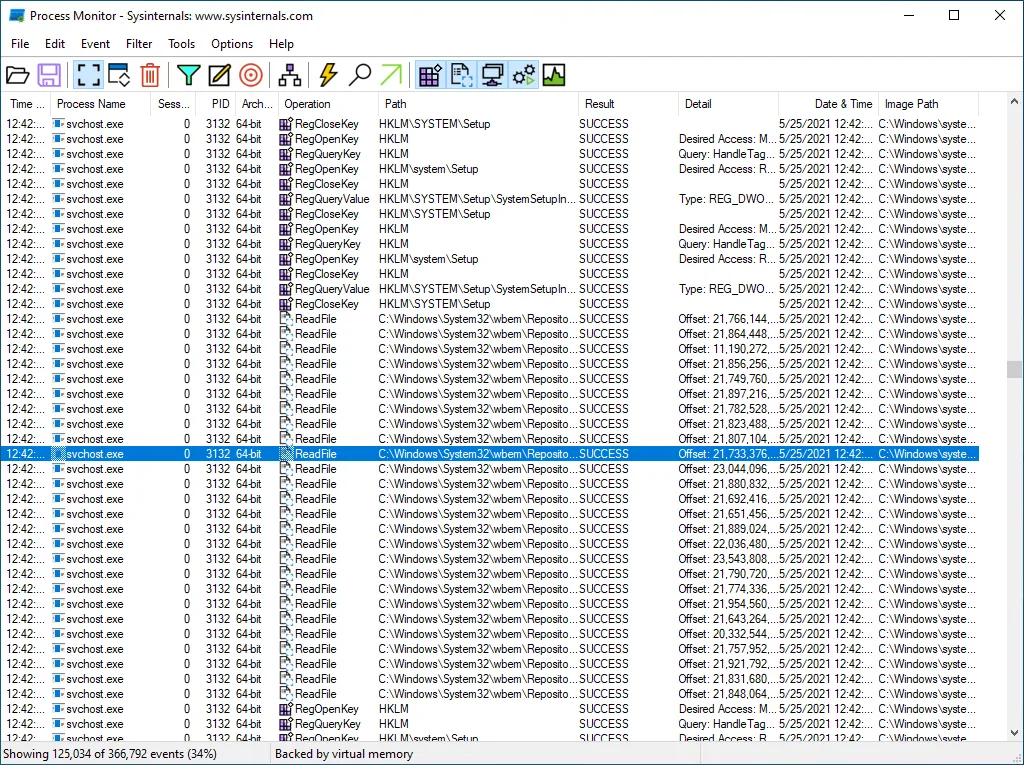
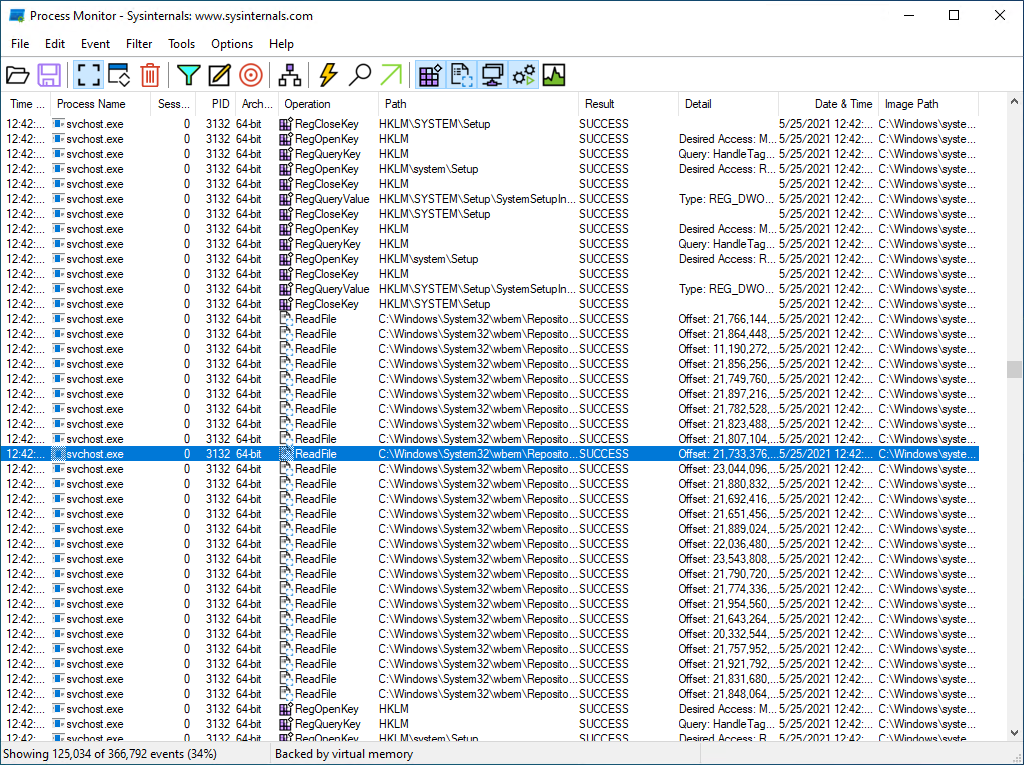
Process Monitor records file system, Registry and process/thread activity, with non-destructive filters for narrowing a trace. Process Explorer shows active processes and the handles or DLLs associated with a selected process. Autoruns lists programs configured to start automatically and lets you inspect entries by category. These are separate tools with different jobs, not a single all-in-one diagnostic view.
The Suite includes selected troubleshooting utilities, not every Sysinternals program: Microsoft explicitly excludes non-troubleshooting tools such as the BSOD Screen Saver. Requirements also need checking per utility; the Process Monitor and Process Explorer pages currently list Windows 11 or later and Windows Server 2019 or later. Diagnostic files can contain sensitive details, so review captured information before sharing it.
What it offers
- Get selected Sysinternals troubleshooting utilities and their help files in one ZIP archive.
- Trace file system, Registry and process/thread activity with Process Monitor and narrow events using non-destructive filters.
- Inspect active processes, open handles and loaded DLLs with Process Explorer.
- Review automatic startup entries with Autoruns, including services and logon entries.
Good to know
- The bundle excludes non-troubleshooting tools such as the BSOD Screen Saver.
- Check each utility's system requirements; Process Monitor and Process Explorer currently list Windows 11 or later and Windows Server 2019 or later.
- Saved diagnostic files may contain sensitive information, including usernames, file paths and Registry paths.
Product images
Sources
References used for this listing. Retrieval dates do not indicate hands-on testing.
- Sysinternals Suite - Microsoft Learn ↗Retrieved
- Process Monitor - Microsoft Learn ↗Retrieved
- Process Explorer - Microsoft Learn ↗Retrieved
- Autoruns - Microsoft Learn ↗Retrieved
- Sysinternals Software License Terms - Microsoft Learn ↗Retrieved
More in utilities
View category ↗
1.1.1.1 with WARP 2026.8.2115.0
Encrypt traffic from your Mac to Cloudflare’s network with WARP, or use DNS-only mode for encrypted DNS queries to the 1.1.1.1 resolver.
1.1.1.1 with WARP 2026.8.2115.0
Encrypt traffic between your Windows PC and Cloudflare, or use encrypted DNS only, with the free 1.1.1.1 with WARP app.

3uTools 9.12.005
Manage iPhone and iPad photos, music, apps and backups from Windows with 3uTools, a free utility that also includes device checks and firmware flashing tools.