
Utilities Windows
SysTools MBOX Email Address Extractor
Extract email addresses from MBOX, MBX and MBS archives on Windows, filter by date or domain, and export a deduplicated address list. The free demo limits the number of addresses extracted per file.
- Operating system
- Windows 10 and Windows 11 (64-bit)
- Architecture
- 64-bit Windows required; package CPU architecture not independently inspected
- Download package
- MSIX package
Publisher lists .NET Framework 4.5 or later. Its guide advises updating or installing Microsoft App Installer if the package cannot be installed.
Link checked · Download guidance
What is SysTools MBOX Email Address Extractor?
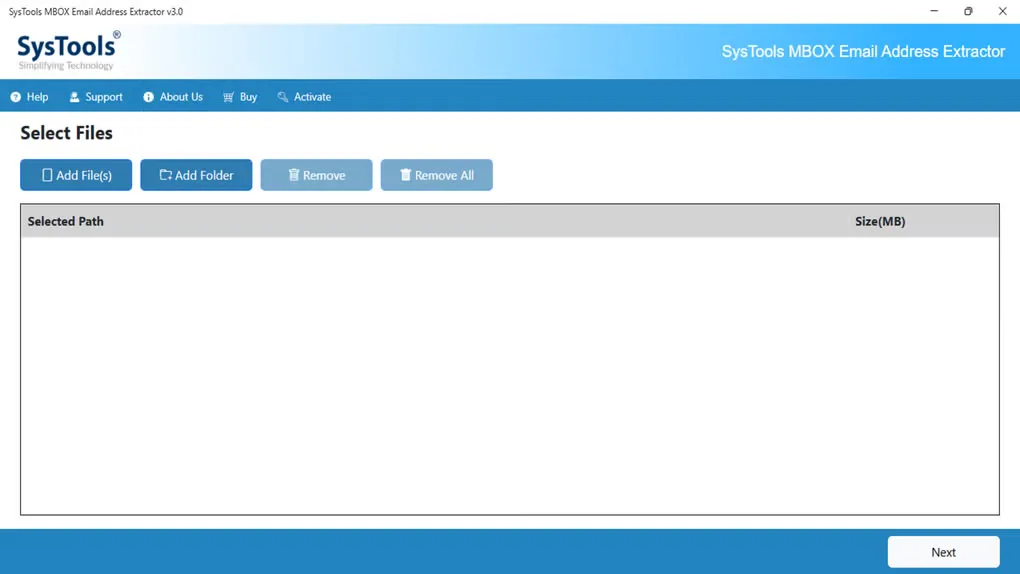
SysTools MBOX Email Address Extractor turns saved mailbox archives into a separate list of email addresses. It accepts MBOX, MBX and MBS files, including archives from applications such as Thunderbird and Apple Mail or exports from Google Takeout. Add individual files or a folder, then choose which message fields to inspect rather than collecting every address in the archive.
The available fields include From, To, Cc, Bcc, headers and message bodies. Date-range and domain include/exclude filters narrow the extraction, while duplicate removal helps avoid repeated entries in the result. Addresses can be saved as CSV, TXT, PDF, HTML or VCF files to a chosen destination. The publisher describes the extraction process as local and offline; this entry does not claim an independent privacy or performance test.
This is commercial software with a restricted free demo, not an unlimited free extractor. The publisher specifies a demo allowance of 10 email addresses from each MBOX or MBX file and two from each MBS file. Its Windows requirements list 64-bit Windows 10 or 11 and Microsoft .NET Framework 4.5 or later. The linked Windows package is MSIX; the publisher's guide advises updating or installing Microsoft App Installer if installation is unavailable.
What it offers
- Load individual MBOX, MBX or MBS archives, multiple files, or a folder for address extraction.
- Select address sources including From, To, Cc, Bcc, headers and message bodies.
- Filter messages by date range and include or exclude selected email domains.
- Remove duplicate email addresses from the extracted list.
- Export addresses to CSV, TXT, PDF, HTML or VCF and choose the output folder.
Good to know
- The free demo extracts only 10 email addresses per MBOX or MBX file and two per MBS file; unrestricted use requires a paid license.
- The publisher lists 64-bit Windows 10 and 11 for this Windows edition, with .NET Framework 4.5 or later required.
Product images
Sources
References used for this listing. Retrieval dates do not indicate hands-on testing.
More in utilities
View category ↗
1.1.1.1 with WARP 2026.8.2115.0
Encrypt traffic from your Mac to Cloudflare’s network with WARP, or use DNS-only mode for encrypted DNS queries to the 1.1.1.1 resolver.
1.1.1.1 with WARP 2026.8.2115.0
Encrypt traffic between your Windows PC and Cloudflare, or use encrypted DNS only, with the free 1.1.1.1 with WARP app.

3uTools 9.12.005
Manage iPhone and iPad photos, music, apps and backups from Windows with 3uTools, a free utility that also includes device checks and firmware flashing tools.