
Utilities Windows
TED Notepad
Edit plain text, sort and deduplicate lines, and use regular-expression search with TED Notepad, a freeware Notepad alternative for Windows.
- Operating system
- Windows 11 and Windows 10; publisher also lists older Windows versions
- Architecture
- 64-bit
- Download package
- Unicode EXE installer
This download is tnp642se_uni_64.exe. Separate 32-bit, ANSI and portable ZIP packages are offered. Version 6.4.2 appears in the early-bird next-version section.
Link checked · Download guidance
What is TED Notepad?
TED Notepad is a Windows text editor for working on notes, lists and other plain-text files. Its tools can sort lines, find duplicates, filter text with Grep, change letter case and trim unwanted whitespace. Regular-expression search and Extended Replace help with repeated edits without moving the text into a separate processing tool.
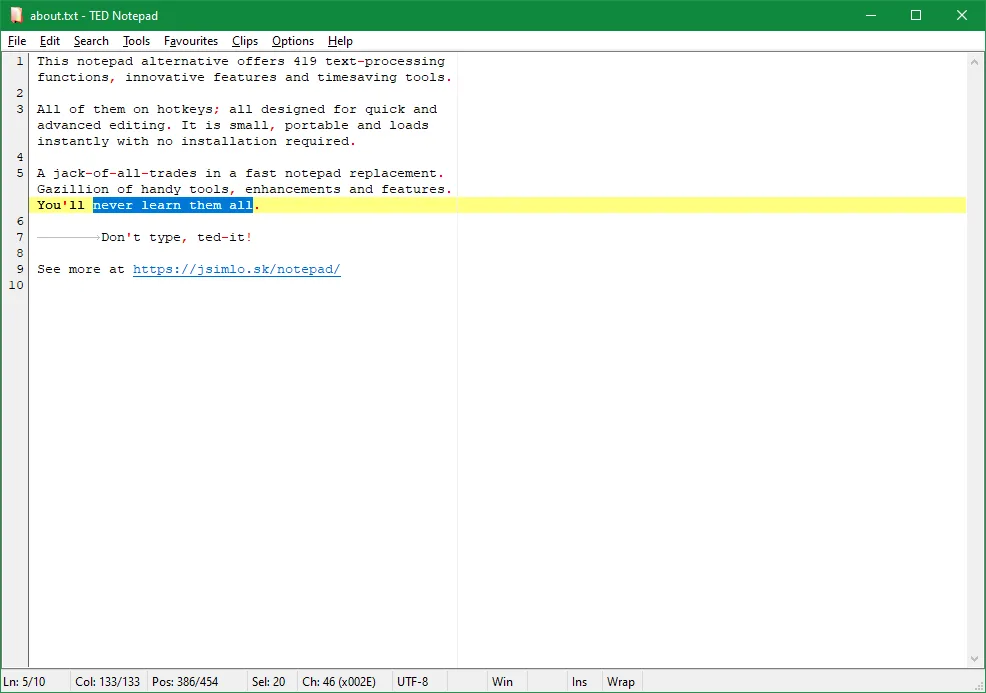
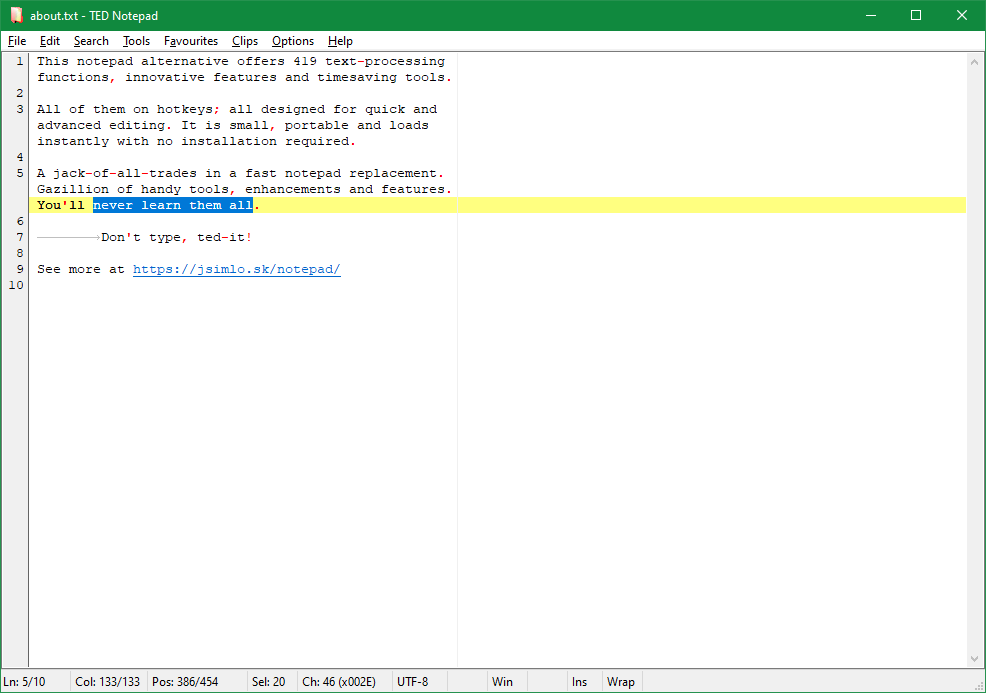
Line numbers, visible whitespace, selection highlighting and word or line completion support everyday editing. Nine permanent clips supplement the Windows clipboard. The publisher offers both installers and portable ZIP packages; the download here is the Unicode 64-bit EXE installer for version 6.4.2, dated August 2, 2026. The download page places this version under its early-bird next-version section and lists 6.3.1 separately as the previous stable version.
Large-file support is not unlimited: the publisher's feature table specifies a maximum line length of 1 MiB, and the homepage says large-file editing needs enough memory. Consider the length of individual lines as well as the total file size when choosing it for a data file.
What it offers
- Sort lines, find duplicates and keep unique lines to clean up text lists.
- Use regular-expression search, Extended Replace and Grep pattern filtering.
- Display line numbers and whitespace, highlight selections and complete words or lines.
- Keep reusable text in nine permanent clips alongside the Windows clipboard.
- Choose an EXE installer or a separate portable ZIP package from the publisher.
Good to know
- The feature table limits individual lines to 1 MiB; editing large files also requires sufficient memory.
- Version 6.4.2 is offered in the publisher's early-bird next-version section, with documentation still being completed; 6.3.1 is listed as the previous stable version.
Product images
Sources
References used for this listing. Retrieval dates do not indicate hands-on testing.
- TED Notepad - free text editor ↗Retrieved
- TED Notepad Download - free text editor ↗Retrieved
- TED Notepad Features - free text editor ↗Retrieved
- Publisher PAD metadata - author identity and permanent image URLs ↗Retrieved
- TED Notepad Screenshots - free text editor ↗Retrieved
- TED Notepad - Download (passive browser observation) ↗Retrieved
More in utilities
View category ↗
1.1.1.1 with WARP 2026.8.2115.0
Encrypt traffic from your Mac to Cloudflare’s network with WARP, or use DNS-only mode for encrypted DNS queries to the 1.1.1.1 resolver.
1.1.1.1 with WARP 2026.8.2115.0
Encrypt traffic between your Windows PC and Cloudflare, or use encrypted DNS only, with the free 1.1.1.1 with WARP app.

3uTools 9.12.005
Manage iPhone and iPad photos, music, apps and backups from Windows with 3uTools, a free utility that also includes device checks and firmware flashing tools.