

Utilities Windows
Tenorshare iAnyGo for Windows
Change a connected phone's GPS location from Windows, plan simulated routes, or control movement with a joystick using Tenorshare iAnyGo, a commercial utility with a free trial.
- Operating system
- Windows 11, 10, 8.1, 8 and 7, as listed by the publisher
- Architecture
- Installer architecture not identified in the reviewed download evidence
- Download package
- EXE installer
Windows desktop controller for supported iOS and Android devices. Confirm phone OS and connection requirements for the chosen mode; this is not a standalone mobile-app download.
Link checked · Download guidance
What is Tenorshare iAnyGo?
Tenorshare iAnyGo is a Windows desktop controller for changing the reported GPS location of a connected iPhone or Android device. Select a destination on its map, simulate travel between points, or steer movement with the joystick. It is a location-changing utility, not a VPN or a Windows navigation app.
Single-Spot and Multi-Spot modes provide planned movement, while joystick and keyboard controls let you change direction manually. The publisher also lists GPX route import and export, adjustable movement speed, saved location history, and favorite routes. These are advertised capabilities rather than results of hands-on testing.
The Windows download is offered as a free trial, with paid desktop licenses for continued use. Check the publisher's current trial allowance and your particular phone, OS version, and connection requirements before buying: its product page mixes desktop and standalone mobile offerings, and its compatibility sections are not fully consistent. A Windows license does not activate the Mac edition.
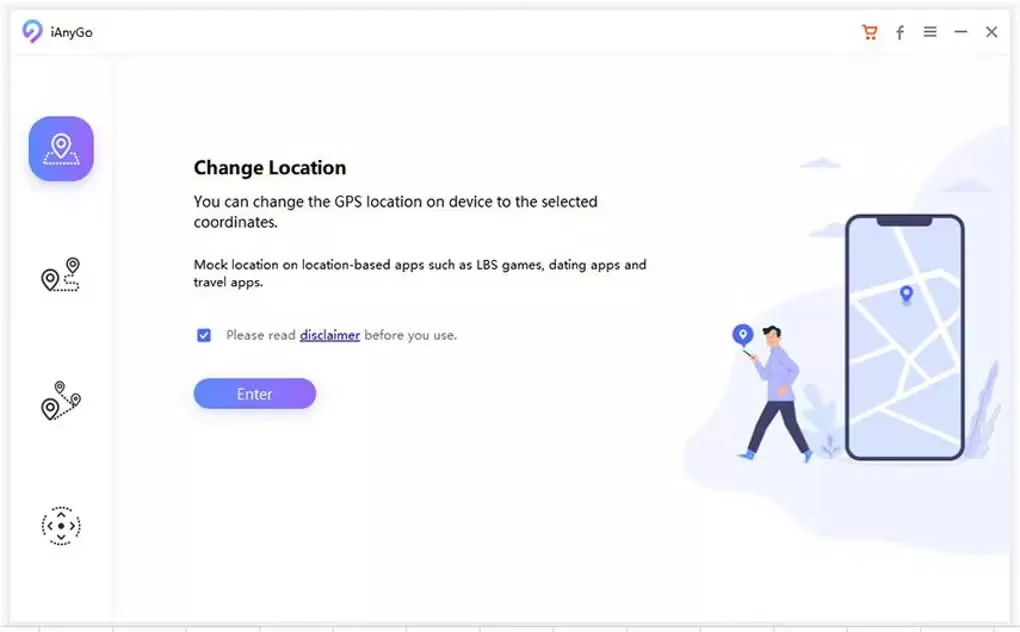
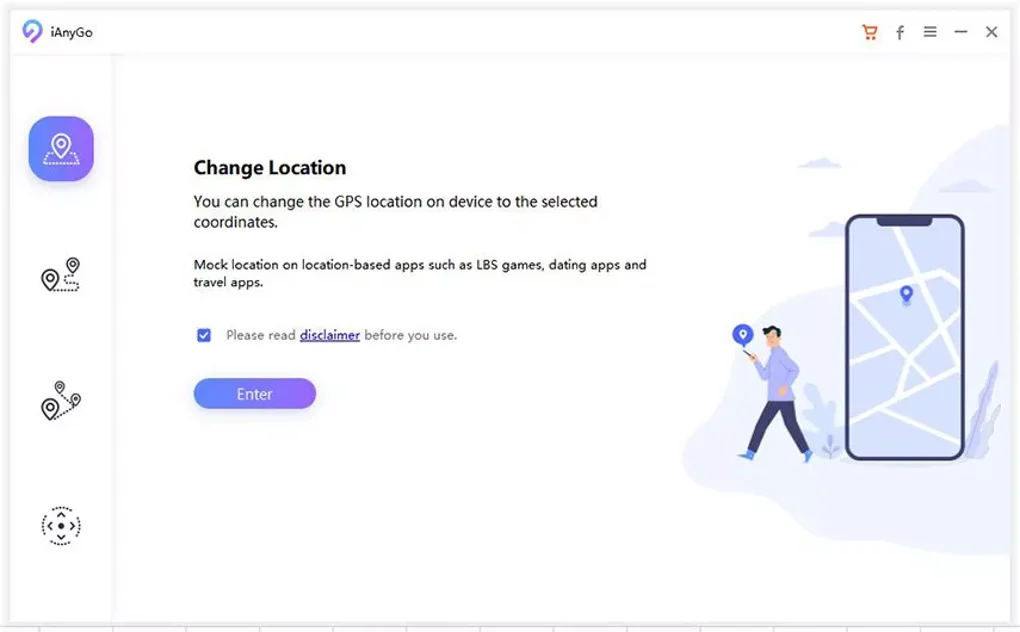
Changing GPS coordinates does not guarantee acceptance by a location-based app. Softonic notes that some apps can detect or restrict altered locations, potentially leading to account restrictions. The publisher's no-ban and universal-app claims have not been independently verified. The supplied screenshot shows the desktop Change Location start screen, not a live test of phone connectivity.
What it offers
- Select a map location to change the GPS coordinates reported by a connected supported phone.
- Simulate travel with Single-Spot and Multi-Spot routes, or steer using joystick and keyboard controls.
- Import and export GPX routes and adjust simulated movement speed.
- Reuse searched locations and bookmarked favorite routes.
Good to know
- Commercial software with a free trial; the reviewed pages do not establish a clear Windows-specific trial allowance.
- Some location-based apps may detect or restrict altered GPS locations; account restrictions remain possible.
- Device and connection requirements vary by mode. Publisher mobile-OS compatibility claims differ across sections, so confirm support for your exact setup.
- Windows and Mac desktop licenses are not interchangeable.
Product images
Sources
References used for this listing. Retrieval dates do not indicate hands-on testing.
More in utilities
View category ↗
1.1.1.1 with WARP 2026.8.2115.0
Encrypt traffic from your Mac to Cloudflare’s network with WARP, or use DNS-only mode for encrypted DNS queries to the 1.1.1.1 resolver.
1.1.1.1 with WARP 2026.8.2115.0
Encrypt traffic between your Windows PC and Cloudflare, or use encrypted DNS only, with the free 1.1.1.1 with WARP app.

3uTools 9.12.005
Manage iPhone and iPad photos, music, apps and backups from Windows with 3uTools, a free utility that also includes device checks and firmware flashing tools.