

Utilities Windows
TeraCopy for Windows
Copy and move files on Windows with queued transfers, checksum verification and per-file error handling. The free edition has limits on commercial use and advanced features.
- Operating system
- Windows 10–11; Windows Server 2016–2025
- Architecture
- Not specified on the publisher downloads page
- Download package
- EXE installer
These requirements apply to 4.0.5. The publisher lists a separate older 3.17 MSI for older Windows systems.
Link checked · Download guidance
What is TeraCopy?
TeraCopy adds control to Windows file copying and moving. Queue transfers to run one after another, inspect the file list for errors, and compare source and destination checksums after a copy. When a file causes an error, it can skip that file rather than stop the whole transfer; failed or skipped files can be retried afterward. Optional Explorer integration lets it handle copy and move operations from the file manager.
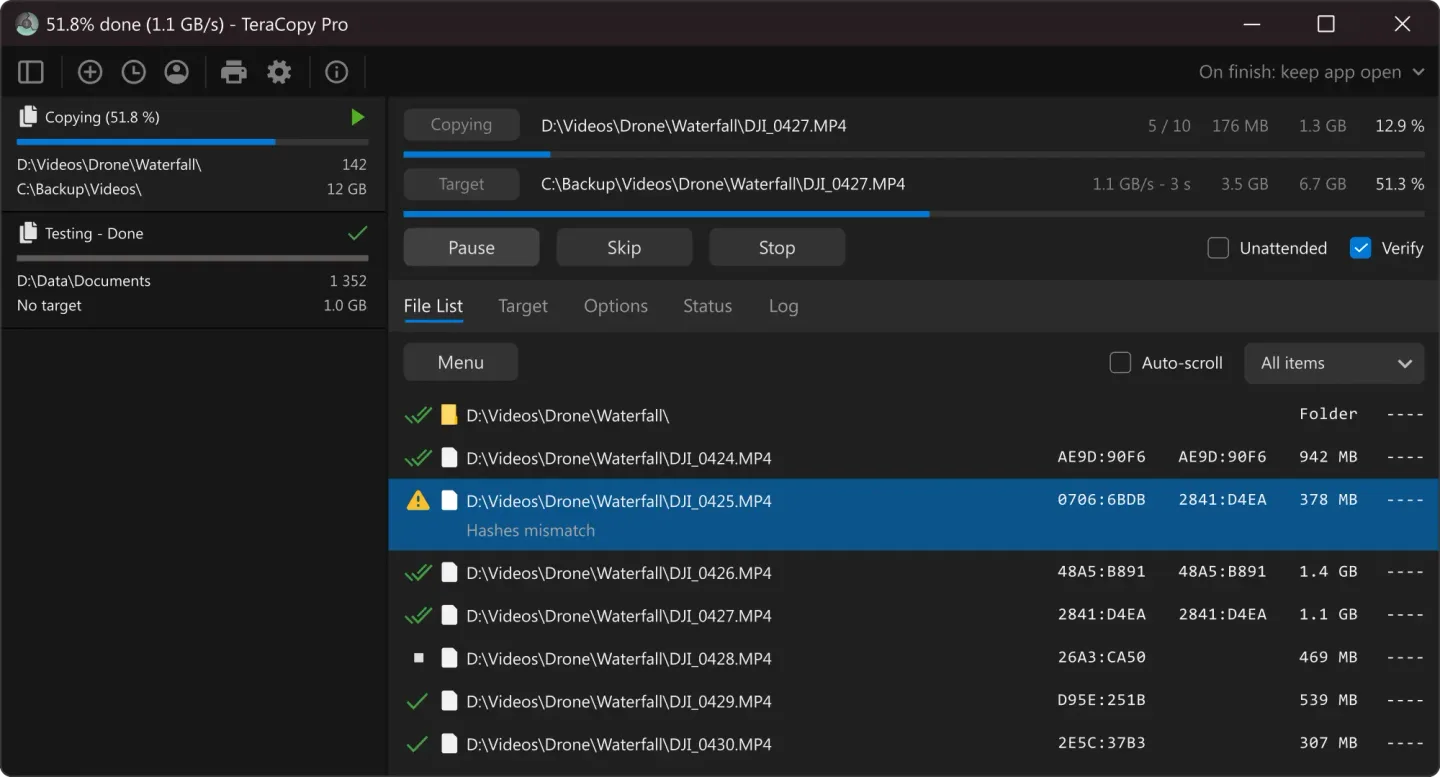
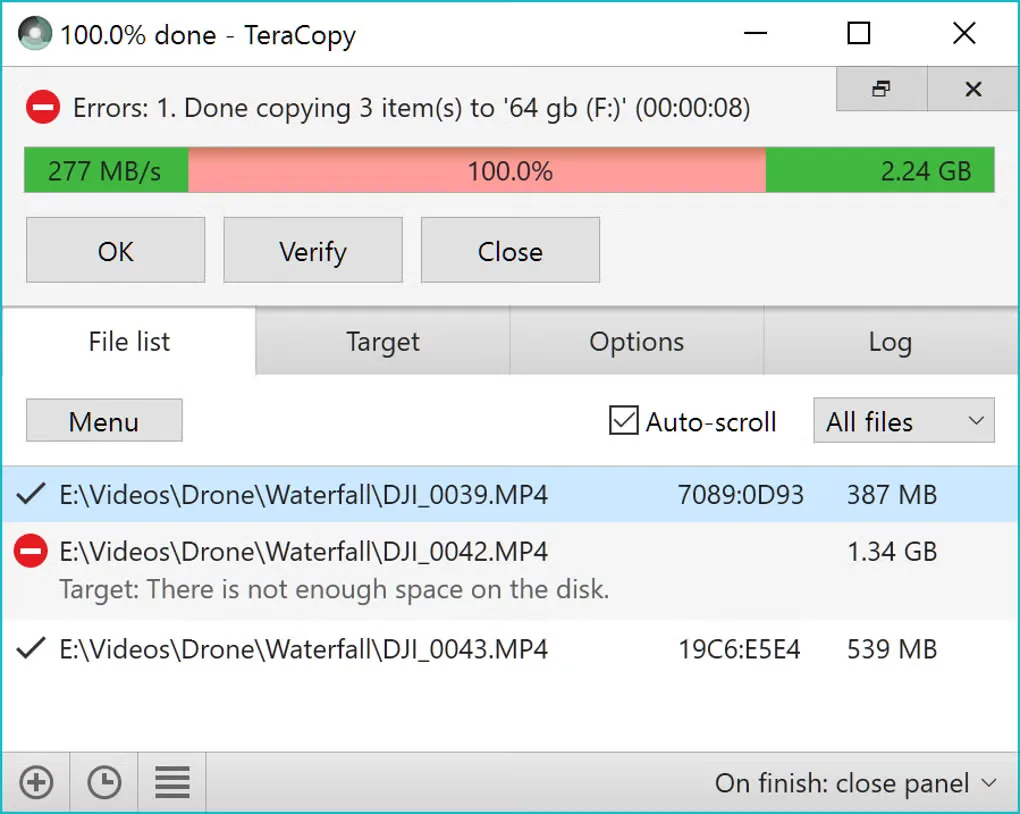
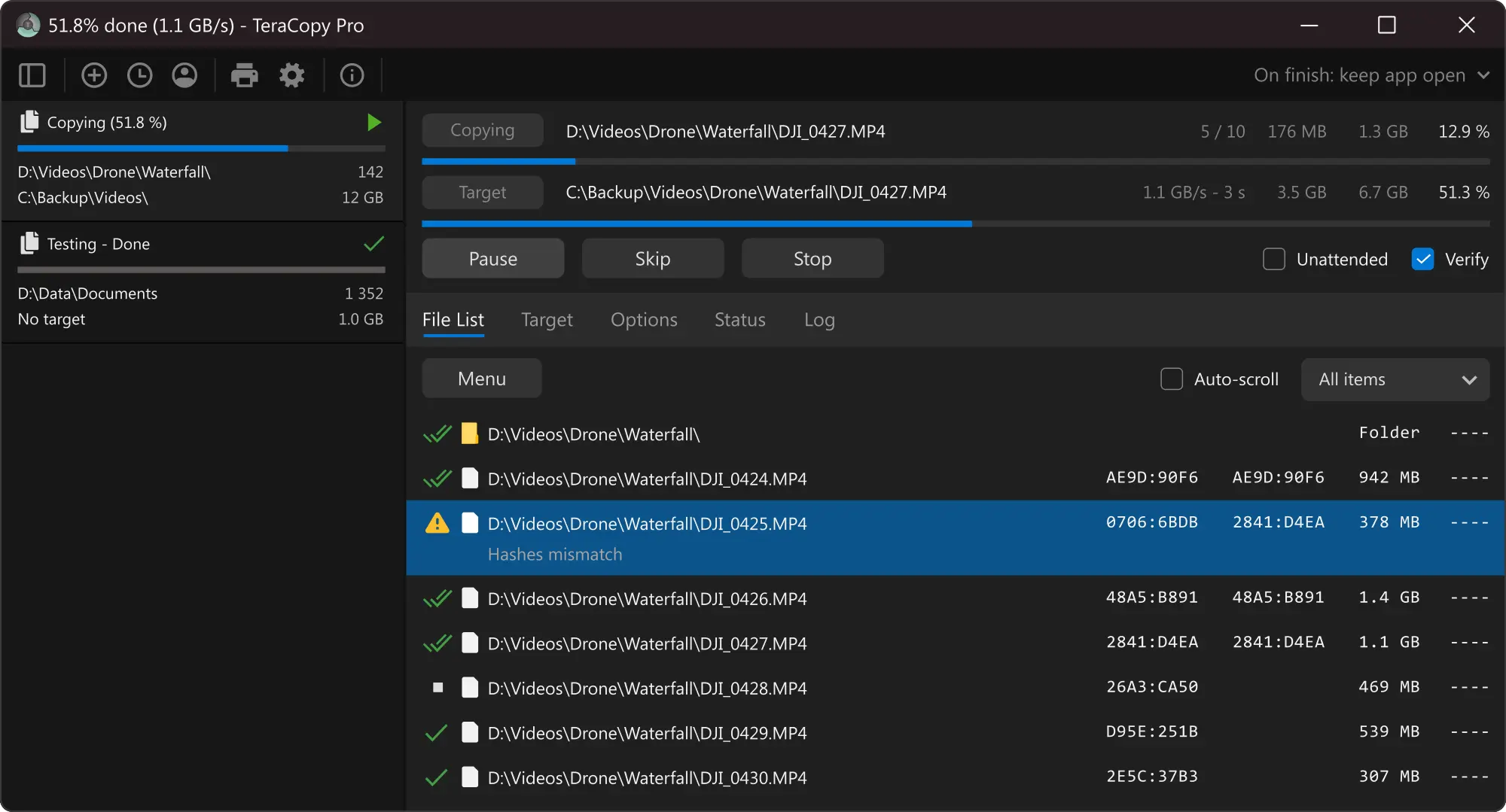
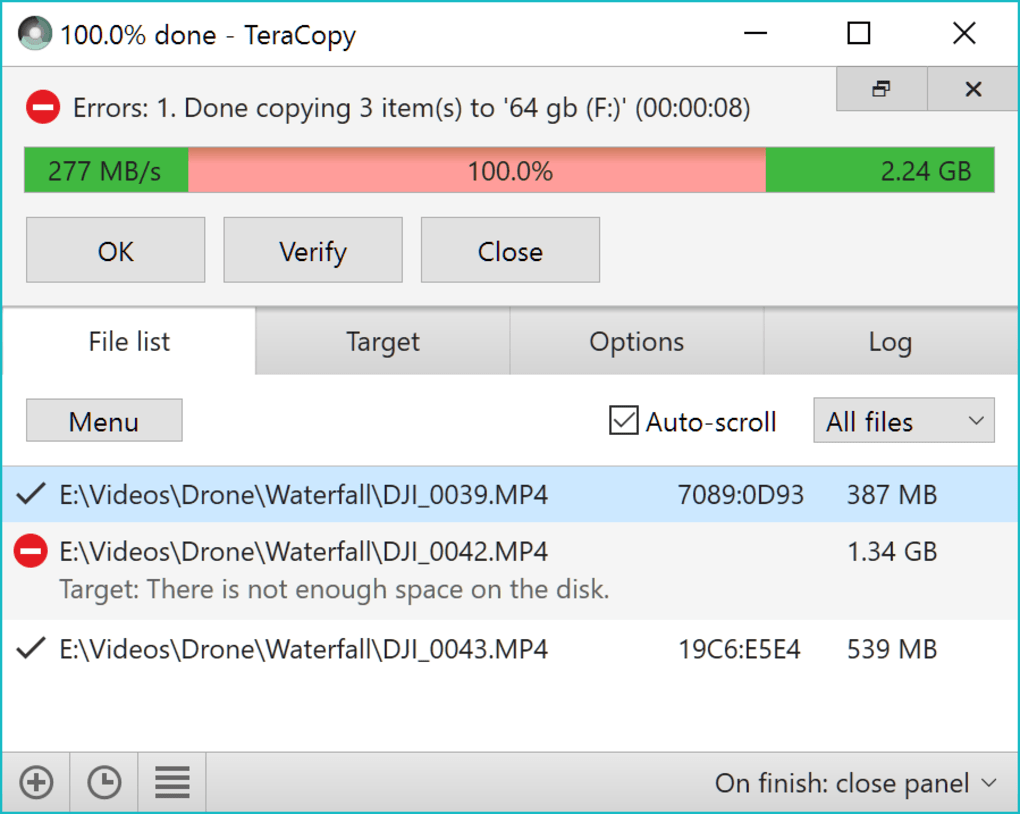
The publisher lists version 4.0.5 for Windows 10 and 11 and Windows Server 2016–2025. The linked EXE is the installer offered on its downloads page, not the separate older 3.17 MSI. The free edition includes verification and checksum-file support, but the publisher reserves commercial use, file-list editing, favorite folders and HTML/CSV report export for paid editions. The publisher screenshot shows TeraCopy Pro; the additional Softonic image illustrates an older interface. Neither image establishes the exact appearance of every build.
What it offers
- Queue multiple copy or move jobs so they run sequentially.
- Verify destination files against source checksums and generate or validate checksum files.
- Skip problematic files during a transfer and retry failed or skipped files afterward.
- Integrate copy and move operations with Windows Explorer.
- Choose which metadata to copy, including timestamps, streams and permissions.
Good to know
- The publisher reserves commercial use for paid editions; the free download is not an unrestricted business license.
- File-list editing, favorite folders, multi-destination copying and HTML/CSV report export require a paid edition.
- The free edition supports up to two copy threads; three or more threads require a paid edition.
Product images
Sources
References used for this listing. Retrieval dates do not indicate hands-on testing.
- TeraCopy for Windows - Code Sector ↗Retrieved
- Downloads - Code Sector ↗Retrieved
- Purchase - Code Sector ↗Retrieved
- Download Teracopy - Free - latest version ↗Retrieved
- Teracopy - Download ↗Retrieved
More in utilities
View category ↗
1.1.1.1 with WARP 2026.8.2115.0
Encrypt traffic from your Mac to Cloudflare’s network with WARP, or use DNS-only mode for encrypted DNS queries to the 1.1.1.1 resolver.
1.1.1.1 with WARP 2026.8.2115.0
Encrypt traffic between your Windows PC and Cloudflare, or use encrypted DNS only, with the free 1.1.1.1 with WARP app.

3uTools 9.12.005
Manage iPhone and iPad photos, music, apps and backups from Windows with 3uTools, a free utility that also includes device checks and firmware flashing tools.