

Development Windows
Texmaker for Windows
Write LaTeX documents with Texmaker, a free editor with code completion, document navigation and an integrated PDF viewer. The Windows editor requires a separate LaTeX distribution.
- Operating system
- Windows 10 and Windows 11
- Architecture
- x64 (64-bit)
- Download package
- MSI desktop installer
Requires a separate LaTeX distribution. Uninstall any previous version before installing this package; the portable package is a separate download.
Link checked · Download guidance
What is Texmaker?
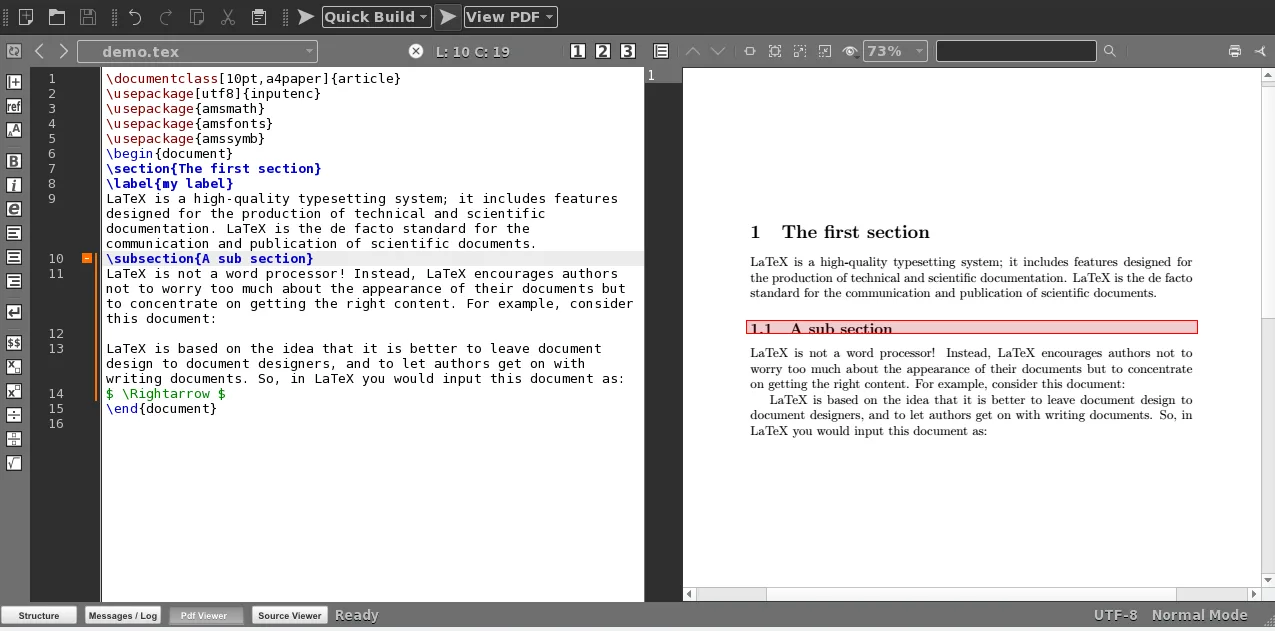
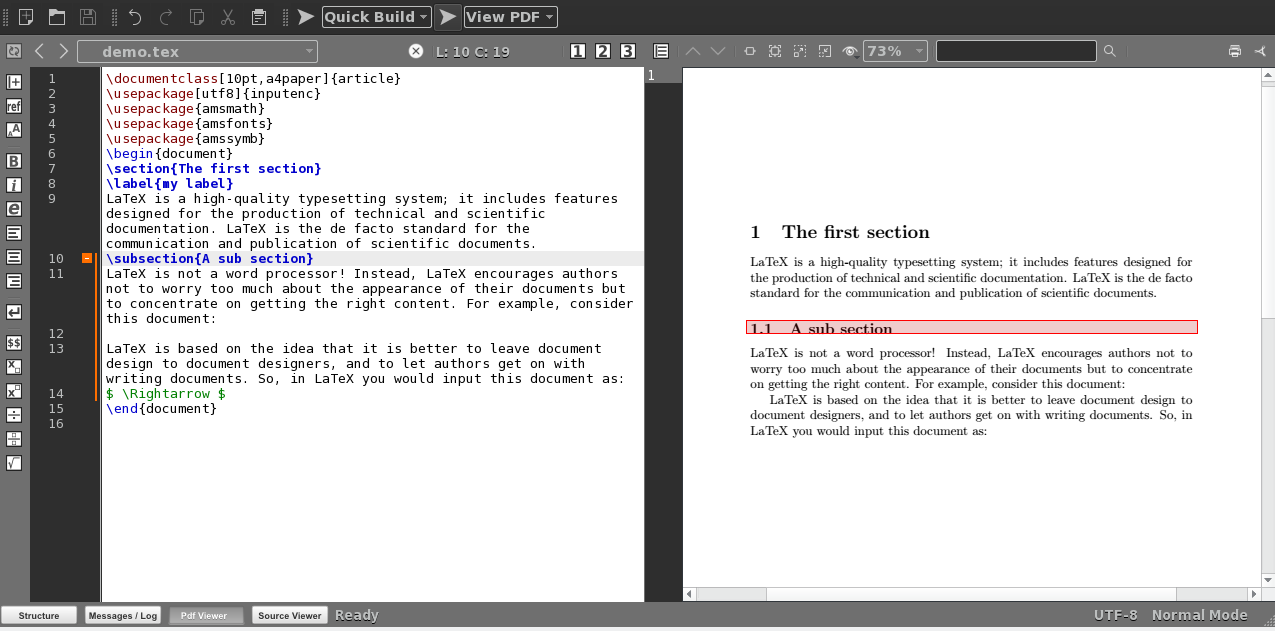
Texmaker brings LaTeX source editing and PDF viewing into one workspace. Its Unicode editor includes spell checking, command completion and code folding, while an automatically updated structure view helps you move between document sections. Master mode supports projects split across several files, and wizards generate common document and table structures.
The built-in PDF viewer supports continuous scrolling and SyncTeX for moving between source and output. Quick Build commands provide a shortcut to compilation, and the log view links detected errors and warnings to the corresponding source lines.
Texmaker is an editor, not a complete LaTeX installation. You need a separate distribution such as TeX Live or MiKTeX on Windows to compile documents. This entry links to the publisher's Texmaker 6.0.2 MSI installer for 64-bit Windows 10 and 11. The publisher instructs users to uninstall any previous version before installing this package; a portable Windows package is also listed separately.
What it offers
- Edit Unicode LaTeX source with spell checking, command completion and collapsible code blocks.
- Navigate document sections through the structure view and manage multi-file documents with master mode.
- View PDFs with continuous scrolling and SyncTeX source-to-output navigation.
- Use predefined Quick Build commands and jump from compilation errors or warnings to source lines.
- Generate common LaTeX structures with document, presentation, letter and table wizards.
Good to know
- A separate LaTeX distribution, such as TeX Live or MiKTeX on Windows, is required to compile documents; Texmaker is only the editor.
- The selected MSI targets 64-bit Windows 10 and 11. The publisher requires uninstalling any previous Texmaker version before installing it.
Product images
Sources
References used for this listing. Retrieval dates do not indicate hands-on testing.
More in development
View category ↗
010 Editor 17.0
Inspect and edit binary files on Mac with 010 Editor, a paid text and hex editor with Binary Templates, file comparison and a 30-day trial.
010 Editor 17.0
Inspect and edit binary files with 010 Editor for Windows, a text and hex editor with Binary Templates, file comparison and scripting. Includes a 30-day trial.
10x Editor
Edit and navigate C++ projects on Windows with a built-in parser, workspace search and Visual Studio project support. A paid license is required after the 30-day trial.