

Development macOS
Textadept for macOS
Edit code on macOS with Textadept, an open-source text editor with multiple carets, split views, snippets and Lua customization. This download is for Apple Silicon Macs.
- Operating system
- macOS 13 or later
- Architecture
- Apple Silicon (ARM64)
- Download package
- ZIP archive containing Textadept.app and terminal editor
Publisher pre-built Mac binaries are Apple Silicon only. The graphical version includes a Qt runtime; additional modules are separate.
Link checked · Download guidance
What is Textadept?
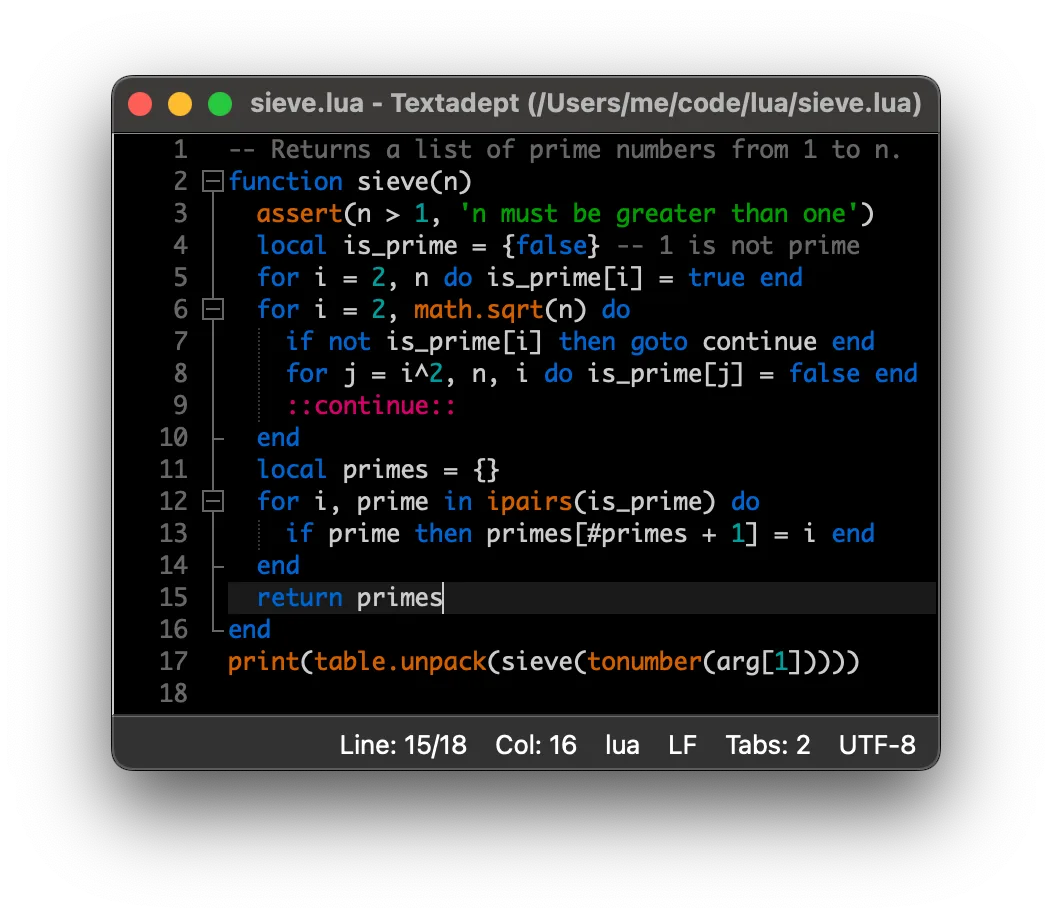
Textadept is a programmer's text editor for writing and editing source files. Its graphical and terminal interfaces offer multiple carets and selections, split views, configurable key bindings and language-specific snippets. The publisher lists support for over 100 programming languages. Lua scripting lets you customize the editor beyond its built-in commands.
The selected download is the publisher's Textadept 13.0 macOS ZIP archive. It includes the graphical Textadept.app and a terminal editor, with a Qt runtime distributed for the graphical version. The pre-built Mac package requires macOS 13 or later and Apple Silicon; it is not an Intel Mac binary.
Debuggers, file comparison, source formatting, an LSP client and spell checking are offered as optional modules rather than included here as built-in features. The publisher says modules generally do not load automatically: configuration uses Lua's require() function and a restart. This makes Textadept a fit for users who want a configurable editor, while advanced language tooling needs additional setup.
What it offers
- Edit source files with support for over 100 programming languages.
- Use multiple carets and selections, split views and nested snippets.
- Configure key bindings, including language-specific keys and key chains.
- Script and extend the editor with Lua.
- Choose a graphical application or terminal interface in the macOS package.
Good to know
- Pre-built macOS binaries require macOS 13 or later and Apple Silicon; this package is not for Intel Macs.
- Debuggers, file comparison, formatting, the LSP client and spell checking require optional modules and configuration; modules generally do not load automatically.
Product images
Sources
References used for this listing. Retrieval dates do not indicate hands-on testing.
More in development
View category ↗
010 Editor 17.0
Inspect and edit binary files on Mac with 010 Editor, a paid text and hex editor with Binary Templates, file comparison and a 30-day trial.
010 Editor 17.0
Inspect and edit binary files with 010 Editor for Windows, a text and hex editor with Binary Templates, file comparison and scripting. Includes a 30-day trial.
10x Editor
Edit and navigate C++ projects on Windows with a built-in parser, workspace search and Visual Studio project support. A paid license is required after the 30-day trial.