

Development Windows
Textadept for Windows
Edit source code with multiple carets, split views and snippets in Textadept, a free, open-source Windows text editor with Lua-based customization.
- Operating system
- Windows 10 or later
- Architecture
- 64-bit or ARM, as listed by the publisher for pre-built Windows binaries
- Download package
- ZIP archive
Publisher instructions list textadept.exe for the GUI and textadept-curses.exe for the terminal. Archive contents and architecture were not independently inspected.
Link checked · Download guidance
What is Textadept?
Textadept is a text editor for programmers who want code-editing tools and a scriptable desktop interface. It supports over 100 programming languages, multiple carets and selections, split views, and generic or language-specific snippets. Configurable key bindings let you adapt editing commands, while Lua scripts can extend and customize the editor. You can also invoke shell commands to run code or build a project.
The publisher supplies Textadept 13.0 for Windows as a ZIP archive with graphical and terminal executables. Unpack the archive into a writable folder; a separate installer is not required. The publisher lists Windows 10 or later, with 64-bit or ARM support, as the requirement for pre-built Windows binaries.
Some development tools are separate optional modules rather than built-in features: these include language debuggers, file comparison, source formatting and a Language Server Protocol client. The publisher provides a companion modules archive, but modules generally do not load automatically. Load the modules you need with Lua's require() function in the preferences file, save it and restart Textadept.
What it offers
- Edit code in over 100 supported programming languages.
- Use multiple carets and selections, split views and nested snippets.
- Configure key bindings, including language-specific bindings and key chains.
- Extend and customize the editor with Lua scripts.
- Choose graphical or terminal executables and invoke shell commands from the editor.
Good to know
- Language debugging, file comparison, source formatting and Language Server Protocol support require separate optional modules; these generally need explicit loading through Lua preferences.
- The publisher's pre-built Windows binaries require Windows 10 or later with 64-bit or ARM support.
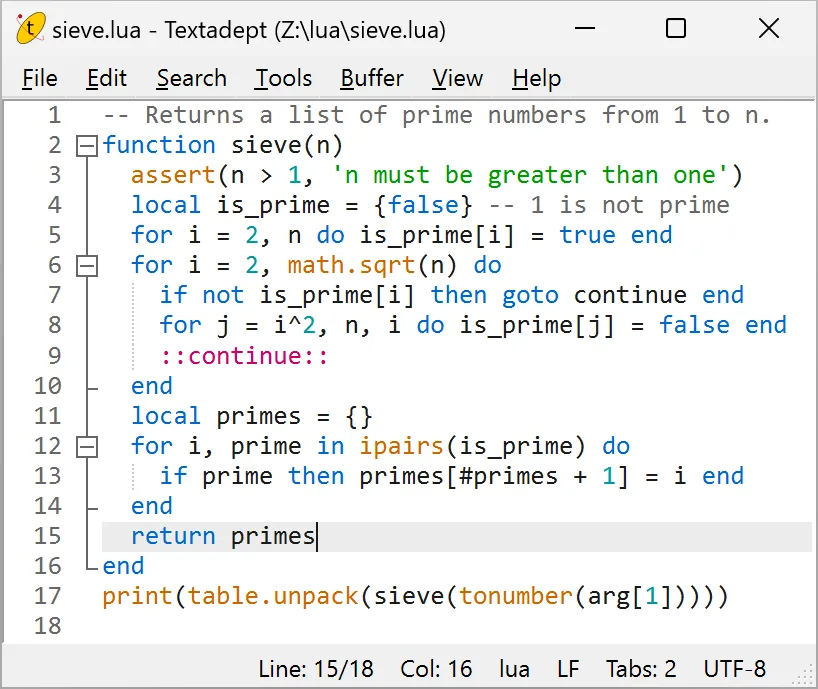
Product images
Sources
References used for this listing. Retrieval dates do not indicate hands-on testing.
More in development
View category ↗
010 Editor 17.0
Inspect and edit binary files on Mac with 010 Editor, a paid text and hex editor with Binary Templates, file comparison and a 30-day trial.
010 Editor 17.0
Inspect and edit binary files with 010 Editor for Windows, a text and hex editor with Binary Templates, file comparison and scripting. Includes a 30-day trial.
10x Editor
Edit and navigate C++ projects on Windows with a built-in parser, workspace search and Visual Studio project support. A paid license is required after the 30-day trial.