
Development Windows
The Regex Coach
Explore Perl-compatible regular expressions on Windows with live match highlighting, capture groups, replacement previews and a step-by-step matching view. This is a legacy application unchanged since 2008.
- Operating system
- Originally Windows 2000/XP; publisher reports Windows 10 use in June 2023
- Architecture
- Not specified by the consulted publisher page
- Download package
- EXE installer
Requires msvcr80.dll. Legacy software unchanged since 2008; no current Windows 11 compatibility claim. Installer was checked by HEAD only, not downloaded or executed.
Link checked · Download guidance
What is The Regex Coach?
The Regex Coach is a graphical tool for understanding how a regular expression behaves against sample text. Enter a pattern and a target string to see whether they match, inspect captured groups, or move through successive matches. Its live updates make it useful for experimenting with expressions before putting them into code.
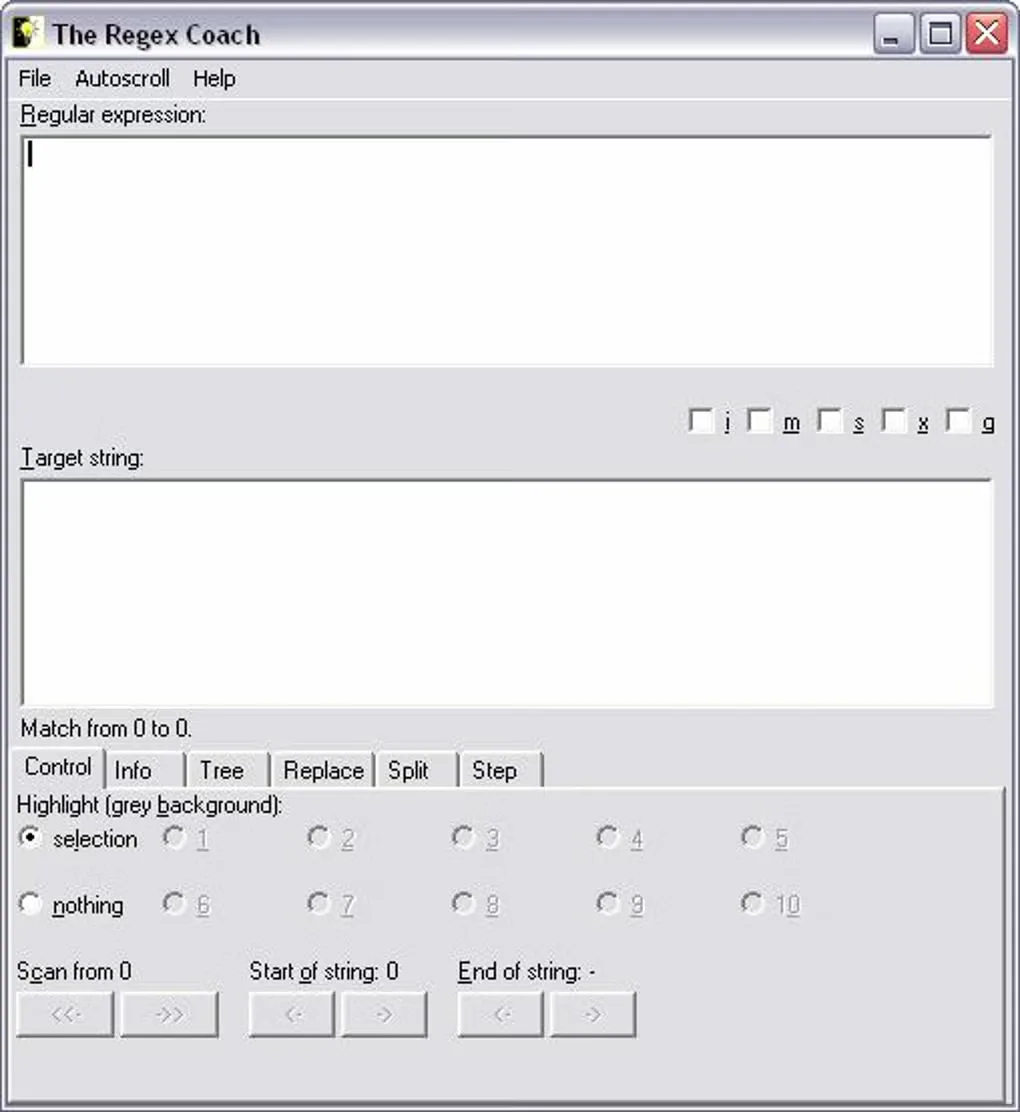
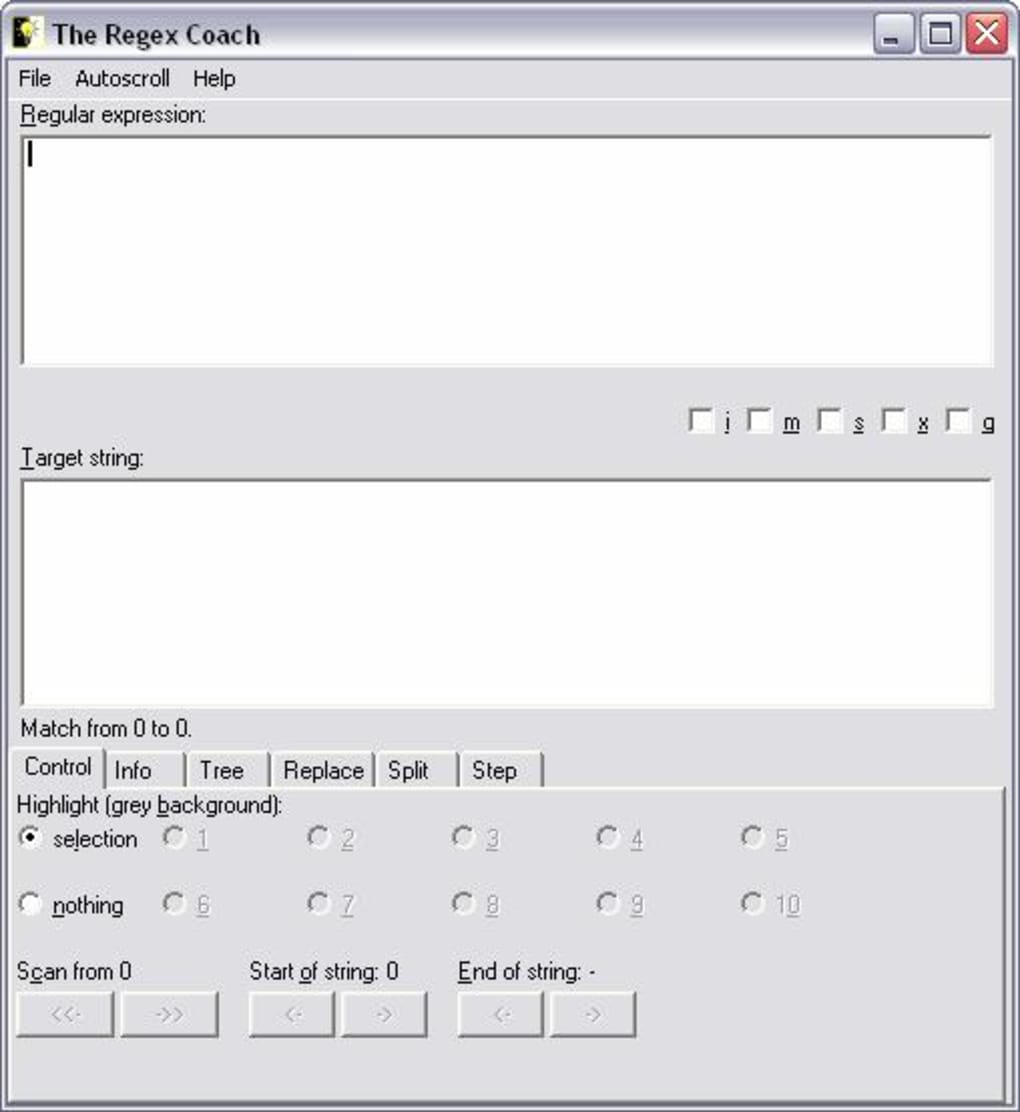
The Info view attempts to explain an expression in plain English, while the Tree view shows its parse structure. Replace and Split views demonstrate substitution and splitting, and the Step view walks through the matching process. The program uses the CL-PPCRE engine; its replacement notation differs from Perl's, so consult the publisher's documentation rather than assuming every expression or replacement transfers unchanged.
The publisher lists version 0.9.2 and says the program has not changed since 2008. The original requirements name Windows 2000 or XP and the Microsoft msvcr80.dll runtime; the author's separate Windows 10 observation dates to June 2023. That is not a current Windows 11 compatibility guarantee. The screenshot is a historical Windows interface image from Softonic's older 0.8.5 listing, not a new capture of the linked installer.
What it offers
- Highlight matches, captured groups and the text corresponding to selected subexpressions.
- Move through a target string one match at a time and narrow the scanned region.
- Inspect a plain-English explanation and a graphical parse tree.
- Preview replacement and split operations using the documented CL-PPCRE notation.
- Single-step through matching, with some engine optimizations disabled for teaching.
Good to know
- Unchanged since 2008. The publisher's Windows 10 observation is from June 2023; current Windows compatibility has not been independently established here.
- Requires the Microsoft msvcr80.dll runtime according to the publisher. The original documented Windows requirements are Windows 2000 or XP with updates.
- Long regular expressions can exhaust the stack; the publisher also reports problems with some Eastern European Windows character sets, including code page 1250.
- Replacement syntax differs from Perl's: the documentation uses backslash-based references rather than Perl's dollar-based notation.
Product images
Sources
References used for this listing. Retrieval dates do not indicate hands-on testing.
More in development
View category ↗
010 Editor 17.0
Inspect and edit binary files on Mac with 010 Editor, a paid text and hex editor with Binary Templates, file comparison and a 30-day trial.
010 Editor 17.0
Inspect and edit binary files with 010 Editor for Windows, a text and hex editor with Binary Templates, file comparison and scripting. Includes a 30-day trial.
10x Editor
Edit and navigate C++ projects on Windows with a built-in parser, workspace search and Visual Studio project support. A paid license is required after the 30-day trial.