

Utilities macOS
The Unarchiver for macOS
Extract RAR, ZIP, 7z and older archive formats on Mac with The Unarchiver, a free utility that also handles non-Latin filenames.
- Operating system
- macOS 10.13 or later
- Architecture
- Not established from the inspected publisher page or HEAD response
- Download package
- DMG disk image
Publisher offers older releases separately. The installer was not downloaded or executed.
Link checked · Download guidance
What is The Unarchiver?
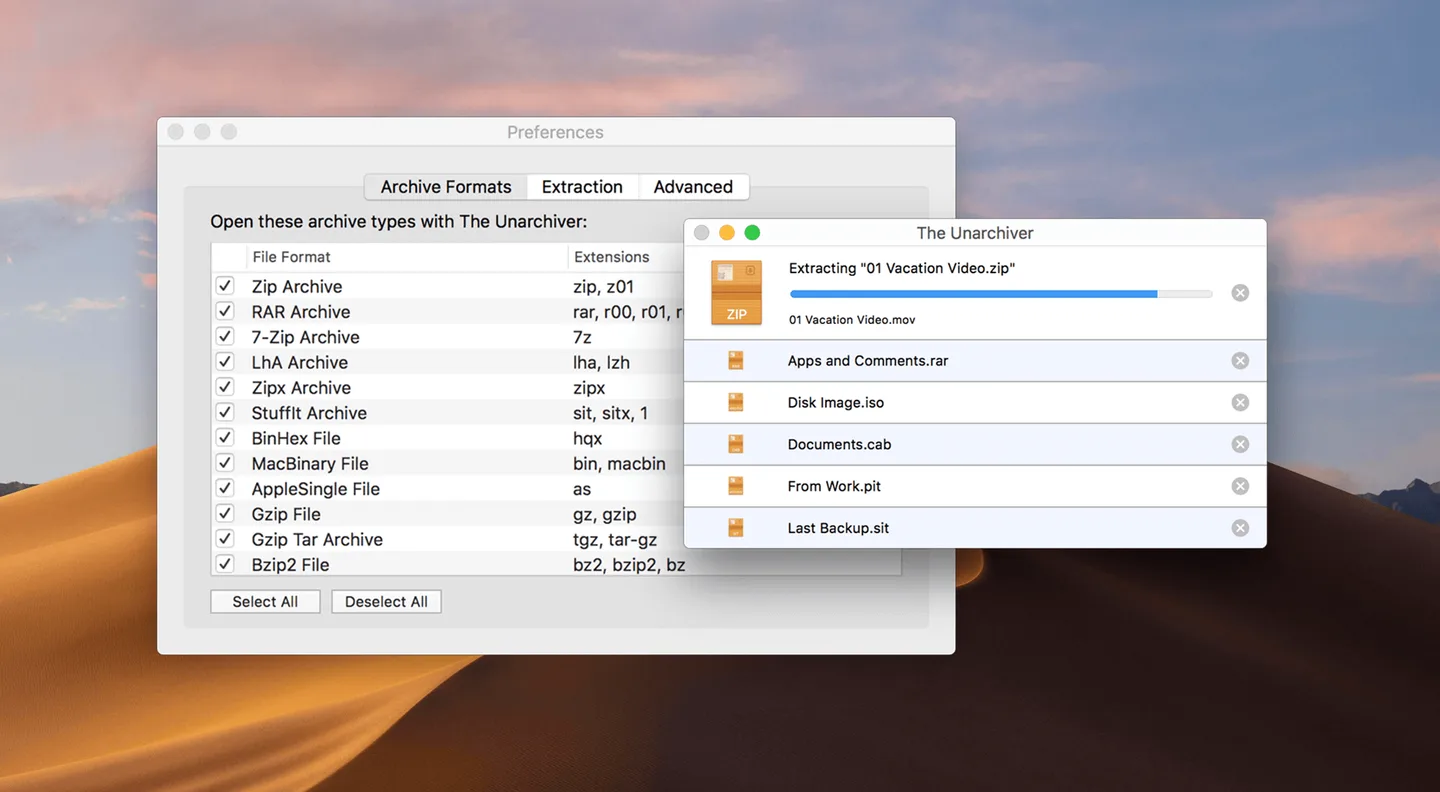
The Unarchiver opens compressed files on macOS, including RAR, ZIP, Zipx, 7z, Tar, Gzip and Bzip2 archives. It is useful for unpacking downloads and recovering files from less common formats such as StuffIt or LZH. The publisher provides it free of charge, with no in-app purchases for additional features.
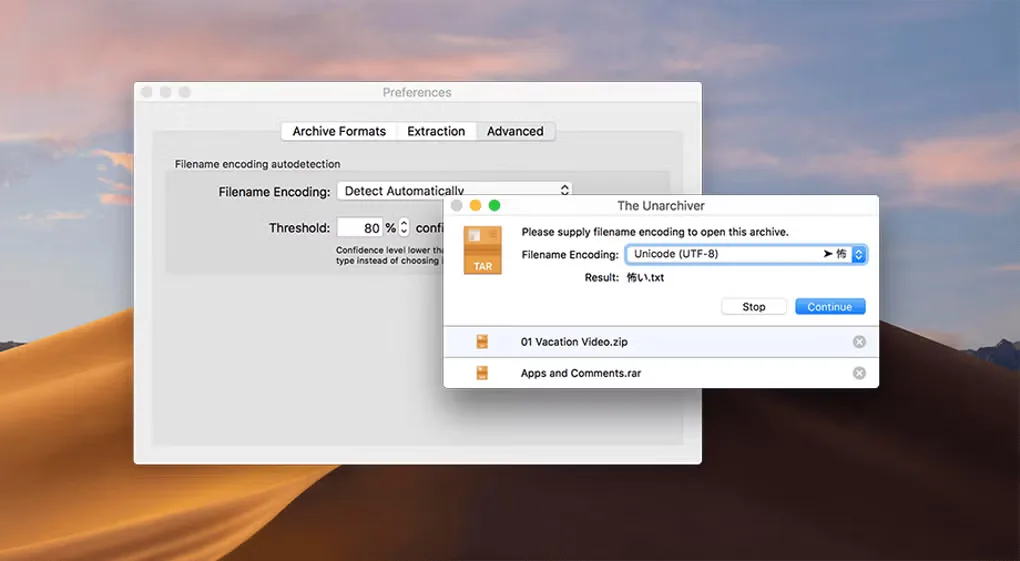
You can associate archive types with The Unarchiver through Finder’s Get Info window so they open with it by default. Its filename handling supports non-Latin characters, and RAR support includes encrypted and multi-volume archives.
Support varies by format rather than covering every archive equally. StuffIt X support is partial and excludes JPEG compression, while Ace 2.0 and later archives are unsupported. The linked DMG is offered by the publisher for macOS 10.13 or later; CPU architecture was not established from the inspected download evidence.
What it offers
- Extract ZIP, Zipx, RAR, 7z, Tar, Gzip and Bzip2 archives.
- Open encrypted and multi-volume RAR archives.
- Handle filenames containing non-Latin characters.
- Extract older formats including StuffIt and LZH, subject to format-specific limits.
- Set archive file associations through Finder’s Get Info and Open with controls.
Good to know
- StuffIt X support is partial: some features and JPEG compression are unsupported.
- Ace 2.0 and later archives are not supported.
- The current publisher download requires macOS 10.13 or later; earlier systems need a separate older release.
Product images
Sources
References used for this listing. Retrieval dates do not indicate hands-on testing.
More in utilities
View category ↗
1.1.1.1 with WARP 2026.8.2115.0
Encrypt traffic from your Mac to Cloudflare’s network with WARP, or use DNS-only mode for encrypted DNS queries to the 1.1.1.1 resolver.
1.1.1.1 with WARP 2026.8.2115.0
Encrypt traffic between your Windows PC and Cloudflare, or use encrypted DNS only, with the free 1.1.1.1 with WARP app.

3uTools 9.12.005
Manage iPhone and iPad photos, music, apps and backups from Windows with 3uTools, a free utility that also includes device checks and firmware flashing tools.