

Utilities macOS
TheBoringNotch for macOS
Control music, check calendar events and keep files within reach at your Mac's notch with TheBoringNotch, a free, open-source macOS utility also called Boring Notch.
- Operating system
- macOS 14 Sonoma or later
- Architecture
- Apple Silicon or Intel Mac (publisher-listed support)
- Download package
- DMG disk image
Publisher requirements are used rather than Softonic's conflicting macOS 10.15 listing. Package architectures were not independently inspected.
Link checked · Download guidance
What is TheBoringNotch?
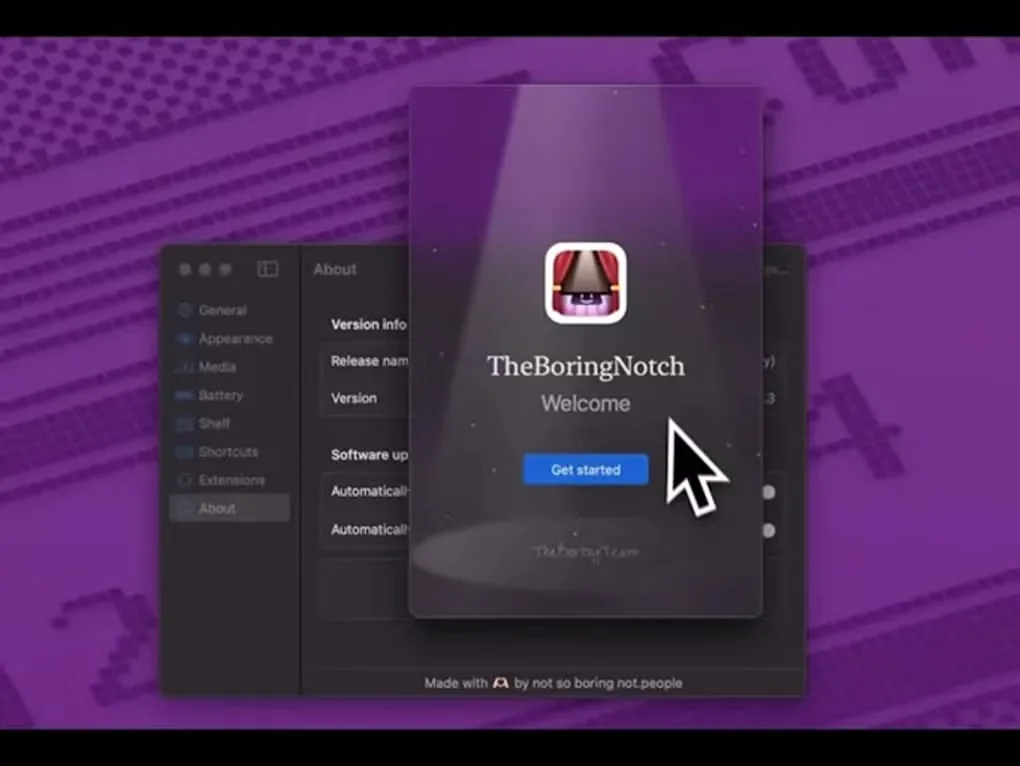
TheBoringNotch turns the area around a MacBook's notch into an expandable control panel. Hover over it to reveal music controls and a visualizer, or use its calendar integration to check events without opening a separate calendar window. The publisher also calls the app Boring Notch and boring.notch.
Its file shelf gives you a place to drag files for quick access and sharing, including AirDrop. Version 2.7 adds multi-item selection, a file context menu and double-click opening. The app can also replace the system volume, screen-brightness and keyboard-backlight HUDs.
The publisher specifies macOS 14 Sonoma or later on Apple Silicon or Intel Macs. It warns that first launch can produce an unidentified-developer warning; this entry does not establish notarization or independent safety testing. YouTube Music integration has an additional requirement: version 3.11 or later of YouTube Music/Pear Desktop. The linked package is the publisher's version 2.7.3 DMG, not a Softonic installer.
What it offers
- Expand the notch area on hover for music controls and a visualizer.
- View calendar events through the integrated calendar panel.
- Keep and share files through a drag-and-drop shelf with AirDrop support.
- Select multiple shelf files, open them with a double-click or access file actions through a context menu.
- Replace volume, screen-brightness and keyboard-backlight HUDs.
Good to know
- Requires macOS 14 Sonoma or later; the publisher does not list older macOS versions as supported.
- The publisher warns of an unidentified-developer prompt on first launch.
- YouTube Music integration requires YouTube Music/Pear Desktop version 3.11 or later.
Product images
Sources
References used for this listing. Retrieval dates do not indicate hands-on testing.
- TheBoringNotch for Mac - Download ↗Retrieved
- boring.notch — the notch, reinvented for macOS ↗Retrieved
- Boring Notch — publisher README at v2.7.3 ↗Retrieved
- Release v2.7.3 - Flying Rabbit — TheBoredTeam/boring.notch ↗Retrieved
- Publisher release assets for v2.7.3 ↗Retrieved
- Boring Notch v2.7.3 — GNU General Public License version 3 ↗Retrieved
More in utilities
View category ↗
1.1.1.1 with WARP 2026.8.2115.0
Encrypt traffic from your Mac to Cloudflare’s network with WARP, or use DNS-only mode for encrypted DNS queries to the 1.1.1.1 resolver.
1.1.1.1 with WARP 2026.8.2115.0
Encrypt traffic between your Windows PC and Cloudflare, or use encrypted DNS only, with the free 1.1.1.1 with WARP app.

3uTools 9.12.005
Manage iPhone and iPad photos, music, apps and backups from Windows with 3uTools, a free utility that also includes device checks and firmware flashing tools.