

Utilities Windows
TightVNC for Windows
Control a Windows computer over the network with TightVNC Server and Viewer. The free base version handles remote access; full session encryption requires paid Pro authorization on both computers.
- Operating system
- Windows 7 SP1 and later; Windows Server 2008 R2 SP1 and later
- Architecture
- x64 (64-bit)
- Download package
- MSI installer
Selected download is the 64-bit Windows installer. A separate 32-bit installer is available from the publisher. Installing version 4 replaces version 2.
Link checked · Download guidance
What is TightVNC?
TightVNC connects a Viewer to a remote computer running a VNC Server so you can see its desktop and use its keyboard and mouse remotely. It suits accessing files and applications on another computer over a network. This entry links to the publisher’s Windows 64-bit MSI for TightVNC 4.0.2.
TightVNC 4 adds SRP-6a authentication for long passwords and international characters, with separate full-control and view-only passwords. Server Overview and dedicated Control Centers bring service and user-application status, connection addresses, connected Viewers, logs and configuration into the management interface. Traditional VNC authentication remains available for compatibility.
Authentication is not the same as encrypting a remote desktop session. The free base version does not include full session encryption: TightVNC Pro adds TLS 1.3 protection and requires active Pro authorization on both ends. The publisher recommends a VPN or SSH tunnel for unencrypted connections over untrusted networks. TightVNC 4 is closed-source, unlike the GPL-licensed 2.x series, and installing it replaces TightVNC 2 rather than running alongside it.
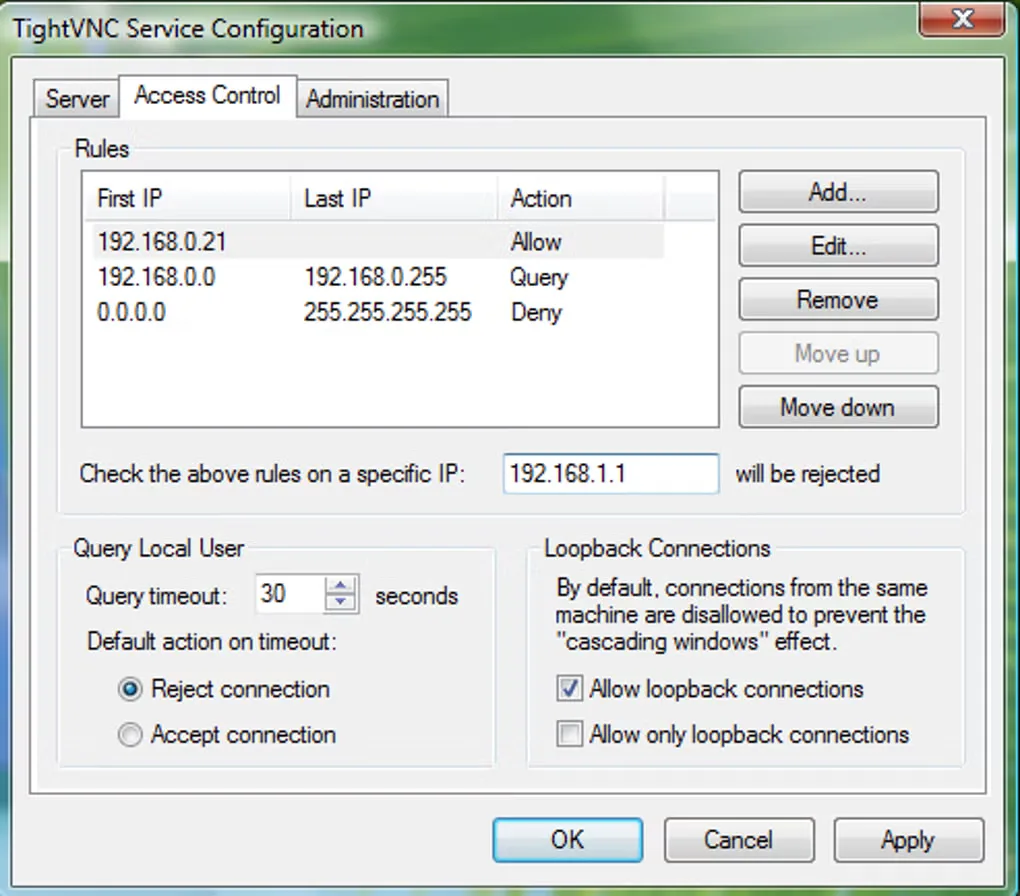
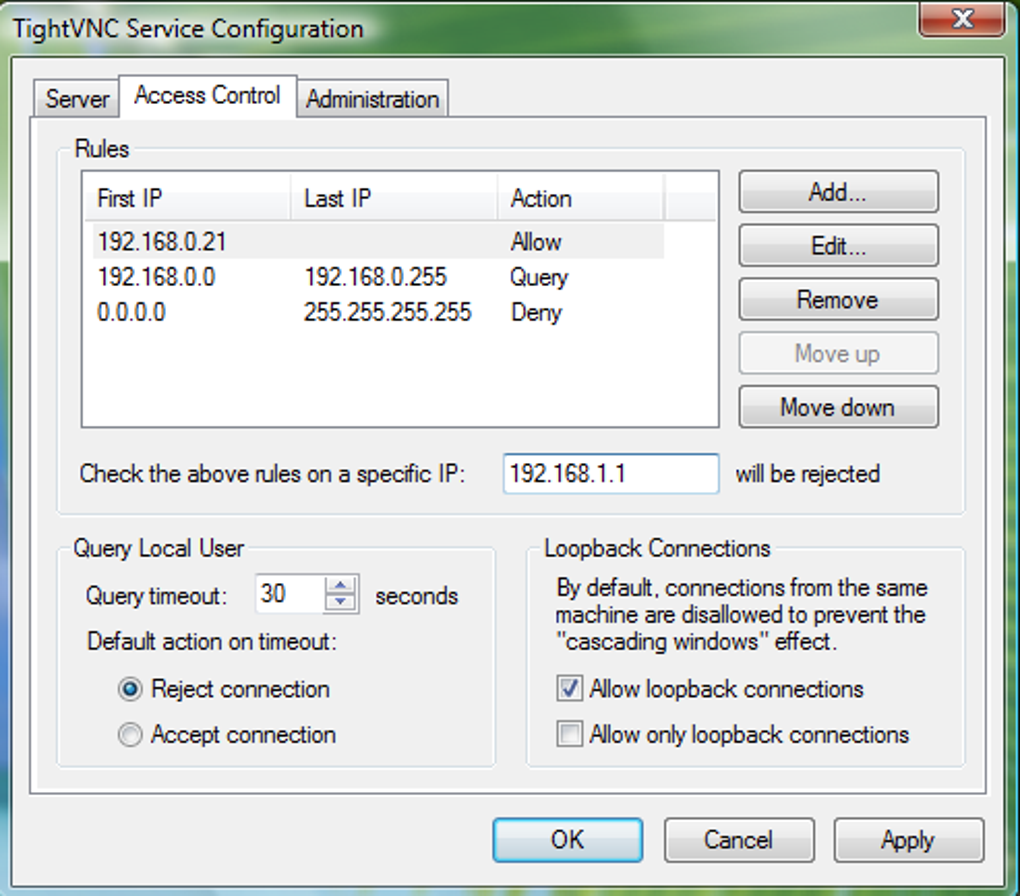
The gallery image shows an earlier TightVNC Service Configuration interface supplied by Softonic, not the redesigned TightVNC 4 interface.
What it offers
- Access and control a remote desktop through Server and Viewer components.
- Use SRP-6a authentication with long passwords and separate full-control and view-only access passwords.
- Manage service and user-application modes through Server Overview and dedicated Control Centers.
- Retain traditional VNC authentication for compatible older Viewers.
Good to know
- Full session encryption requires paid TightVNC Pro authorization on both the Viewer and Server computers; free authentication alone does not encrypt session traffic.
- Installing TightVNC 4 replaces TightVNC 2; the two major versions cannot be installed side by side.
- Traditional VNC authentication retains an eight-character password limit.
Product images
Sources
References used for this listing. Retrieval dates do not indicate hands-on testing.
- Download TightVNC ↗Retrieved
- Introducing TightVNC 4.0.0: Stronger Security and Easier Server Management ↗Retrieved
- TightVNC Frequently Asked Questions ↗Retrieved
- TightVNC: What's New in TightVNC ↗Retrieved
- TightVNC - Download ↗Retrieved
More in utilities
View category ↗
1.1.1.1 with WARP 2026.8.2115.0
Encrypt traffic from your Mac to Cloudflare’s network with WARP, or use DNS-only mode for encrypted DNS queries to the 1.1.1.1 resolver.
1.1.1.1 with WARP 2026.8.2115.0
Encrypt traffic between your Windows PC and Cloudflare, or use encrypted DNS only, with the free 1.1.1.1 with WARP app.

3uTools 9.12.005
Manage iPhone and iPad photos, music, apps and backups from Windows with 3uTools, a free utility that also includes device checks and firmware flashing tools.