
Utilities Windows
TimeLeft
Track an event countdown, set recurring reminders and keep a timer, stopwatch or clock visible on your Windows desktop with TimeLeft Free.
- Operating system
- Windows; Softonic lists Windows 8.1
- Architecture
- Not confirmed by the consulted sources
- Download package
- EXE installer
Legacy utility. Windows 10/11 compatibility and embedded installer version are unconfirmed; version 3.65 is the Softonic listing value.
Link checked · Download guidance
What is TimeLeft?
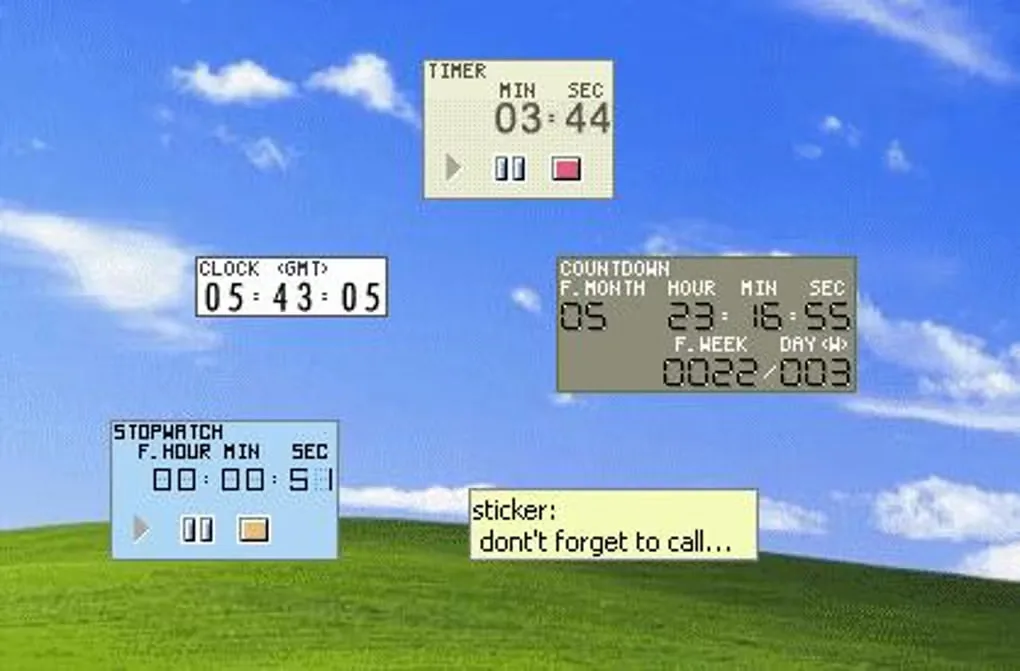
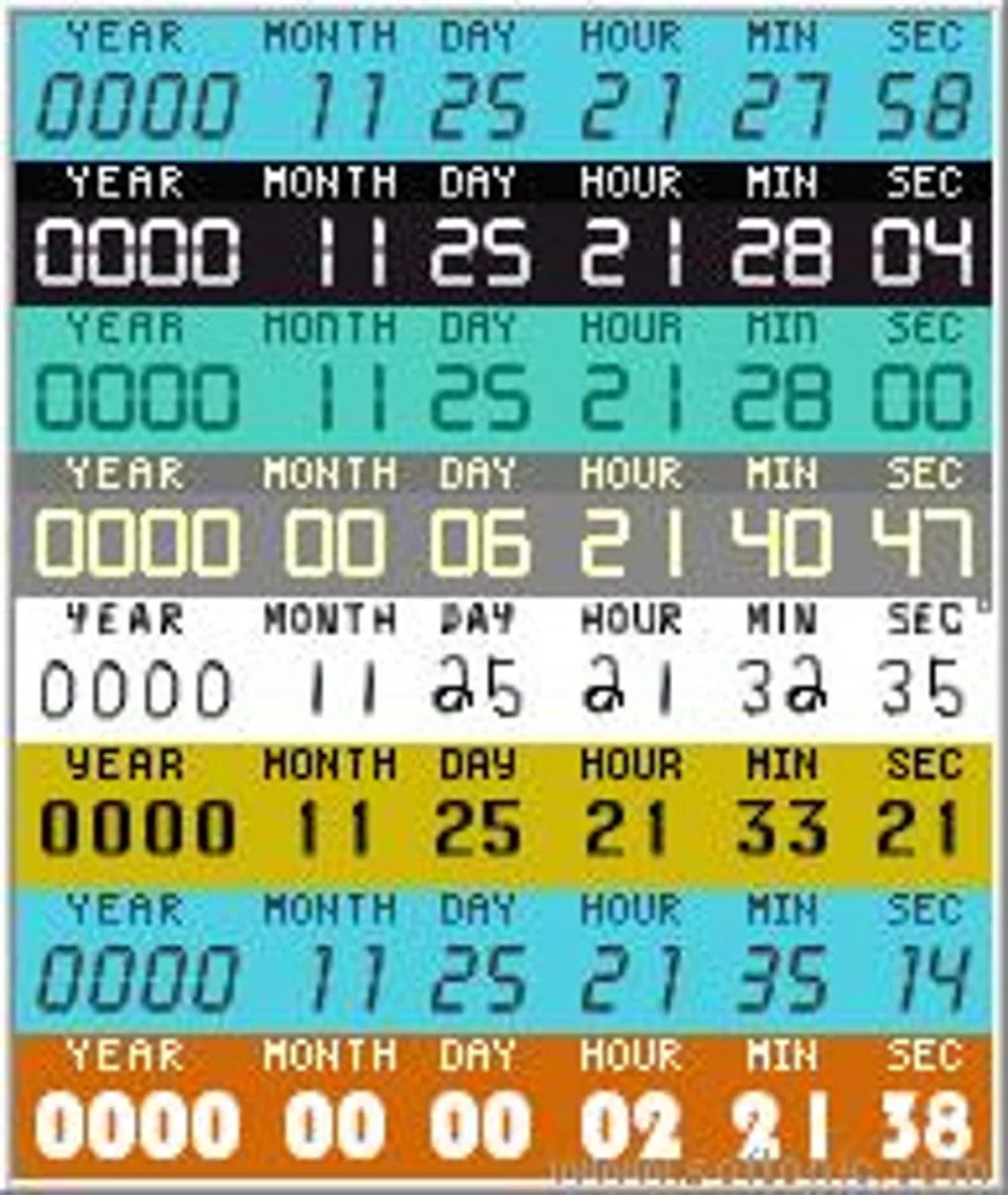
TimeLeft brings several small timekeeping tools to the Windows desktop. Use a countdown to follow time until or since an event, a reminder for a one-off or recurring notification, or a timer that signals when an interval ends. Its stopwatch measures elapsed time, while a clock can show another time zone and a sticker keeps a short note on screen. Countdown, clock, timer, stopwatch and sticker windows can be customized separately.
The Free edition does not expire, but the publisher limits it to one instance of each main tool. Multiple reminders or countdowns require the paid Deluxe edition. Time synchronization and exporting a countdown to a web page are not included in the continuing Free edition.
This is a legacy Windows utility. Softonic lists version 3.65 and Windows 8.1; compatibility with Windows 10 or 11 has not been confirmed here. The linked publisher EXE was checked using HEAD only, without downloading or running the installer, so its embedded version and architecture remain unverified.
What it offers
- Show a countdown to an event or track time elapsed since it.
- Schedule one-time reminders or notifications that repeat.
- Run a timer with an end signal or measure elapsed time with a stopwatch.
- Display a time-zone clock and a desktop sticky note in customizable floating windows.
Good to know
- Free allows one reminder, countdown, clock, sticker, timer and stopwatch; paid Deluxe is needed for multiple instances.
- Time synchronization and web countdown export are not included in the continuing Free edition.
- Windows 10/11 compatibility and the installer architecture have not been confirmed.
Product images
Sources
References used for this listing. Retrieval dates do not indicate hands-on testing.
More in utilities
View category ↗
1.1.1.1 with WARP 2026.8.2115.0
Encrypt traffic from your Mac to Cloudflare’s network with WARP, or use DNS-only mode for encrypted DNS queries to the 1.1.1.1 resolver.
1.1.1.1 with WARP 2026.8.2115.0
Encrypt traffic between your Windows PC and Cloudflare, or use encrypted DNS only, with the free 1.1.1.1 with WARP app.


3uTools 9.12.005
Manage iPhone and iPad photos, music, apps and backups from Windows with 3uTools, a free utility that also includes device checks and firmware flashing tools.