

Utilities macOS
Tor Browser for macOS
Browse through the Tor network, reduce tracking and open onion services with Tor Browser for Mac, a free, open-source browser.
- Operating system
- macOS 10.15 or later
- Architecture
- Universal (publisher designation)
- Download package
- DMG disk image
The linked package is the publisher's stable macOS download. No installer was downloaded or run.
Link checked · Download guidance
What is Tor Browser?
Tor Browser for Mac routes web browsing through the Tor network instead of connecting directly to each website. Built on a modified Firefox ESR, it is designed to resist tracking and browser fingerprinting. Websites see a connection from the Tor network rather than your real IP address, although identifying yourself to a site still tells that site who you are.
The browser isolates websites, does not keep browsing history by default and limits cookies to the current session. It also opens onion services. Standard, Safer and Safest security levels let you restrict website features when your security needs outweigh convenience.
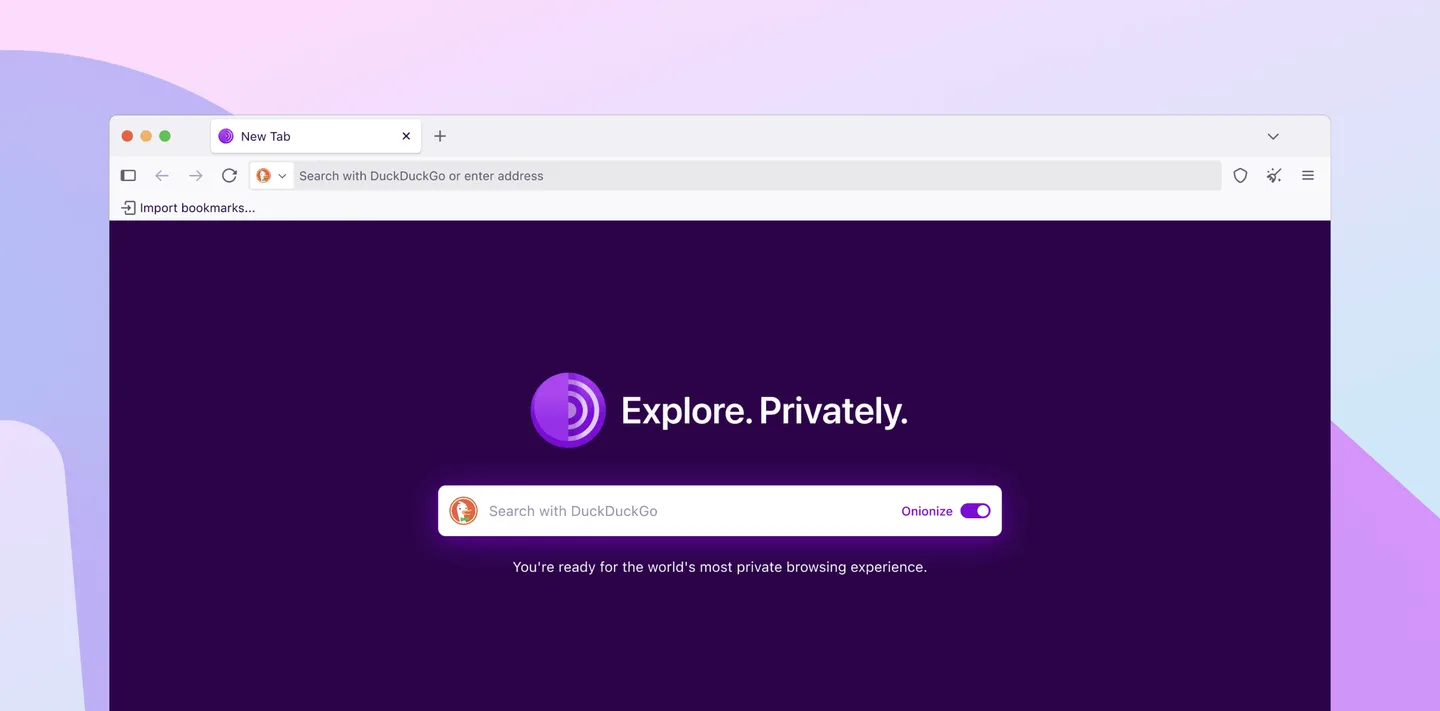
This entry links to the publisher's version 15.0.26 universal macOS DMG. The publisher lists macOS 10.15 or later as the requirement. Tor routing can make pages slower, and stricter security levels can stop parts of a website from working. The screenshot is the publisher's desktop browser illustration, not evidence of an installation or test of this download.
Tor is a trademark of The Tor Project; all rights reserved. SoftGalaxy is not endorsed or sponsored by, or affiliated with, The Tor Project. The official publisher is https://www.torproject.org/.
What it offers
- Route browser traffic through the Tor network to conceal your real IP address from visited websites.
- Reduce cross-site tracking and browser fingerprinting with purpose-built privacy protections.
- Browse onion services that require Tor access.
- Choose Standard, Safer or Safest security levels to control enabled website features.
- Use session-limited cookies and browse without saved history by default.
Good to know
- Relay routing and network load can make browsing slower than a direct connection.
- Higher security levels disable or restrict scripts, media and other features, which can break website functionality.
- Signing into an account or otherwise identifying yourself still reveals your identity to that website.
Product images
Sources
References used for this listing. Retrieval dates do not indicate hands-on testing.
- Tor Browser for Mac - Download ↗Retrieved
- Tor Browser for Desktop — Tor ↗Retrieved
- What is Tor Browser and how does it work? — Tor ↗Retrieved
- How to install Tor Browser — Tor ↗Retrieved
- Tor Browser speed — Tor ↗Retrieved
- Adjusting security levels in Tor Browser to balance privacy and usability — Tor ↗Retrieved
- Are there any paid versions of Tor Browser? — Tor ↗Retrieved
- Copyright, Trademark and Brand Policy for The Tor Project ↗Retrieved
More in utilities
View category ↗
1.1.1.1 with WARP 2026.8.2115.0
Encrypt traffic from your Mac to Cloudflare’s network with WARP, or use DNS-only mode for encrypted DNS queries to the 1.1.1.1 resolver.
1.1.1.1 with WARP 2026.8.2115.0
Encrypt traffic between your Windows PC and Cloudflare, or use encrypted DNS only, with the free 1.1.1.1 with WARP app.


3uTools 9.12.005
Manage iPhone and iPad photos, music, apps and backups from Windows with 3uTools, a free utility that also includes device checks and firmware flashing tools.