

Utilities Windows
Tor Browser for Windows
Browse websites and onion services through the Tor network with a free, privacy-focused Windows browser. This download is the publisher’s 64-bit Windows package.
- Operating system
- Windows 10 and Windows 11
- Architecture
- x86_64 (64-bit)
- Download package
- Windows EXE package (publisher filename includes portable)
This link selects the stable 64-bit Windows package. The publisher provides a separate i686 package for 32-bit Windows.
Link checked · Download guidance
What is Tor Browser?
Tor Browser routes web browsing through the Tor network rather than connecting directly to each website. Based on Firefox ESR, it adds protections against tracking and browser fingerprinting, isolates websites, and clears session cookies and browsing history when you finish. It can also open .onion services and help reach websites blocked on a local network.
The privacy trade-off is speed and compatibility: routing traffic through volunteer relays can make pages slower, and stricter security settings can stop parts of websites from working. The Tor Project discourages adding extensions because they can make your browser easier to identify or weaken its protections.
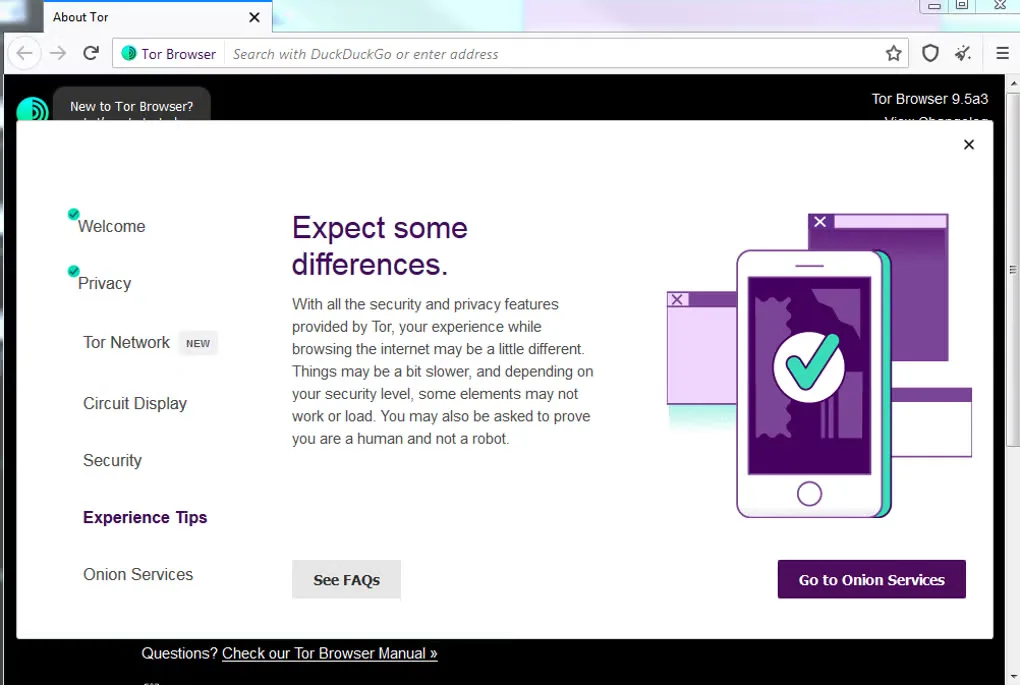
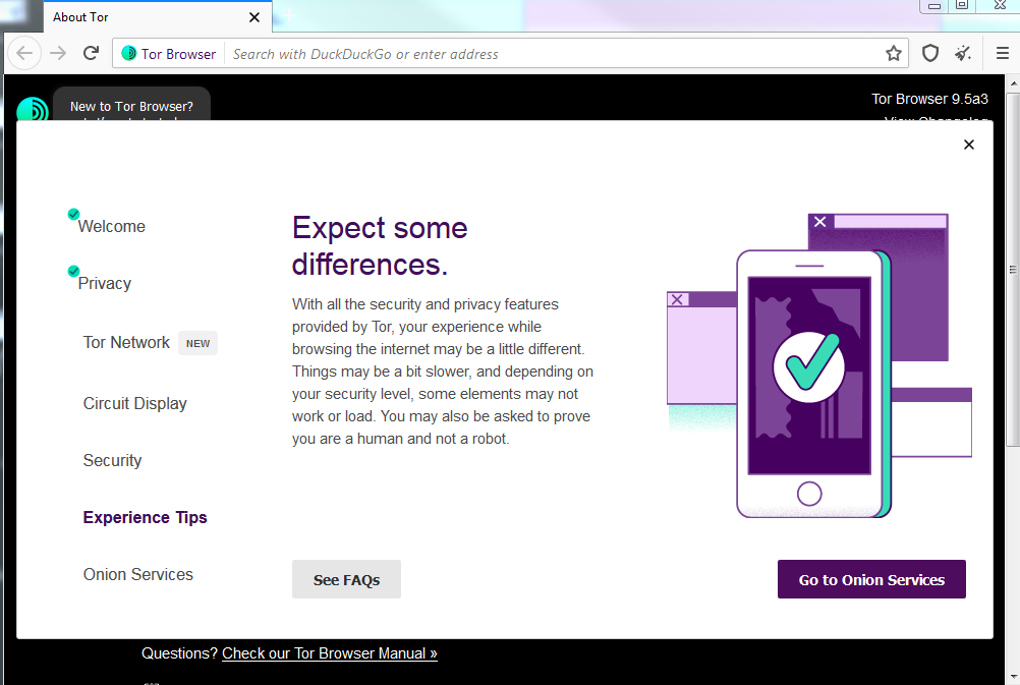
The linked package is Tor Browser 15.0.26 for Windows x86_64, listed in the publisher’s stable download table when checked. Windows 10 and 11 are supported; the 32-bit Windows package is a separate download. The gallery image is an older Windows interface showing Tor Browser 9.5a3, not a screenshot of this release.
Tor is a trademark of The Tor Project; all rights reserved. This SoftGalaxy entry is not endorsed or sponsored by, or affiliated with, The Tor Project.
What it offers
- Route browser traffic through three relays in the Tor network.
- Isolate websites and clear session cookies and browsing history when the session ends.
- Reduce browser fingerprinting with privacy-focused changes to Firefox ESR.
- Open onion services and access sites that may be blocked on your network.
- Use the included NoScript extension and security levels to control script execution.
Good to know
- Browsing can be slower than in a conventional browser because relay load and network latency affect performance.
- Stricter security levels can prevent websites from displaying or working correctly.
- Additional extensions are strongly discouraged by the publisher because they can compromise privacy and security.
Product images
Sources
References used for this listing. Retrieval dates do not indicate hands-on testing.
- Tor Browser for Desktop — Tor ↗Retrieved
- About Tor Browser — Tor ↗Retrieved
- Installing Tor Browser — Tor ↗Retrieved
- Cost to use Tor Browser — Tor ↗Retrieved
- Tor Browser speed — Tor ↗Retrieved
- Plugins — Tor ↗Retrieved
- Tor Browser - Download ↗Retrieved
- Tor Project — Copyright, Trademark and Brand Policy ↗Retrieved
More in utilities
View category ↗
1.1.1.1 with WARP 2026.8.2115.0
Encrypt traffic from your Mac to Cloudflare’s network with WARP, or use DNS-only mode for encrypted DNS queries to the 1.1.1.1 resolver.
1.1.1.1 with WARP 2026.8.2115.0
Encrypt traffic between your Windows PC and Cloudflare, or use encrypted DNS only, with the free 1.1.1.1 with WARP app.

3uTools 9.12.005
Manage iPhone and iPad photos, music, apps and backups from Windows with 3uTools, a free utility that also includes device checks and firmware flashing tools.