
Utilities Windows
Total Network Inventory
Audit network computers, organize hardware and software records, and export inventory reports with Total Network Inventory for Windows. A 30-day trial is available.
Version 6.9.0 · Direct publisher file
Link checked · Download guidance
What is Total Network Inventory?
Total Network Inventory is a Windows application for IT staff who need a searchable record of the computers and devices on a network. Scan individual computers, an IP range or an Active Directory structure, then organize the collected assets into groups with notes and inventory details. The publisher supports auditing Windows, macOS, Linux, FreeBSD and ESXi hosts, plus SNMP-capable network devices; these are scan targets, not separate native editions of the management application.
The reporting tools let you inspect an individual machine or combine fields from several assets into table reports. Reports can be printed or exported to formats including XLSX, PDF and CSV. Scheduled scans and report exports reduce repeated manual collection, while the change log compares scan snapshots to show hardware and software additions, removals and modifications.
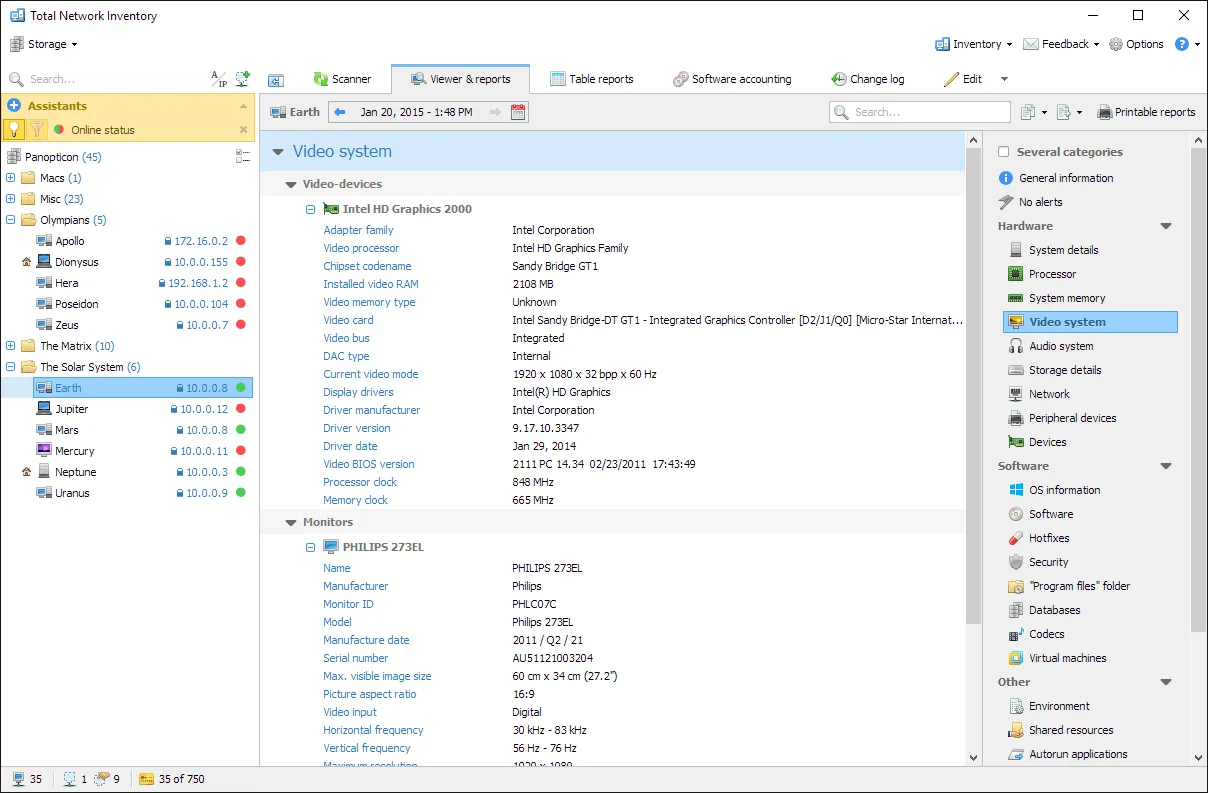
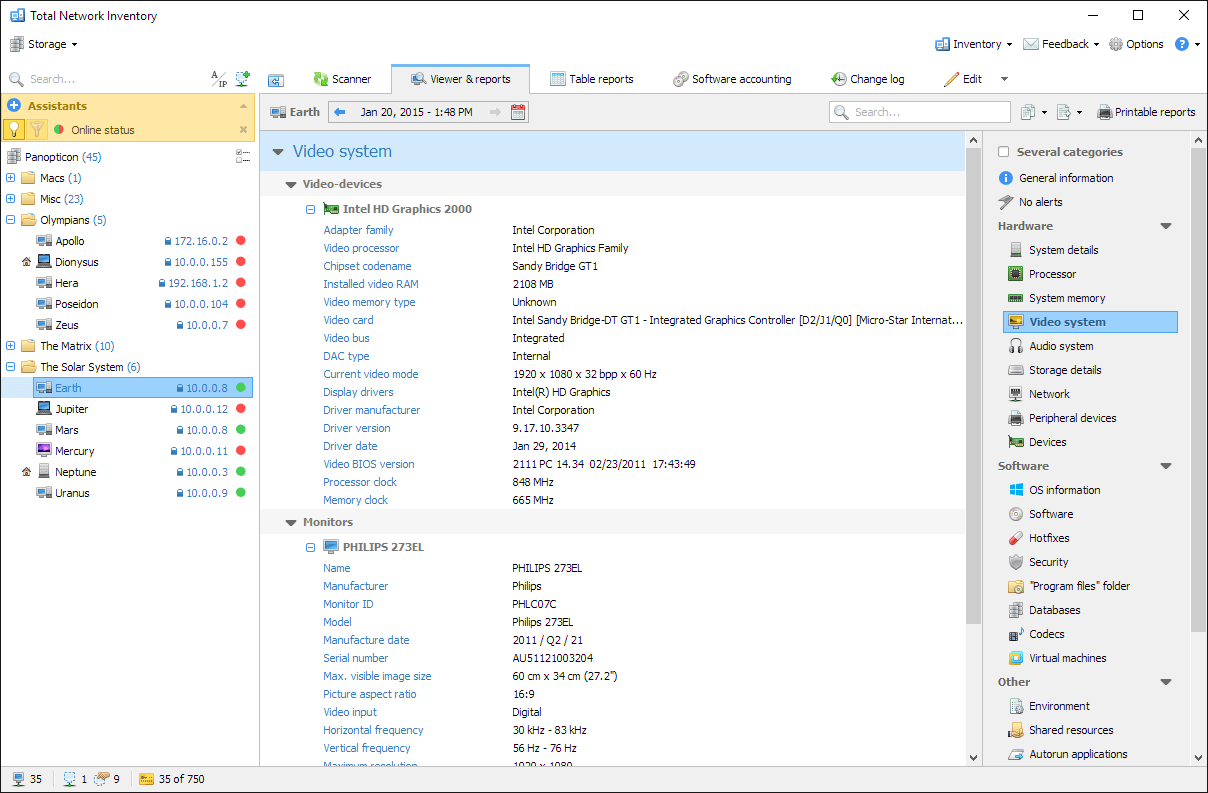
This is a commercial product with a 30-day trial, not a permanently free inventory tool. Remote scanning requires appropriate administrator credentials. Network-map editing and historical sensor analysis are described as Professional-edition features, so check the edition before buying for those workflows. The screenshot is a publisher-provided interface example with older sample data, not a capture from a test of version 6.9.0.
What it offers
- Scan individual hosts, network address ranges and Active Directory structures without preinstalling agents on remote computers.
- Group assets and attach notes, inventory labels, purchase details and custom information.
- Build hardware and software reports, with XLSX, PDF and CSV export options.
- Schedule inventory scans, Active Directory synchronization and report generation.
- Compare scan snapshots to track hardware and software changes.
Good to know
- The free trial lasts 30 days; continued use requires a paid license.
- Remote scanning requires administrator credentials; support for scanning macOS or Linux does not make the management application a native app for those systems.
- The publisher identifies network-map editing and historical sensor analysis as Professional-edition features.
Product images
Sources
References used for this listing. Retrieval dates do not indicate hands-on testing.
More in utilities
View category ↗
1.1.1.1 with WARP 2026.8.2115.0
Encrypt traffic from your Mac to Cloudflare’s network with WARP, or use DNS-only mode for encrypted DNS queries to the 1.1.1.1 resolver.
1.1.1.1 with WARP 2026.8.2115.0
Encrypt traffic between your Windows PC and Cloudflare, or use encrypted DNS only, with the free 1.1.1.1 with WARP app.

3uTools 9.12.005
Manage iPhone and iPad photos, music, apps and backups from Windows with 3uTools, a free utility that also includes device checks and firmware flashing tools.