

Utilities Windows
Total Uninstall for Windows
Analyze installed Windows programs or monitor new installations with Total Uninstall. This download is the Professional edition with a 30-day evaluation.
- Operating system
- Windows 7, 8, 8.1, 10 and 11; Windows Server 2016, 2019, 2022 and 2025
- Architecture
- 64-bit (x64)
- Download package
- EXE installer — Professional edition
Publisher lists native 64-bit Windows support and removal of 32-bit code. This link is the Professional evaluation, not Essential or Ultimate.
Link checked · Download guidance
What is Total Uninstall?
Total Uninstall helps remove Windows software by analyzing the files and registry entries associated with an installed program. Its Installed Programs module creates an installation log that can be used during removal. The Professional edition also monitors new installations so changes made during setup can be reviewed later.
Beyond uninstalling, the utility includes a cleaner for unnecessary files and registry entries, an autorun manager for startup programs, services and scheduled tasks, and program backup and restore. These tools suit users who want to inspect installation changes rather than rely only on a program’s supplied uninstaller.
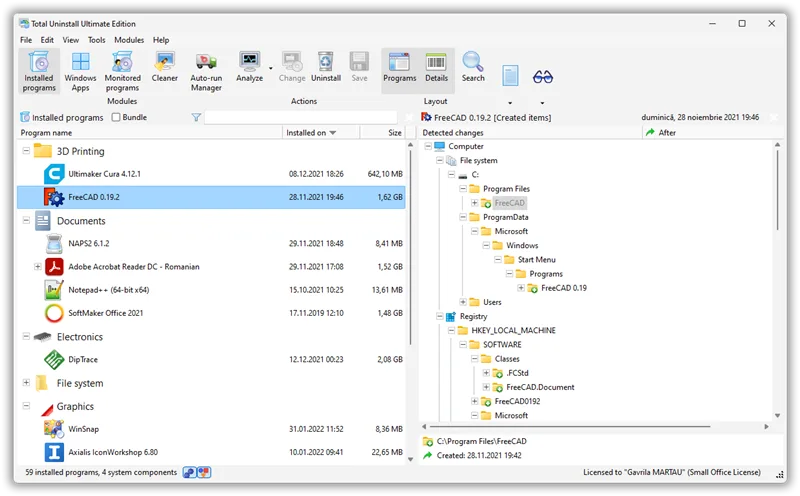
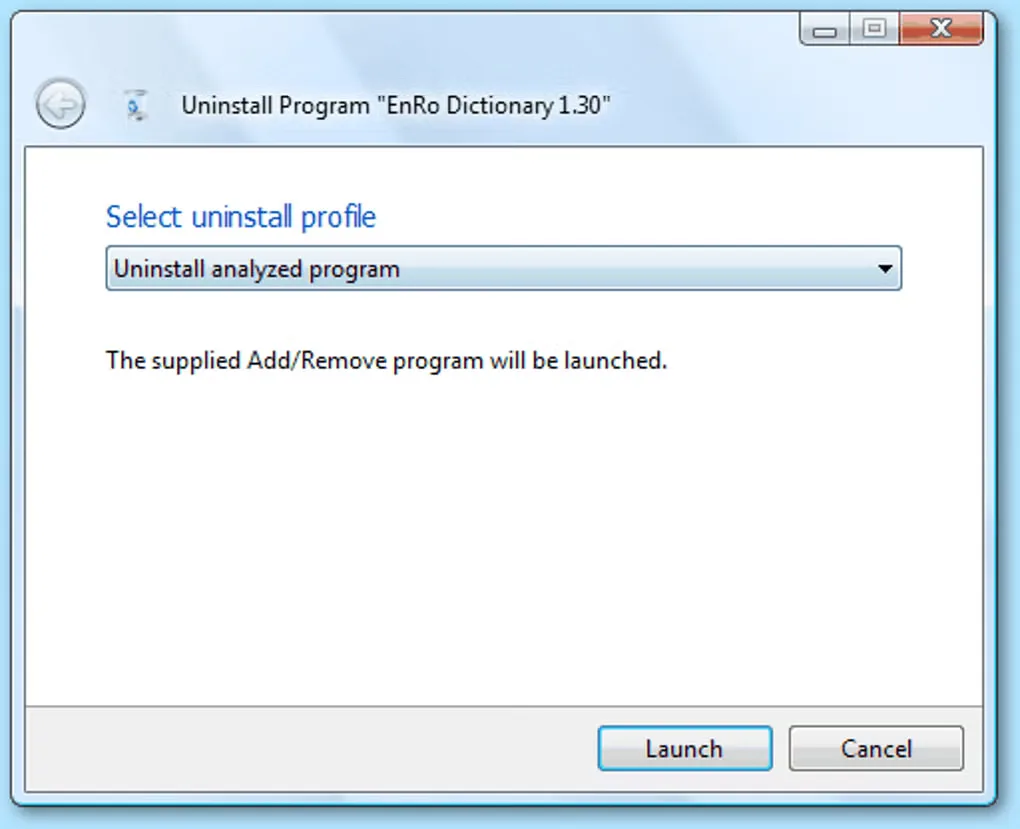
The linked EXE is the Professional edition for 64-bit Windows. It is an evaluation, not freeware: the publisher requires purchase and registration after 30 days. Features depend on the edition; Essential omits installation monitoring, while the command-line snapshot and restoration tool is reserved for Ultimate. The publisher main-window screenshot depicts Ultimate, and the Softonic gallery image shows an older uninstall dialog; neither establishes the exact appearance of version 7.6.2.
What it offers
- Analyze existing installations and inspect their detected file-system and registry changes.
- Monitor changes made by new installations in the Professional edition.
- Manage startup programs, services and scheduled tasks with Autorun Manager.
- Back up and restore programs, and remove unnecessary files and registry items with the cleaner.
Good to know
- Continued use after the 30-day evaluation requires purchase and registration.
- The current download is for 64-bit Windows; publisher release history says 32-bit and pre-Windows 7 code was removed.
- The Professional download does not include Ultimate’s command-line snapshot creation and program restoration tool.
Product images
Sources
References used for this listing. Retrieval dates do not indicate hands-on testing.
More in utilities
View category ↗
1.1.1.1 with WARP 2026.8.2115.0
Encrypt traffic from your Mac to Cloudflare’s network with WARP, or use DNS-only mode for encrypted DNS queries to the 1.1.1.1 resolver.
1.1.1.1 with WARP 2026.8.2115.0
Encrypt traffic between your Windows PC and Cloudflare, or use encrypted DNS only, with the free 1.1.1.1 with WARP app.

3uTools 9.12.005
Manage iPhone and iPad photos, music, apps and backups from Windows with 3uTools, a free utility that also includes device checks and firmware flashing tools.