

Utilities Windows
TranslucentTB for Windows
Customize Windows taskbar transparency, color and appearance with TranslucentTB. This download is the portable x64 ZIP for Windows 11.
- Operating system
- Windows 11 for this portable download
- Architecture
- x64
- Download package
- Portable ZIP archive
The project also supports Windows 10 through other distributions. ARM64 portable downloads are separate. Blur is restricted to Windows 10 and Windows 11 build 22000.
Link checked · Download guidance
What is TranslucentTB?
TranslucentTB changes how the Windows taskbar looks, from the regular Windows appearance to tinted, clear or acrylic styles. A color picker with alpha support and live preview helps match the taskbar to a desktop theme. Dynamic modes can switch its appearance when a window is visible or maximized, or when Start, Search or Task View is open.
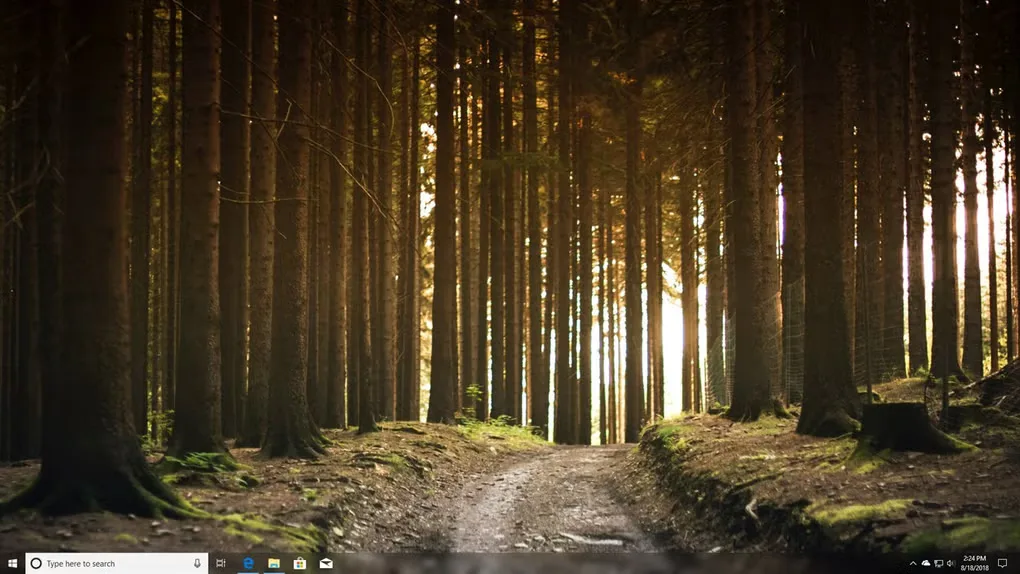
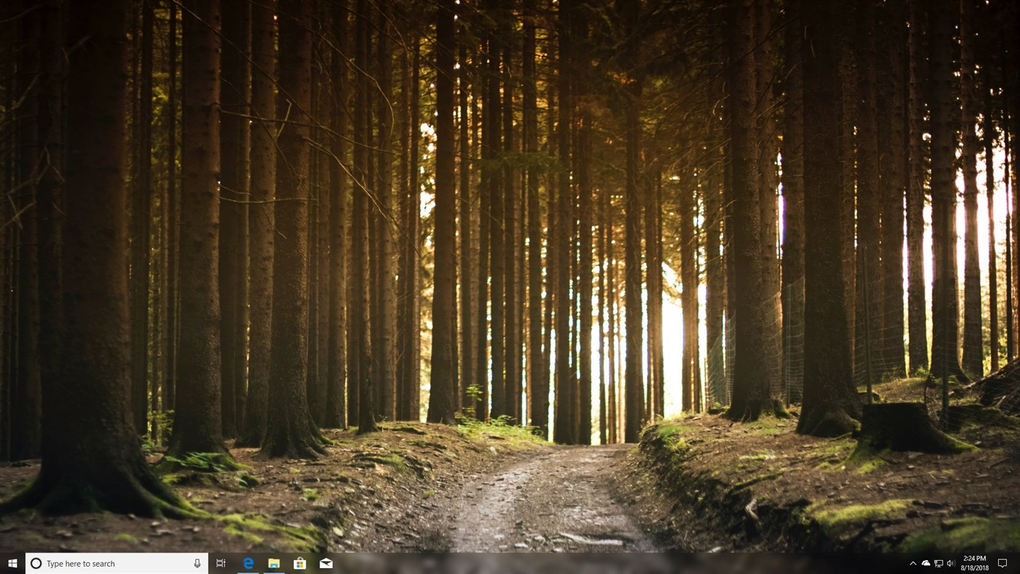
The project supports Windows 10 and Windows 11, but the portable x64 ZIP linked here is for Windows 11 only. Windows 10 users need a different distribution, such as the publisher’s Microsoft Store or App Installer option. Blur is also restricted: the publisher lists it for Windows 10 and Windows 11 build 22000 only. The screenshots illustrate taskbar effects from the source gallery, not a verified capture of release 2026.2.
What it offers
- Choose Normal, Opaque, Clear or Acrylic taskbar appearance.
- Adjust taskbar color and transparency with an alpha-aware color picker and live preview.
- Set different appearances for visible or maximized windows and for Start, Search and Task View.
- Show or hide the Windows 11 taskbar line according to the active dynamic mode.
Good to know
- The linked portable x64 ZIP requires Windows 11; it is not the Windows 10 distribution.
- Blur is available only on Windows 10 and Windows 11 build 22000, according to the publisher.
Product images

Sources
References used for this listing. Retrieval dates do not indicate hands-on testing.
More in utilities
View category ↗
1.1.1.1 with WARP 2026.8.2115.0
Encrypt traffic from your Mac to Cloudflare’s network with WARP, or use DNS-only mode for encrypted DNS queries to the 1.1.1.1 resolver.
1.1.1.1 with WARP 2026.8.2115.0
Encrypt traffic between your Windows PC and Cloudflare, or use encrypted DNS only, with the free 1.1.1.1 with WARP app.


3uTools 9.12.005
Manage iPhone and iPad photos, music, apps and backups from Windows with 3uTools, a free utility that also includes device checks and firmware flashing tools.