

Utilities Windows
TweakPower for Windows
Clean unwanted files, manage startup programs and change Windows settings with TweakPower, a free collection of PC maintenance and customization tools.
What is TweakPower?
TweakPower brings Windows cleanup, customization and maintenance controls into one application. It can remove temporary files and browser traces, manage startup programs and scheduled tasks, and expose settings for the desktop, input devices and network. File splitting, AES file encryption and system-information tools extend it beyond a basic cleaner.
The cleanup wizard separates analysis from deletion: the publisher's help describes a results view where individual items can be selected or excluded before cleaning. Backup and restore-point tools are also documented for system changes. Review the selected changes rather than treating every suggested cleanup or tweak as necessary.
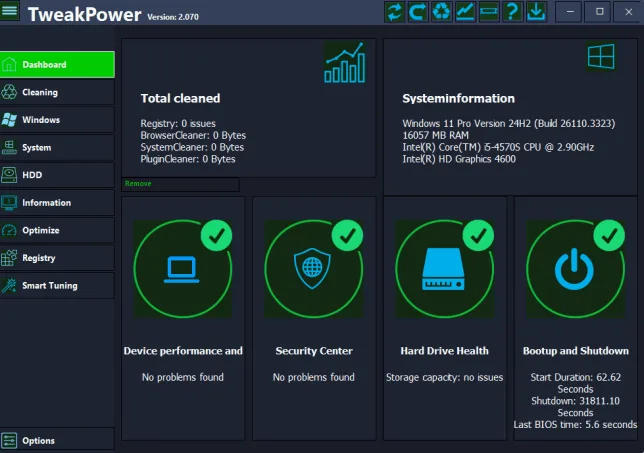
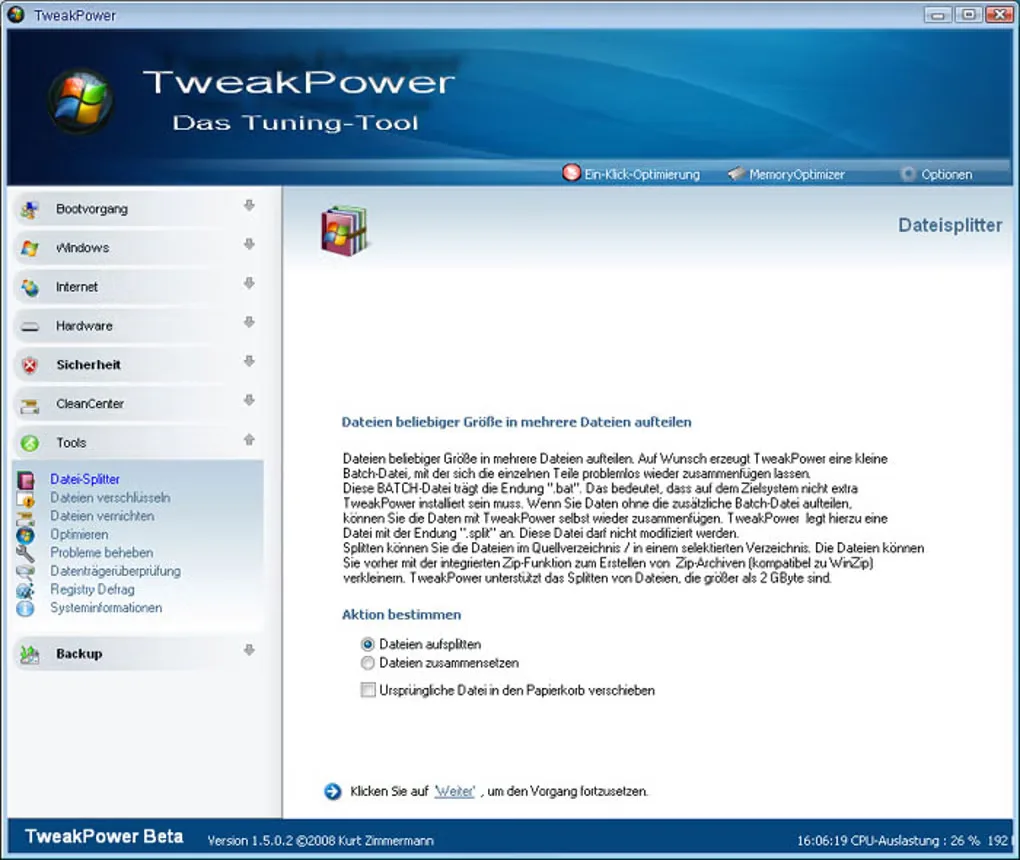
Some tools change the registry, security settings or running processes; the file shredder is intended for permanent deletion. Back up important data before using those functions. The presence of an optimization mode is not a measured performance improvement for your PC. The main publisher screenshot shows version 2.070, while the publisher download label identifies 2.076; the additional German-language screenshot is a historical beta interface, not the current release.
What it offers
- Analyze cleanup results and choose individual files or entries before deletion.
- Manage startup programs, scheduled tasks and Windows customization settings.
- Access registry backup, restore-point and tweak-undo tools documented by the publisher.
- Split files, encrypt files with AES and view hardware and software information.
- Use Economy and Game modes that adjust power consumption or background processes.
Good to know
- Registry, security and process changes can affect Windows behavior; review each change and retain a backup before applying it.
- The file shredder is intended to delete data permanently; do not use it on files you may need to recover.
- Publisher optimization claims are not independent performance measurements; no speed, battery-life or stability gain is established here.
Product images
Sources
References used for this listing. Retrieval dates do not indicate hands-on testing.
More in utilities
View category ↗
1.1.1.1 with WARP 2026.8.2115.0
Encrypt traffic from your Mac to Cloudflare’s network with WARP, or use DNS-only mode for encrypted DNS queries to the 1.1.1.1 resolver.
1.1.1.1 with WARP 2026.8.2115.0
Encrypt traffic between your Windows PC and Cloudflare, or use encrypted DNS only, with the free 1.1.1.1 with WARP app.

3uTools 9.12.005
Manage iPhone and iPad photos, music, apps and backups from Windows with 3uTools, a free utility that also includes device checks and firmware flashing tools.