
Utilities macOS
Ukelele
Create custom Unicode keyboard layouts for macOS with Ukelele, a free graphical editor for assigning characters, strings and dead keys.
- Operating system
- macOS 12.0 Monterey or later
- Architecture
- Not specified in the current publisher download table
- Download package
- DMG disk image
This link is for version 3.7.0. The publisher lists separate older packages for earlier macOS releases.
Link checked · Download guidance
What is Ukelele?
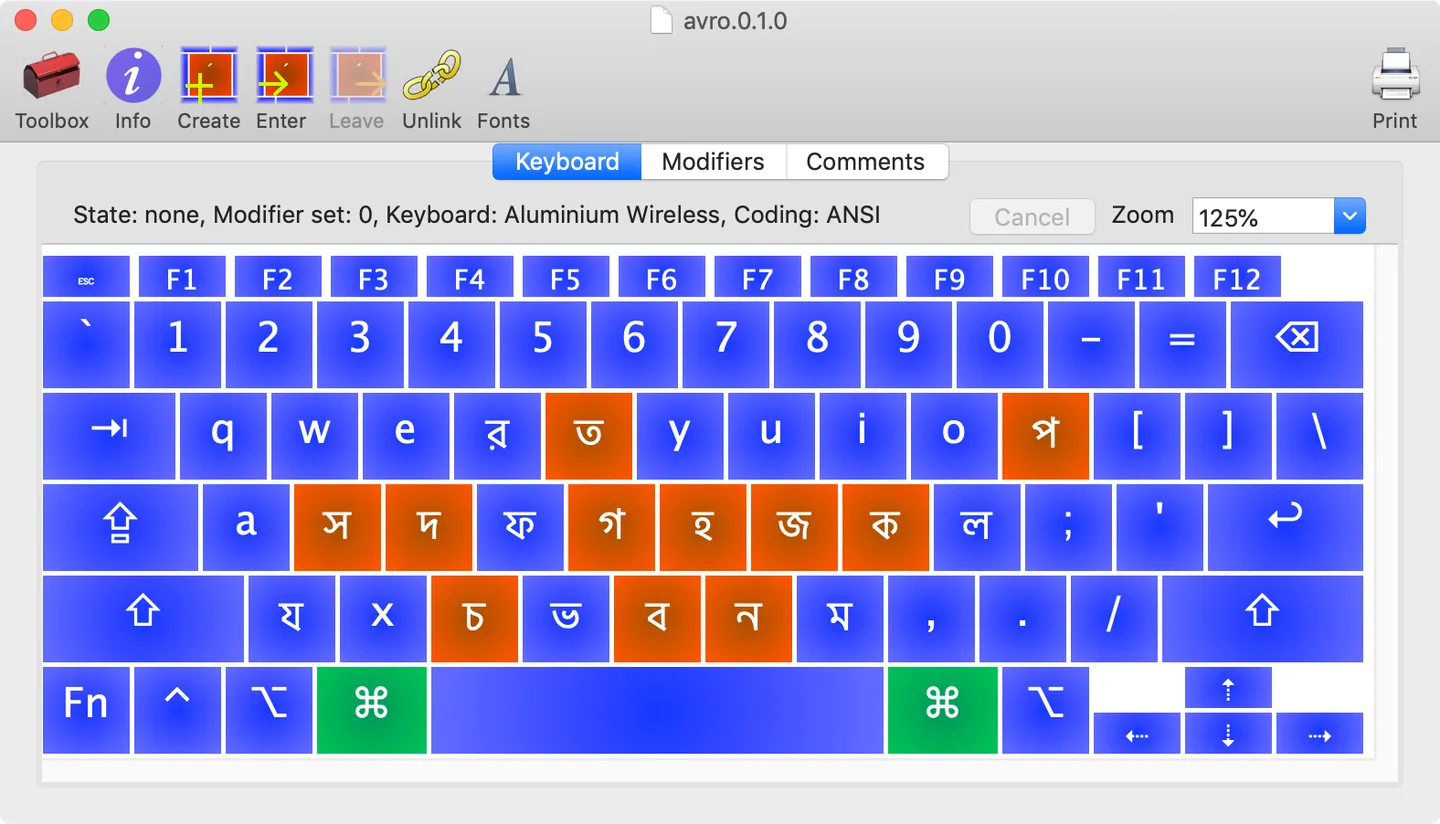
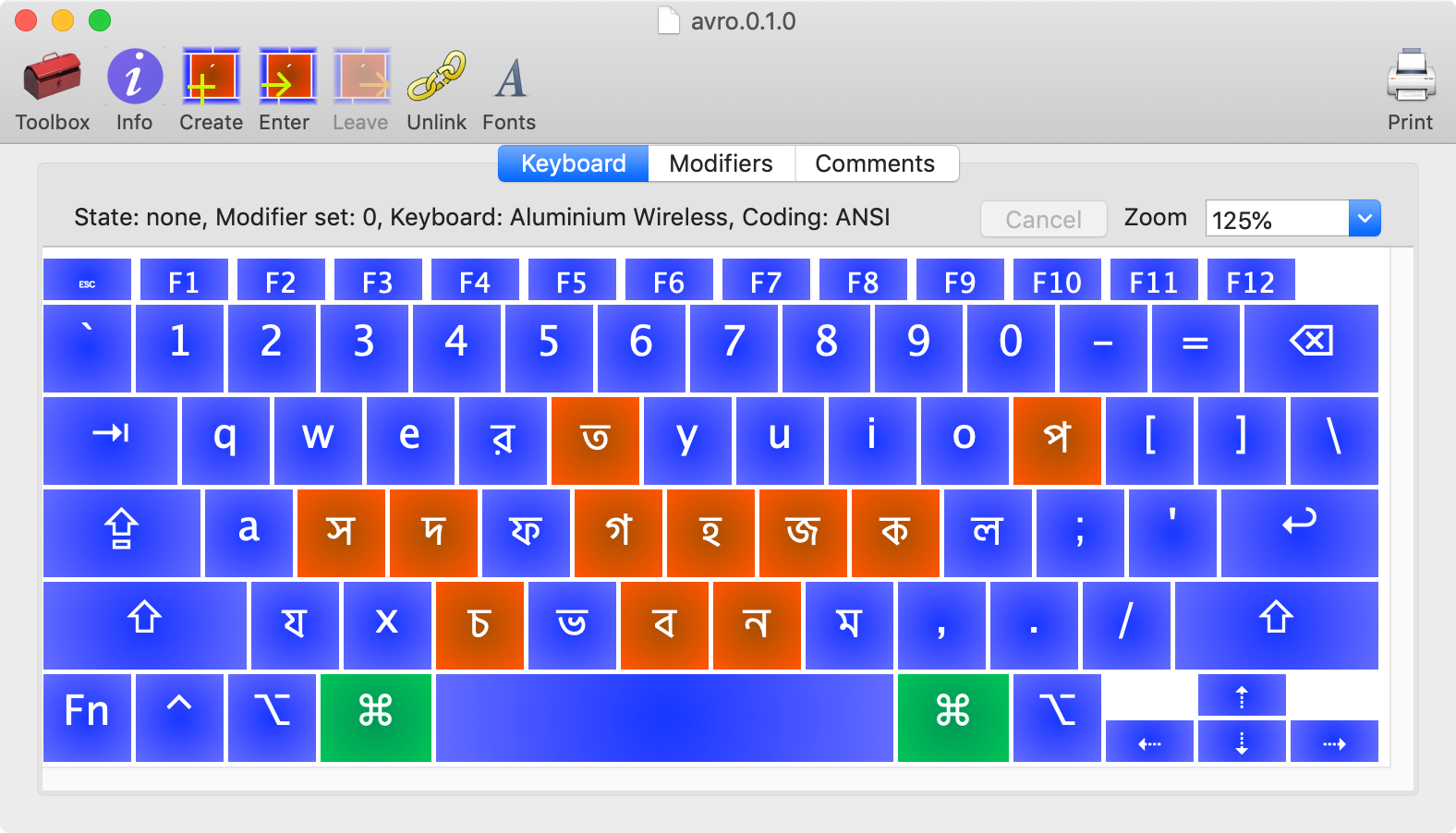
Ukelele lets you create or modify macOS Unicode keyboard layouts through a graphical keyboard rather than editing XML by hand. Drag characters onto keys, assign a string to a key or define dead keys that change the output of the next keystroke. It suits custom typing layouts for languages and special characters.
The linked Ukelele 3.7.0 disk image requires macOS 12.0 Monterey or later. Older macOS releases need a different package from the publisher. Keyboard output is limited to 20 UTF-16 code units per key, so a key cannot hold an arbitrarily long text snippet. The current layout organiser manages layouts for the current user; its former all-users installation option has been removed.
What it offers
- Edit Unicode keyboard layouts with a graphical keyboard instead of hand-editing XML.
- Drag and drop characters onto keys.
- Assign multiple-character strings to keys.
- Create dead keys that modify subsequent keystrokes.
Good to know
- Version 3.7.0 requires macOS 12.0 or later; earlier macOS releases need an older package.
- Each key output is limited to 20 UTF-16 code units by macOS.
- The layout organiser manages the current user's layouts; the all-users installation option has been removed.
Product images
Sources
References used for this listing. Retrieval dates do not indicate hands-on testing.
More in utilities
View category ↗
1.1.1.1 with WARP 2026.8.2115.0
Encrypt traffic from your Mac to Cloudflare’s network with WARP, or use DNS-only mode for encrypted DNS queries to the 1.1.1.1 resolver.
1.1.1.1 with WARP 2026.8.2115.0
Encrypt traffic between your Windows PC and Cloudflare, or use encrypted DNS only, with the free 1.1.1.1 with WARP app.

3uTools 9.12.005
Manage iPhone and iPad photos, music, apps and backups from Windows with 3uTools, a free utility that also includes device checks and firmware flashing tools.