

Utilities Windows
UltiMaker Cura for Windows
Prepare 3D models for printing with UltiMaker Cura, a free, open-source slicer with recommended profiles and detailed print settings. This download is the Windows x64 EXE installer.
- Operating system
- Windows (64-bit)
- Architecture
- x64
- Download package
- EXE installer
Publisher also offers a separate MSI. Minimum: 4 GB RAM, 1.3 GB disk space and OpenGL 2; OpenGL 4.1 is required for 3D layer view.
Link checked · Download guidance
What is UltiMaker Cura?
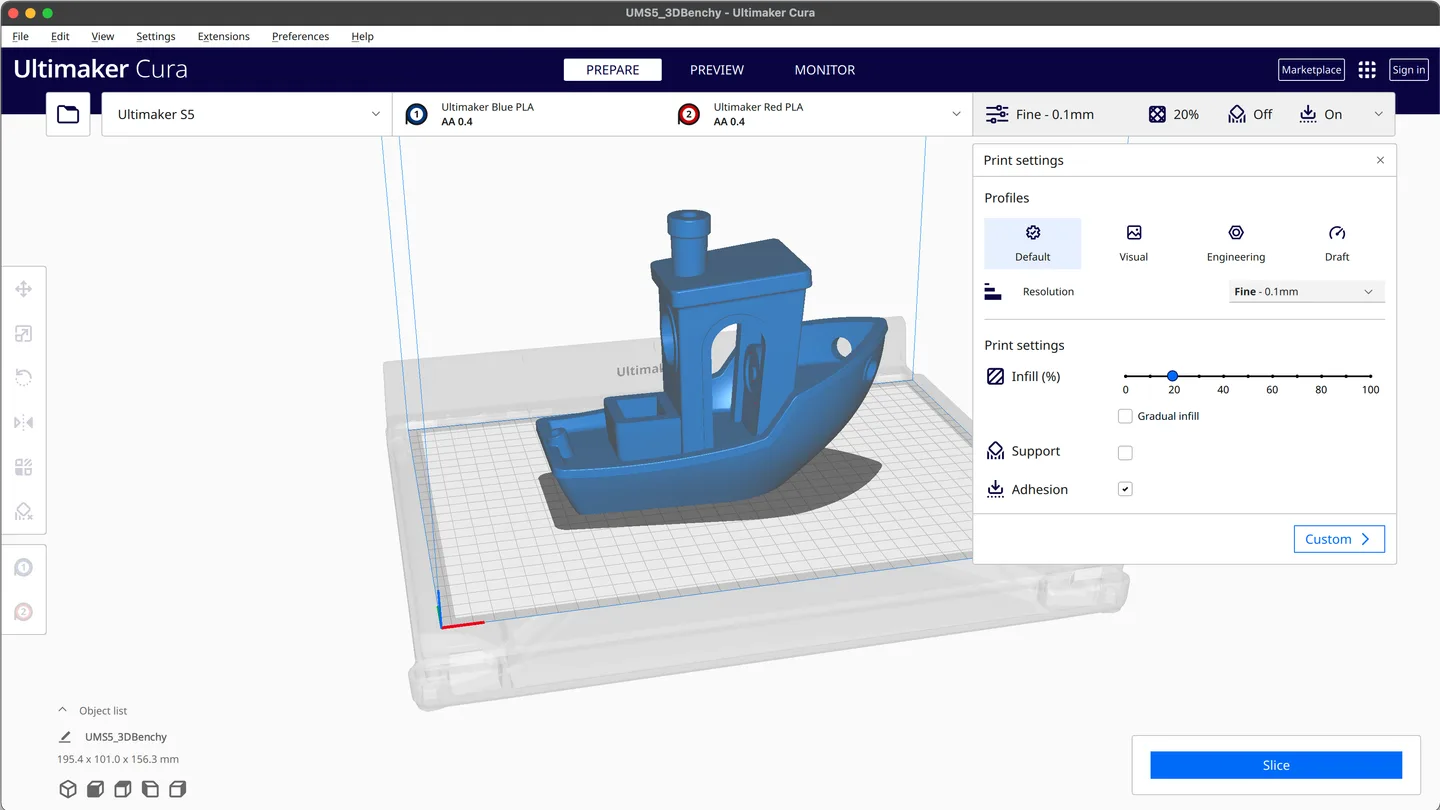
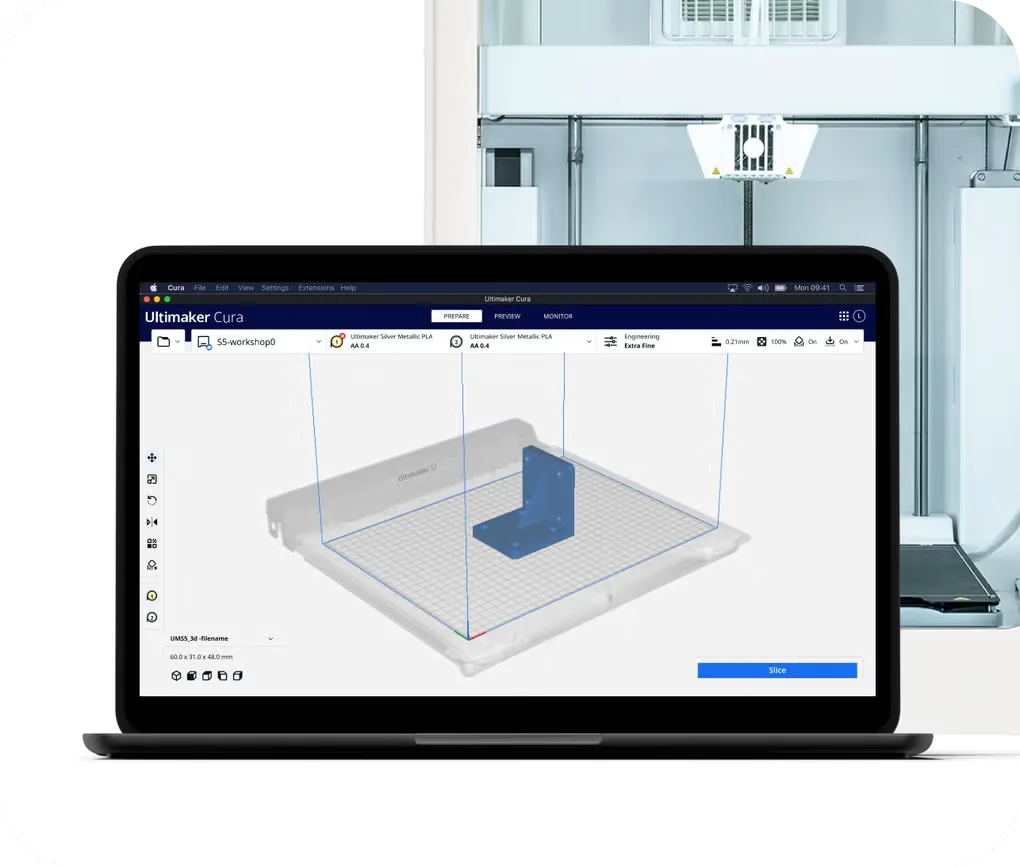
UltiMaker Cura turns 3D model preparation into a slicing workflow: choose a printer and material profile, position your model, and adjust the print settings before slicing. Recommended profiles provide a starting point, while Custom mode exposes more than 400 settings for finer control. It suits people who want a dedicated print-preparation tool rather than a general-purpose modeling application.
The UltiMaker Marketplace supplies additional material profiles and plugins to extend the workflow. Release 5.13.0 adds Factor 4+ printer profiles, new infill and support controls, and a Windows installation option for file associations. The link here selects the publisher's Windows x64 EXE; the publisher also lists an MSI package separately.
Check graphics support before relying on layer visualization: the publisher requires OpenGL 4.1 for the 3D layer view. Cura is 64-bit only, so it is not suitable for 32-bit Windows systems. Memory and processing requirements depend on the size of the models you load. The screenshots are publisher/source illustrations of Cura's interface, not evidence that this Windows installer was run; their macOS window controls and older appearance may differ from the selected release.
What it offers
- Prepare 3D models for printing with an open-source slicing engine and printer profiles.
- Start with recommended profiles or use Custom mode for more than 400 print settings.
- Add material profiles and print-preparation plugins through the UltiMaker Marketplace.
- Use the infill and support settings introduced in 5.13.0, including Lightning support infill.
Good to know
- Cura is 64-bit only; older 32-bit systems are not supported.
- The 3D layer view requires OpenGL 4.1. Not all Intel integrated graphics support that version.
- RAM, CPU and GPU requirements depend on the size of the loaded 3D models; the publisher lists 4 GB RAM minimum and 8 GB recommended.
Product images
Sources
References used for this listing. Retrieval dates do not indicate hands-on testing.
- UltiMaker Cura: 3D Printing and Slicing Software Download ↗Retrieved
- Release UltiMaker Cura 5.13.0 — Ultimaker/Cura ↗Retrieved
- Official GitHub release metadata for Cura 5.13.0 ↗Retrieved
- Cura 5.13.0 license — GNU Lesser General Public License version 3 ↗Retrieved
- UltiMaker Cura system requirements ↗Retrieved
- Ultimaker/Cura — official project README and interface illustration ↗Retrieved
- Ultimaker Cura - Download — Windows product page and gallery ↗Retrieved
More in utilities
View category ↗
1.1.1.1 with WARP 2026.8.2115.0
Encrypt traffic from your Mac to Cloudflare’s network with WARP, or use DNS-only mode for encrypted DNS queries to the 1.1.1.1 resolver.
1.1.1.1 with WARP 2026.8.2115.0
Encrypt traffic between your Windows PC and Cloudflare, or use encrypted DNS only, with the free 1.1.1.1 with WARP app.

3uTools 9.12.005
Manage iPhone and iPad photos, music, apps and backups from Windows with 3uTools, a free utility that also includes device checks and firmware flashing tools.