

Utilities Windows
Ultra Adware Killer for Windows
Scan Windows user accounts for adware, review unwanted browser changes and remove selected items with Ultra Adware Killer, a second-opinion scanner without real-time protection.
Version 10.9.12.0 · Direct publisher file
Link checked · Download guidance
What is Ultra Adware Killer?
Ultra Adware Killer is Carifred's on-demand adware and malware removal tool for Windows. It can scan across user accounts, helping you review unwanted programs, browser extensions, search providers and changed home pages without repeating a scan under each account. You choose which detected items to remove or repair rather than treating every browser reset option as a required action.
The publisher documents custom scans of files and folders, a whitelist for items you want to keep, and separate scan and removal logs. Browser configuration resets are available when ordinary cleanup does not resolve an unwanted change. Some Chromium- and Firefox-based browsers are only partially supported.
The free version supports manual use; a paid PRO license adds scheduled scans and extended command-line automation. This is not a replacement for an antivirus with real-time protection. Review the selected cleanup actions carefully: the publisher warns that incorrect use of its removal tools can damage the operating system.
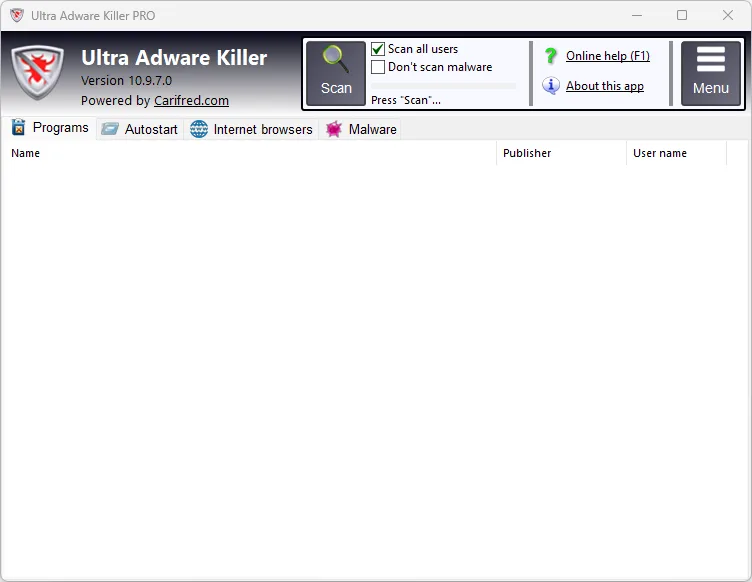
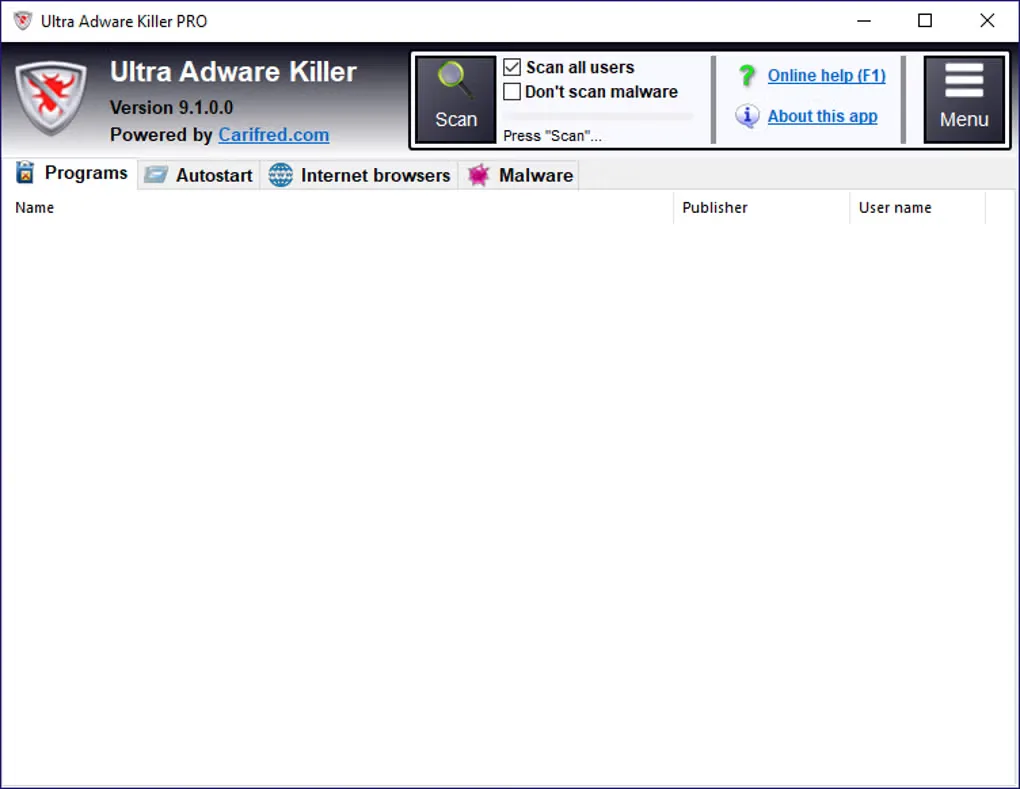
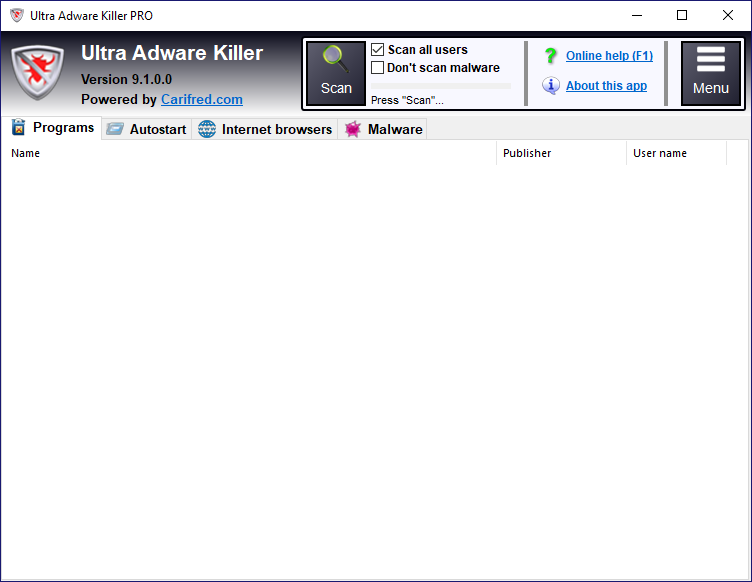
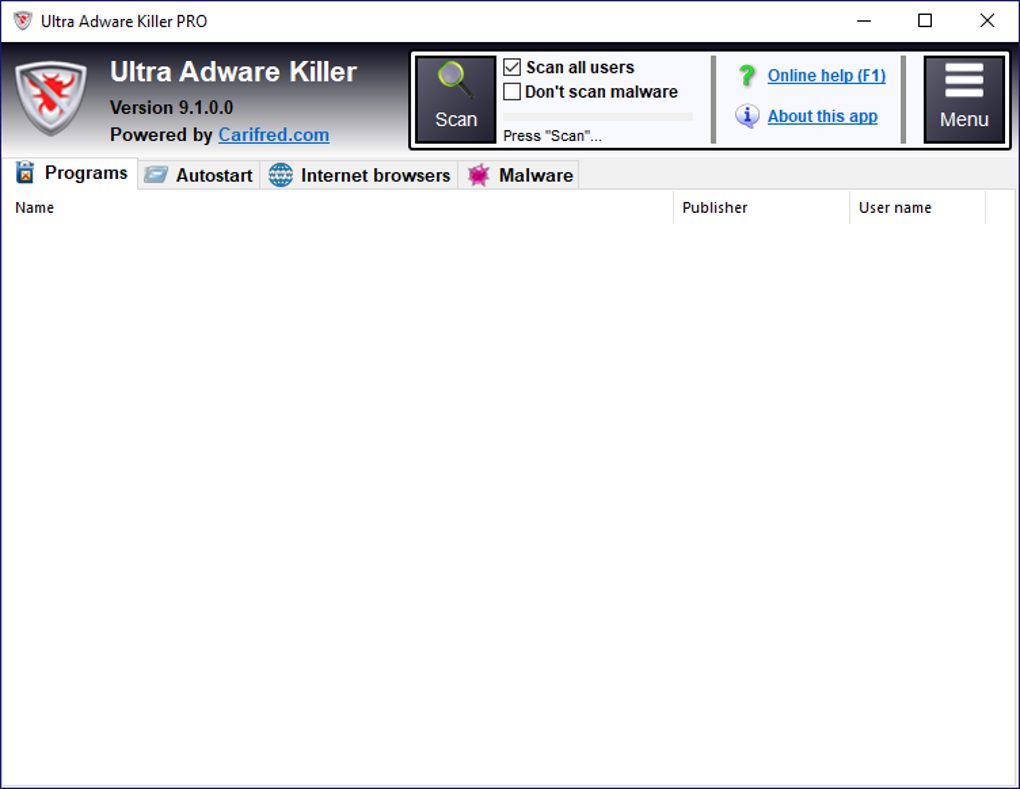
The publisher lists version 10.9.12.0, while Softonic lists 10.9.11.0. The linked EXE is the publisher's unversioned download endpoint, not an independently inspected or tested build. The screenshots are source-provided illustrations of older PRO interfaces, showing versions 10.9.7.0 and 9.1.0.0 rather than the listed release.
What it offers
- Scan all Windows user accounts, or restrict the scan to the current user while still scanning the SYSTEM account.
- Review detected unwanted programs and browser changes before selecting items for removal or repair.
- Run custom malware scans of selected files or folders, with an option to include subfolders.
- Whitelist items to exclude them from subsequent detections and import or export the whitelist.
- Read scan and removal logs; use scheduled scans and extended command-line automation with a PRO license.
Good to know
- No real-time protection: the publisher describes it as a second-opinion scanner, not an antivirus replacement.
- Scheduled scans and extended command-line automation require a paid PRO license.
- Support for some Chromium- and Firefox-based browsers is partial; review browser reset and cleanup selections before applying them.
- The publisher warns that incorrect use of its removal tools can cause operating-system damage or data loss.
Product images
Sources
References used for this listing. Retrieval dates do not indicate hands-on testing.
More in utilities
View category ↗
1.1.1.1 with WARP 2026.8.2115.0
Encrypt traffic from your Mac to Cloudflare’s network with WARP, or use DNS-only mode for encrypted DNS queries to the 1.1.1.1 resolver.
1.1.1.1 with WARP 2026.8.2115.0
Encrypt traffic between your Windows PC and Cloudflare, or use encrypted DNS only, with the free 1.1.1.1 with WARP app.

3uTools 9.12.005
Manage iPhone and iPad photos, music, apps and backups from Windows with 3uTools, a free utility that also includes device checks and firmware flashing tools.