

Utilities macOS
Ultracopier for macOS
Manage file-copy and move jobs on Mac with Ultracopier, using a transfer queue, error handling and collision controls. It does not replace Finder’s copy operations.
What is Ultracopier?
Ultracopier manages file-copy and move jobs in a separate transfer window. It suits transfers where you want to queue files, review progress and decide what happens when a destination file already exists. The project supports plugins and interface skins, and the publisher offers a free edition alongside an Ultimate upgrade.
On macOS, it does not intercept Finder’s normal copy and move operations: start jobs through Ultracopier instead. The developer also warns that Mac binaries are not reliably maintained and may be incompatible with a particular macOS release; building from source with Qt is the documented alternative. The linked publisher DMG is named for version 3.1.0.7, but its availability is not proof of compatibility.
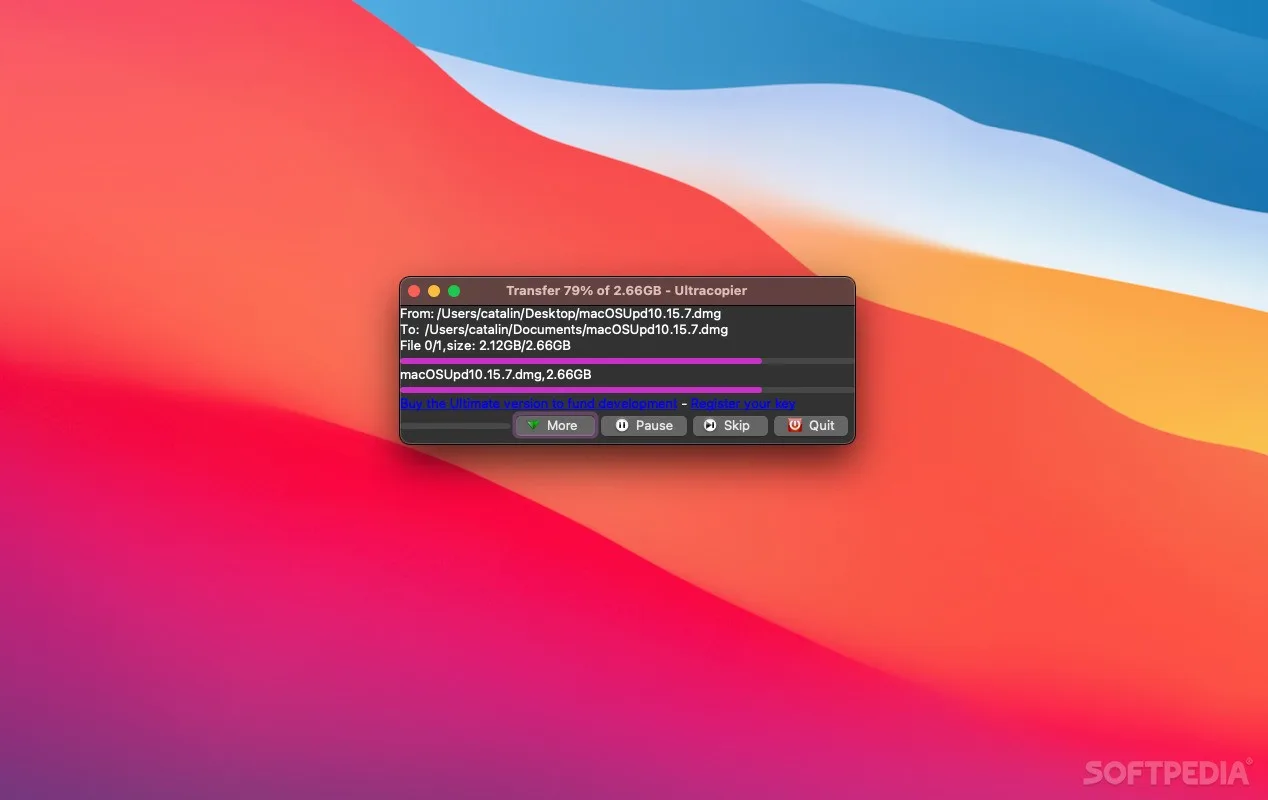
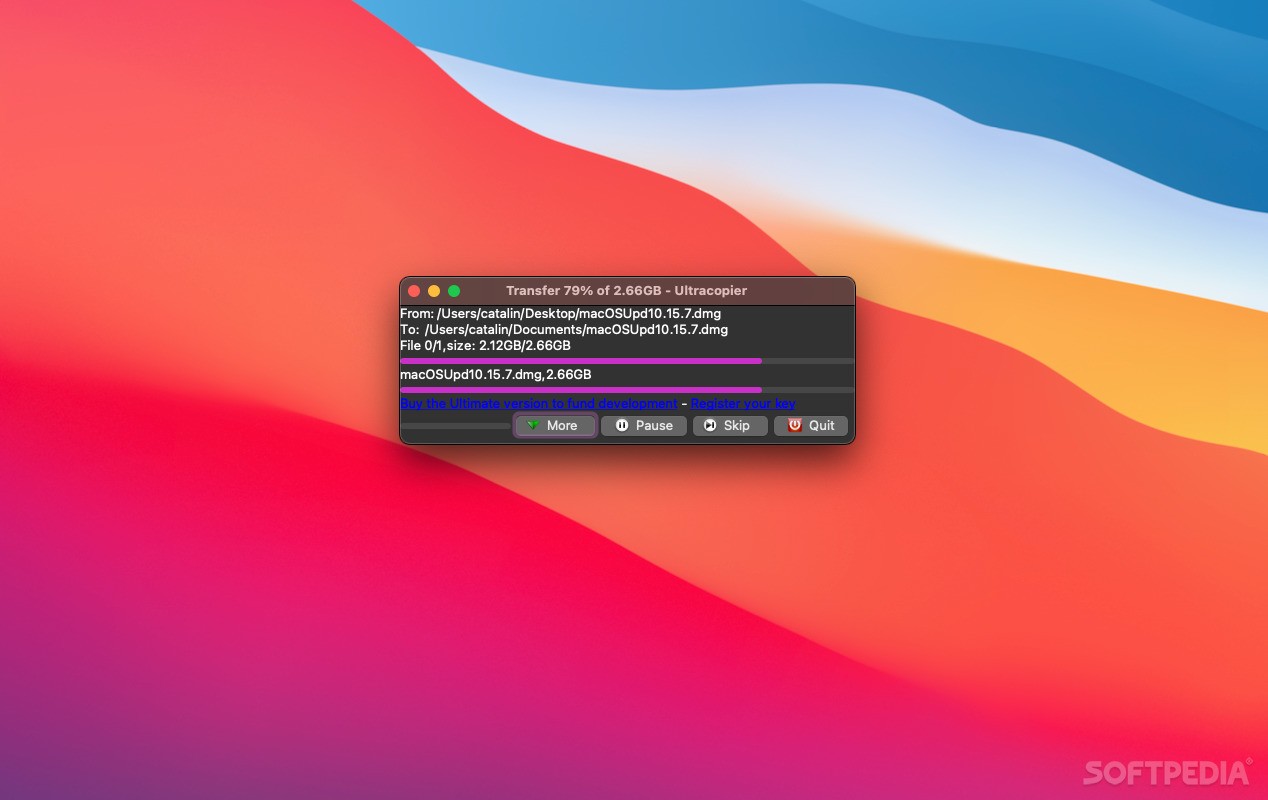
The publisher’s edition comparison lists checksum verification, pause and speed limiting under Ultimate. Do not assume every feature described for the project is included in the free binary. The screenshot shows a source-published Mac transfer window, not a test of the linked build.
What it offers
- Queue file-copy and move jobs in a dedicated transfer window.
- Choose how to handle errors and existing destination files.
- View transfer progress and manage the copy list.
- Customize the application with supported skins and plugins.
Good to know
- No Finder integration on macOS; ordinary Finder copy and move operations are not intercepted.
- The developer warns that macOS binaries may be incompatible with your system and recommends a Qt source build when needed.
- The publisher lists checksum verification, pause and speed limiting as Ultimate features; free-edition availability should not be assumed.
Product images
Sources
References used for this listing. Retrieval dates do not indicate hands-on testing.
More in utilities
View category ↗
1.1.1.1 with WARP 2026.8.2115.0
Encrypt traffic from your Mac to Cloudflare’s network with WARP, or use DNS-only mode for encrypted DNS queries to the 1.1.1.1 resolver.
1.1.1.1 with WARP 2026.8.2115.0
Encrypt traffic between your Windows PC and Cloudflare, or use encrypted DNS only, with the free 1.1.1.1 with WARP app.

3uTools 9.12.005
Manage iPhone and iPad photos, music, apps and backups from Windows with 3uTools, a free utility that also includes device checks and firmware flashing tools.