

Development Windows
Unity Hub for Windows
Manage Unity Editor versions, install build modules and organize projects with Unity Hub for Windows. The Editor is a separate download managed through the Hub.
- Operating system
- Windows 10 version 21H1 or later (64-bit), or Windows 11
- Architecture
- x64
- Download package
- EXE installer
This is Hub 3.22.4 for x64; Unity also lists a separate ARM64 installer. Unity ID sign-in required. Editor and build modules are separate downloads with their own requirements.
Link checked · Download guidance
What is Unity Hub?
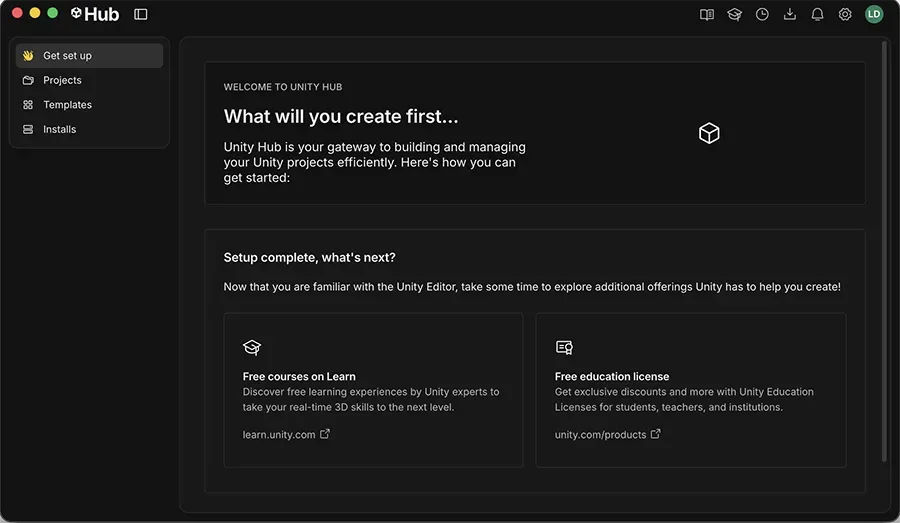
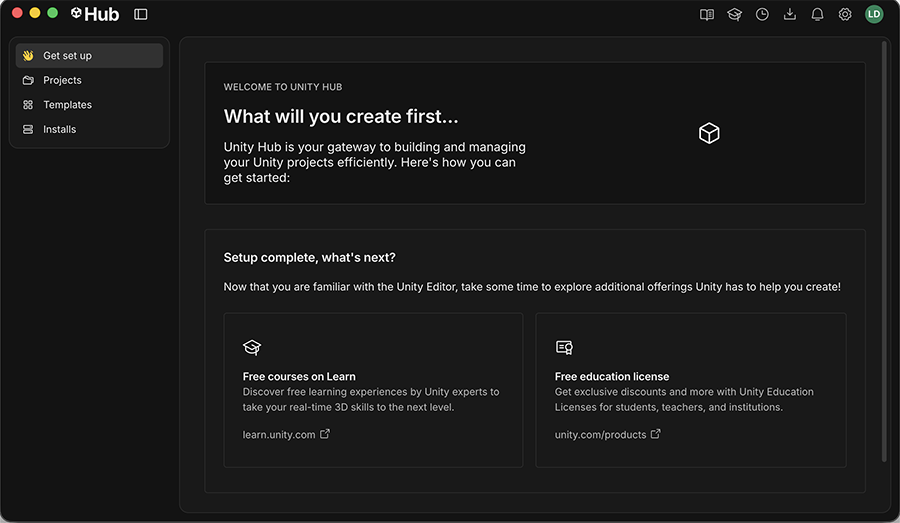
Unity Hub keeps Unity projects and Editor installations in one place. Use it to install the Editor version a project needs, locate an Editor already on your disk, or create a project from a template. It is useful when different projects depend on different Editor releases rather than one shared installation.
The linked file is the Windows x64 EXE installer for Hub 3.22.4, not the Unity Editor or a complete set of build tools. Sign in with a Unity ID, then choose an Editor version and the optional platform modules you need. Editor use depends on your Unity license and plan eligibility; downloading Hub does not remove those requirements.
Module management has an important boundary: Hub can add modules only to Editors installed through Hub. It can list a manually installed Editor, but Unity directs users to reinstall that Editor through Hub before adding modules this way.
What it offers
- Manage multiple Unity Editor installations for projects with different version requirements.
- Create projects from templates and open existing projects in the Unity Editor.
- Locate Editor installations already present on your computer.
- Select optional Editor modules for platform build support, language packs and developer tools.
- View, activate and return supported Unity licenses from Hub settings.
Good to know
- Hub is not the Unity Editor; Editors and optional build modules must be downloaded separately.
- Using Hub requires signing in with a Unity ID, and Editor use remains subject to Unity licensing and plan eligibility.
- Adding modules through Hub requires an Editor installed through Hub; a manually installed Editor must be reinstalled through Hub for this workflow.
Product images
Sources
References used for this listing. Retrieval dates do not indicate hands-on testing.
- Unity Hub — official introduction ↗Retrieved
- Install the Hub on Windows or macOS ↗Retrieved
- Download and install the Unity Editor ↗Retrieved
- Add modules to a Unity Editor installation ↗Retrieved
- Managing licenses ↗Retrieved
- Unity Terms of Service ↗Retrieved
- Unity Editor Software Terms ↗Retrieved
- Unity Hub official Windows update manifest ↗Retrieved
- Unity Hub release notes ↗Retrieved
- Unity manual — publisher identity and icon provenance only ↗Retrieved
- Unity Hub introduction — publisher UI illustration ↗Retrieved
More in development
View category ↗
010 Editor 17.0
Inspect and edit binary files on Mac with 010 Editor, a paid text and hex editor with Binary Templates, file comparison and a 30-day trial.
010 Editor 17.0
Inspect and edit binary files with 010 Editor for Windows, a text and hex editor with Binary Templates, file comparison and scripting. Includes a 30-day trial.
10x Editor
Edit and navigate C++ projects on Windows with a built-in parser, workspace search and Visual Studio project support. A paid license is required after the 30-day trial.