
Utilities macOS
Universal G-code Sender
Send G-code to supported CNC controllers, inspect toolpaths in 3D and edit commands with free, open-source Universal G-code Sender for Mac. This download is the Apple Silicon package.
- Operating system
- macOS; minimum version for 2.1.27 not specified on the consulted publisher pages
- Architecture
- ARM64 / Apple Silicon
- Download package
- DMG disk image with bundled Java
Selected download is macosx-aarch64-ugs-platform-app-2.1.27.dmg. The publisher lists a separate Intel x64 DMG.
Link checked · Download guidance
What is Universal G-code Sender?
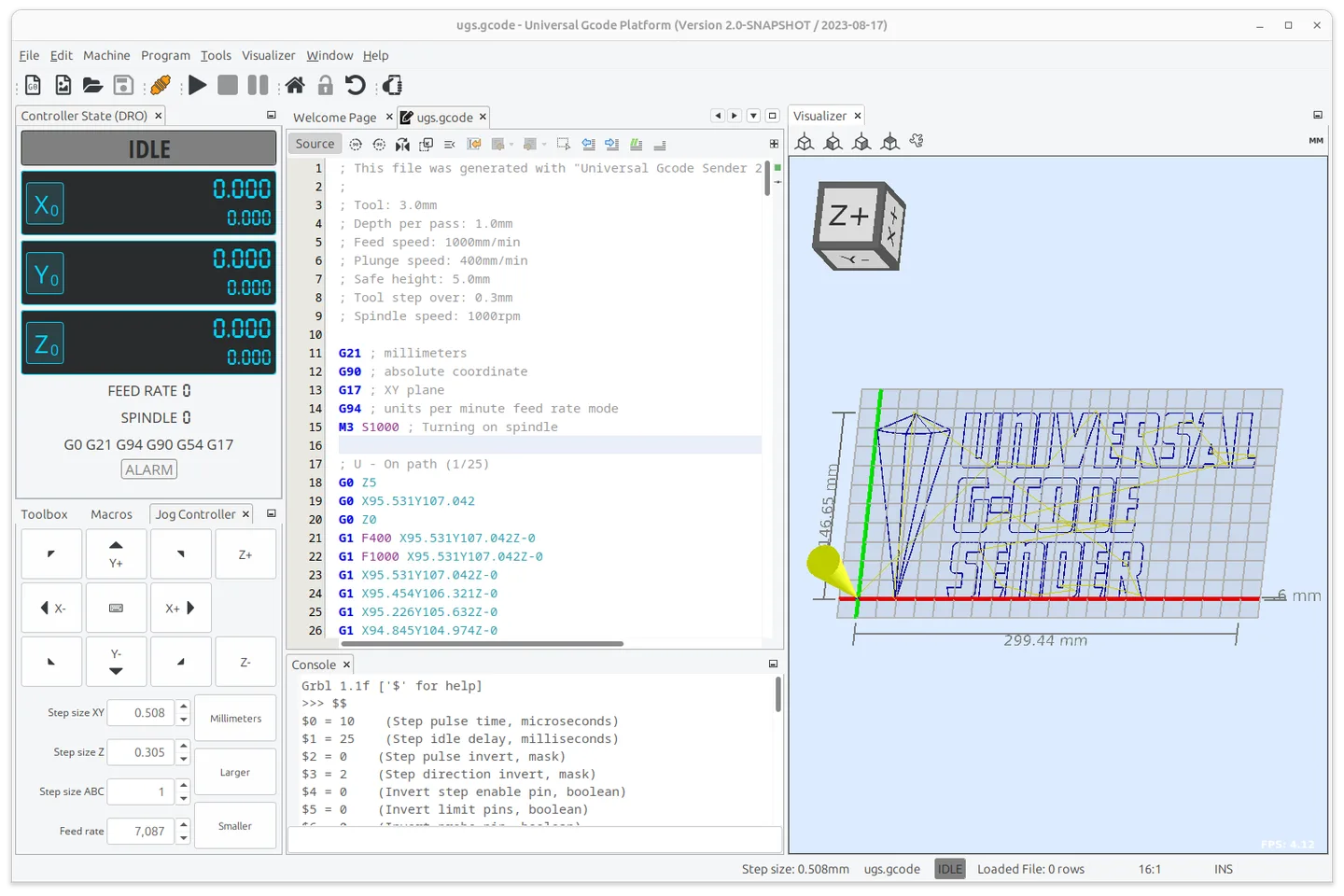
Universal G-code Sender (UGS) connects a computer to supported CNC controllers, including GRBL, FluidNC, TinyG, g2core and Smoothieware. Its Platform interface brings a G-code editor, a 3D toolpath visualizer and configurable panels into one workspace. It suits operators who want to inspect a job and work with their controller from the same application.
The visualizer uses color-coded line segments and offers real-time tool-position feedback. UGS also provides real-time overrides, a designer with laser-engraver support, configurable G-code optimization and gamepad or joystick controls. Optimization options include removing comments and whitespace, reducing decimal precision and converting arcs to line segments.
The linked version 2.1.27 DMG is for Apple Silicon Macs and includes Java. Intel Macs have a separate package on the publisher's download page; this link is not the Intel build. The publisher pages consulted do not specify a minimum macOS version for this release. The installation guide also notes that cached files may need clearing if UGS stops working properly after an upgrade.
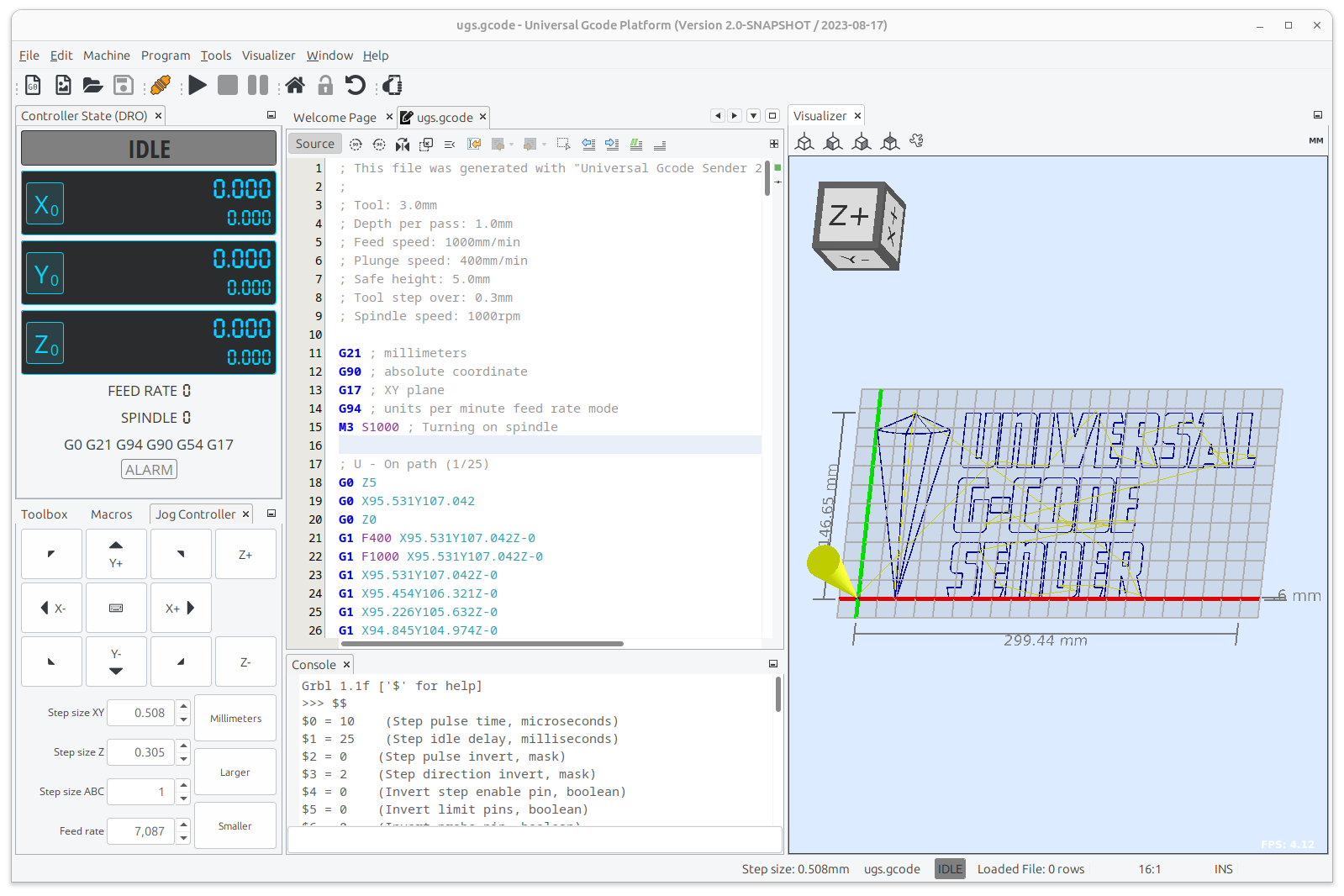
The screenshot is the publisher's illustration of the shared UGS Platform workspace. It has Windows-style window controls and an older snapshot title, so it does not document the appearance of version 2.1.27 on macOS.
What it offers
- Interface with GRBL, FluidNC, TinyG, g2core and Smoothieware CNC controllers.
- Inspect color-coded 3D G-code paths with real-time tool-position feedback.
- Edit G-code and arrange the modular interface around your workflow.
- Use a designer with laser-engraver support, real-time overrides and configurable G-code optimization.
- Use supported gamepads or joysticks and the web pendant interface.
Good to know
- The selected DMG targets Apple Silicon; Intel Macs require the separate Intel package.
- The publisher warns that cached files may need clearing when UGS does not work properly after an upgrade.
Product images
Sources
References used for this listing. Retrieval dates do not indicate hands-on testing.
- UGS — official features and screenshots ↗Retrieved
- Download - UGS ↗Retrieved
- Installing - UGS ↗Retrieved
- Universal G-code Sender Platform version for Mac - Download ↗Retrieved
More in utilities
View category ↗
1.1.1.1 with WARP 2026.8.2115.0
Encrypt traffic from your Mac to Cloudflare’s network with WARP, or use DNS-only mode for encrypted DNS queries to the 1.1.1.1 resolver.
1.1.1.1 with WARP 2026.8.2115.0
Encrypt traffic between your Windows PC and Cloudflare, or use encrypted DNS only, with the free 1.1.1.1 with WARP app.

3uTools 9.12.005
Manage iPhone and iPad photos, music, apps and backups from Windows with 3uTools, a free utility that also includes device checks and firmware flashing tools.