
Utilities Windows
UPX
Compress supported Windows executables and DLLs with UPX, a free, open-source command-line packer. This download is the Windows x64 ZIP package.
- Operating system
- Windows; minimum Windows version not established by the selected publisher release
- Architecture
- x64 (X64 Win64 host package)
- Download package
- ZIP archive
Selected file: upx-5.3.0-win64.zip. A separate x86 Win32 package is available. Supported executable target formats do not identify the host architecture of this download.
Link checked · Download guidance
What is UPX?
UPX reduces the size of supported executable files rather than collecting documents into a ZIP archive. It is aimed at developers who want to pack programs or DLLs for distribution. Packed programs are self-contained: recipients do not need a separate UPX extractor to run them. The selected download is the publisher's Windows x64 ZIP package, with a separate x86 package available.
The command line provides compression, decompression, file information and integrity checks. For a trusted executable, the manual documents upx program.exe to compress it, upx -d program.exe to unpack it and upx -l program.exe to display size information. Higher-effort modes such as --brute try more compression methods but take longer.
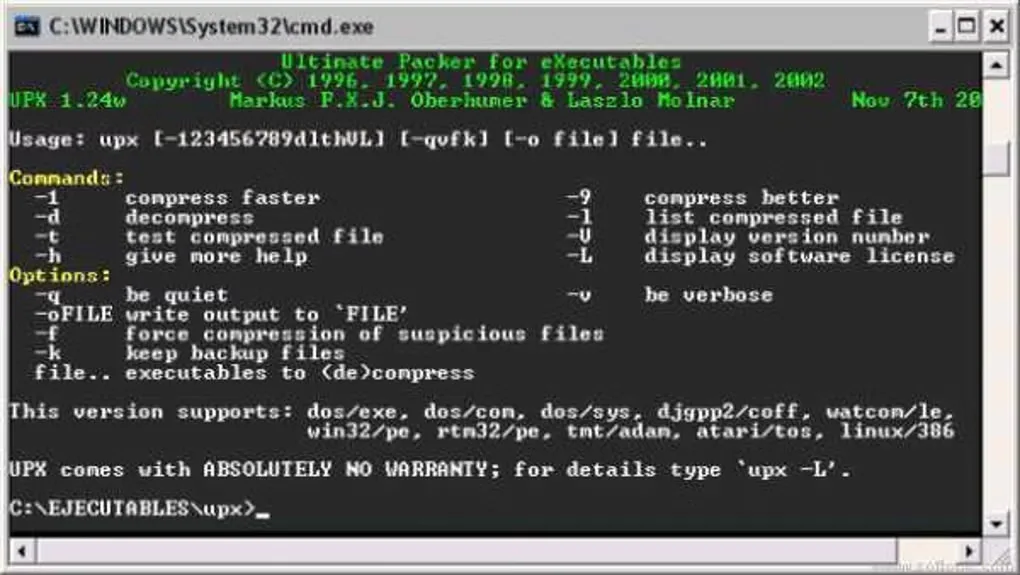
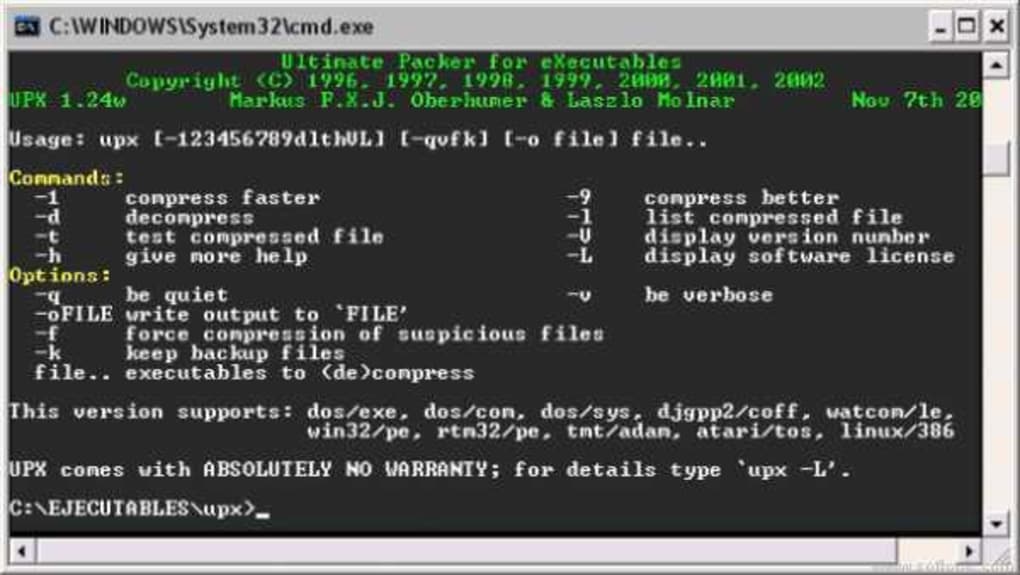
Treat input files as executable code, not harmless archives. The publisher warns that even listing or testing an untrusted file needs the same security precautions as running it. UPX's integrity check is not a virus scan, and packing is not encryption or copy protection. The screenshot shows historical UPX 1.24w help in a Windows command prompt; its appearance and format list do not document version 5.3.0.
What it offers
- Compress supported executable files, including Windows programs and DLLs.
- Unpack supported UPX-compressed files with the -d command.
- Display compressed and uncompressed sizes with the -l command.
- Check packed data integrity with -t; this is not an antivirus scan.
- Choose compression levels or slower search modes such as --brute, and use -k to retain backup files.
Good to know
- Command-line operation requires working with filenames and options rather than a graphical file manager.
- Use only trusted input files: the publisher says packing, unpacking, listing and testing require the same security considerations as executing the file.
- The -t integrity check covers the data decompressed during execution, not the whole file, and does not replace a virus checker.
- UPX does not provide encryption or software protection; slower compression modes trade processing time for additional compression attempts.
Product images
Sources
References used for this listing. Retrieval dates do not indicate hands-on testing.
- UPX: the Ultimate Packer for eXecutables — publisher homepage ↗Retrieved
- UPX 5.3.0 — publisher GitHub release metadata ↗Retrieved
- UPX 5.3.0 README — purpose, authors, license and security context ↗Retrieved
- UPX 5.3.0 manual — commands and limitations ↗Retrieved
- UPX user-visible changes — 5.3.0 release date ↗Retrieved
- UPX - Download — normal-browser product page and screenshot gallery ↗Retrieved
More in utilities
View category ↗
1.1.1.1 with WARP 2026.8.2115.0
Encrypt traffic from your Mac to Cloudflare’s network with WARP, or use DNS-only mode for encrypted DNS queries to the 1.1.1.1 resolver.
1.1.1.1 with WARP 2026.8.2115.0
Encrypt traffic between your Windows PC and Cloudflare, or use encrypted DNS only, with the free 1.1.1.1 with WARP app.

3uTools 9.12.005
Manage iPhone and iPad photos, music, apps and backups from Windows with 3uTools, a free utility that also includes device checks and firmware flashing tools.