

Utilities Windows
USBDeview for Windows
Inspect connected and previously used USB devices, export their details and manage device states with USBDeview, a free portable Windows utility.
- Operating system
- Windows 2000, XP, Server 2003, Vista, Server 2008, 7, 8, 10 and 11
- Architecture
- x64
- Download package
- ZIP archive containing a portable executable
This link is the x64 package. A separate 32-bit package is available. Windows 98/ME is not supported; device-management actions require administrator elevation.
Link checked · Download guidance
What is USBDeview?
USBDeview lists USB devices connected to a Windows PC alongside records of devices used before. Its table brings together device descriptions, connection status, vendor and product IDs, and serial numbers for mass-storage devices. It suits checking which device Windows recognizes or keeping an exported inventory of USB hardware.
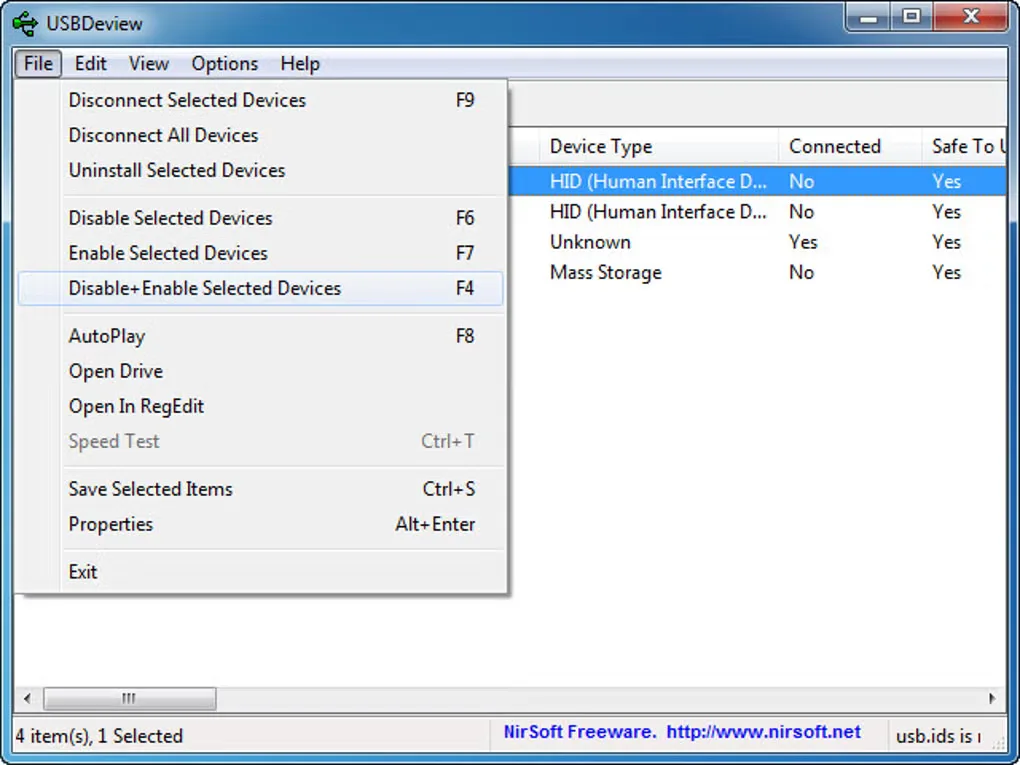
The utility runs without an installation process. Select devices to disconnect them, disable or enable them, or uninstall their device entries; save device information as text, CSV, HTML or XML when you need a report. The linked ZIP is the publisher's x64 package, with a separate 32-bit download available on the official page.
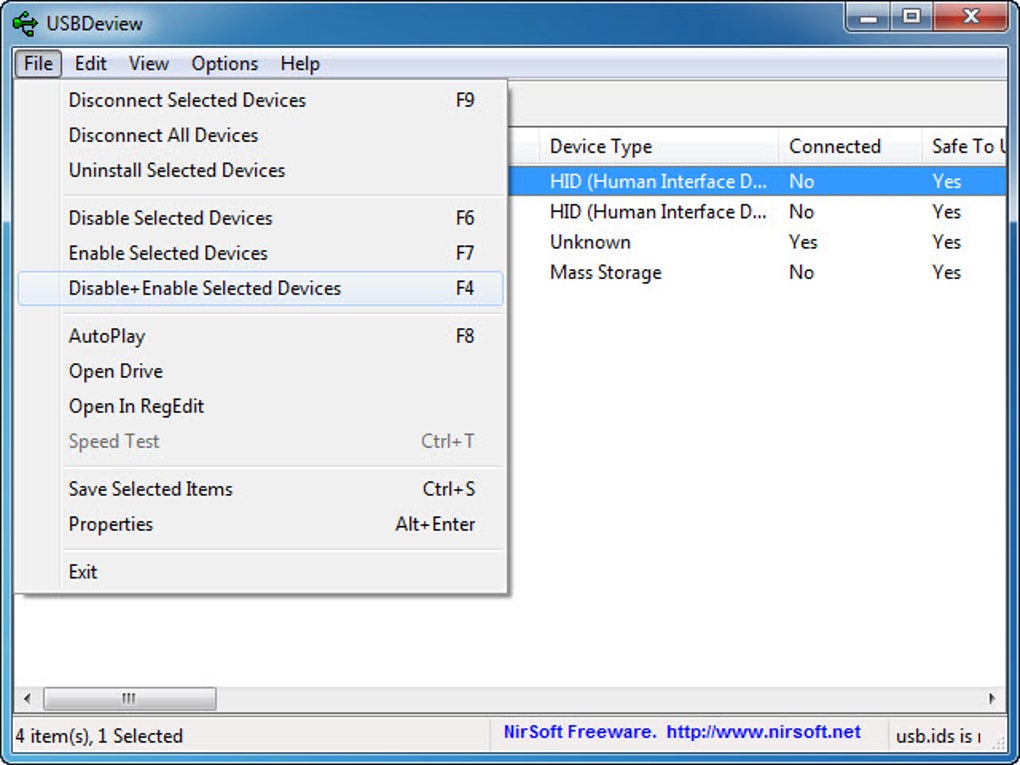
Device-management actions require administrator elevation, and disabling or enabling devices on 64-bit Windows requires the x64 build. Historical records also need interpretation: most non-storage devices can appear more than once after being used in different USB ports, so duplicate rows do not necessarily mean duplicate hardware. The gallery image shows an older Windows interface and is not evidence of the current release's exact appearance.
What it offers
- List currently connected USB devices and records of previously used devices.
- Inspect device descriptions, connection status, vendor/product IDs and mass-storage serial numbers.
- Disconnect, disable, enable or uninstall selected USB devices, with elevation where required.
- Export device information as text, CSV, HTML or XML through the interface or command-line options.
- Run the portable executable without an installation process or additional DLL files.
Good to know
- Disable, enable and remove actions require administrator elevation; x64 Windows requires the x64 build for disable/enable operations.
- Most non-storage devices can have a separate record for each USB port used; multiple rows may represent the same device.
- Some devices with problematic drivers can make USBDeview hang; the publisher documents turning off USB power/version retrieval as a workaround.
Product images
Sources
References used for this listing. Retrieval dates do not indicate hands-on testing.
More in utilities
View category ↗
1.1.1.1 with WARP 2026.8.2115.0
Encrypt traffic from your Mac to Cloudflare’s network with WARP, or use DNS-only mode for encrypted DNS queries to the 1.1.1.1 resolver.
1.1.1.1 with WARP 2026.8.2115.0
Encrypt traffic between your Windows PC and Cloudflare, or use encrypted DNS only, with the free 1.1.1.1 with WARP app.

3uTools 9.12.005
Manage iPhone and iPad photos, music, apps and backups from Windows with 3uTools, a free utility that also includes device checks and firmware flashing tools.