

Development Windows
Vim for Windows
Edit code and plain-text files with Vim for Windows, a configurable editor with keyboard commands, syntax highlighting, plugins and a graphical interface.
- Operating system
- Windows; publisher lists Windows 7, 8, 10 and 11
- Architecture
- x64
- Download package
- EXE installer
Selected download is the publisher-listed 9.2.0000 stable x64 snapshot, not a nightly build. Separate x86, ARM64 and ZIP packages exist. Minimum requirements were not independently tested.
Link checked · Download guidance
What is Vim?
Vim edits source code, configuration files and other plain text. Its Normal mode uses keyboard commands to move through and change text; Insert mode is for typing. The Windows distribution includes the graphical Vim interface, gVim, with menus and mouse support alongside Vim's command-based editing approach.
Syntax highlighting, search and replace, a persistent multi-level undo tree and scripting help with repeated editing work. Plugins can extend the editor, while built-in help and the Vim tutor provide a starting point for learning its commands.
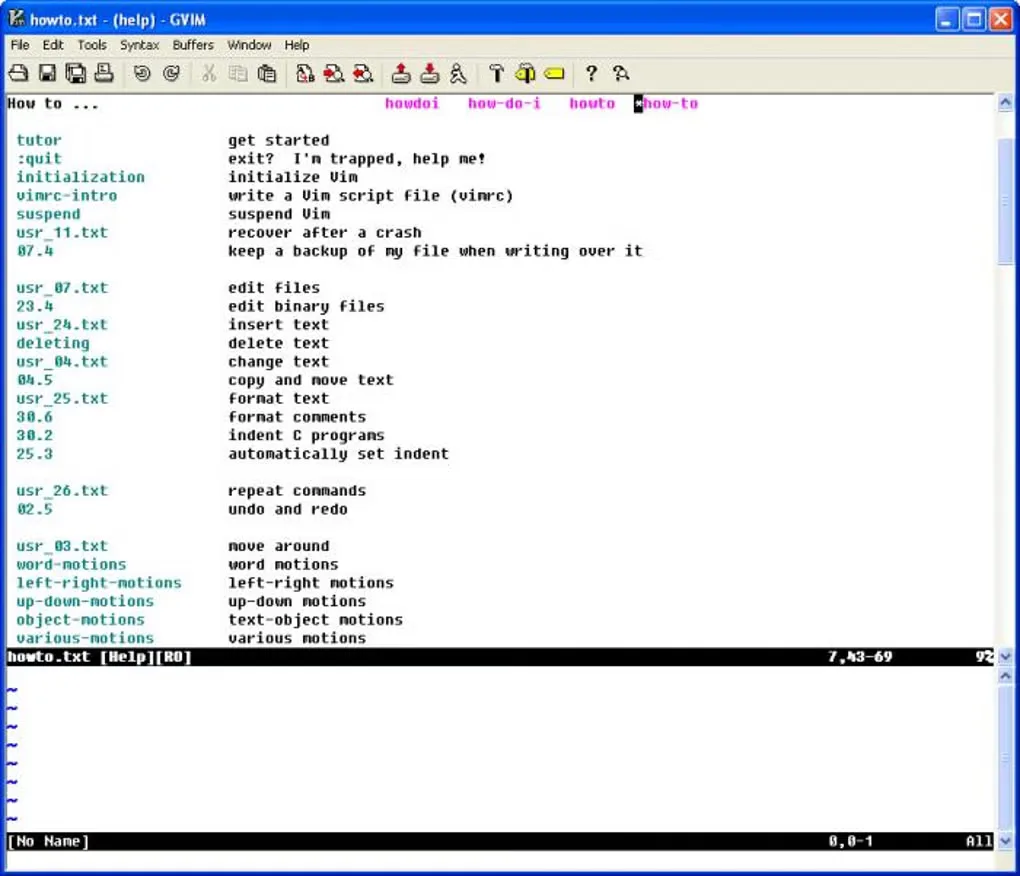
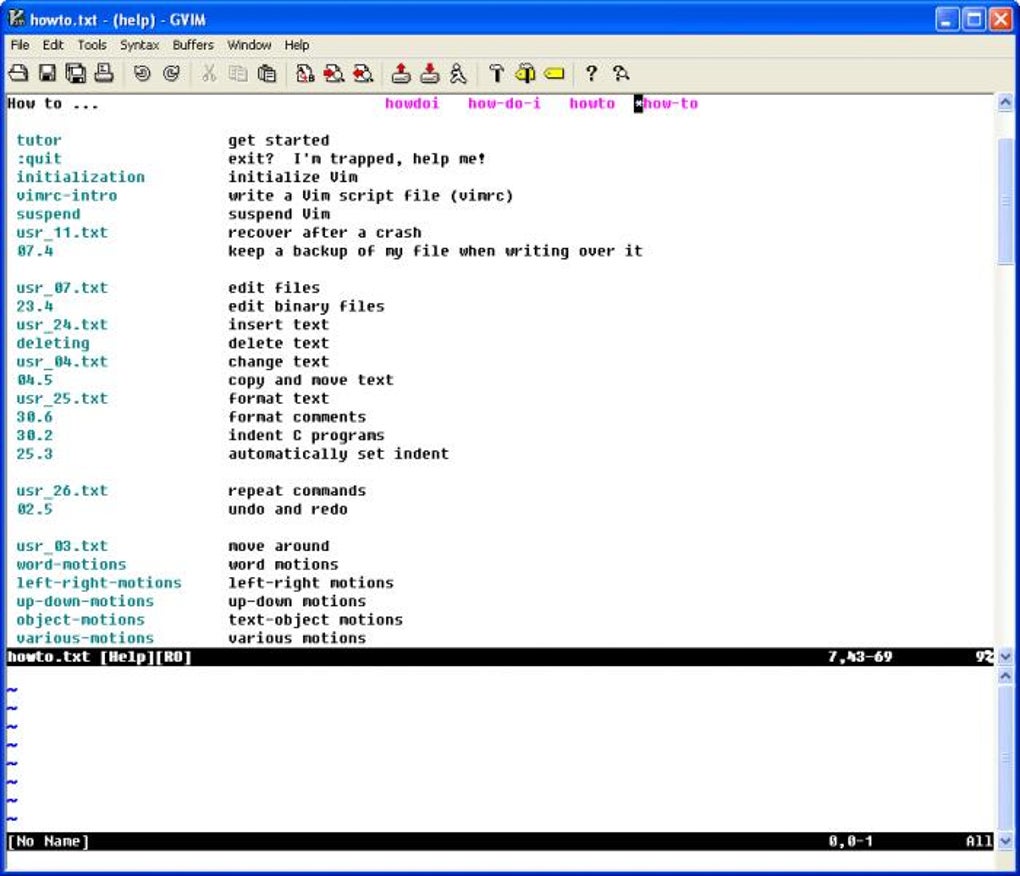
This entry links to the publisher's Windows x64 EXE installer for the 9.2.0000 stable snapshot. Separate x86 and ARM64 packages and ZIP archives are available from the publisher. This is an identified stable snapshot, not a claim to offer the newest nightly patch. The screenshot shows an older Windows gVim interface displaying its help index, not the appearance of version 9.2.
Vim's modes and command vocabulary require learning; it is not a WYSIWYG word processor. Some plugins also require separately installed language interpreters with an architecture matching the Vim installation.
What it offers
- Edit plain text and code through keyboard commands or the graphical interface with menus and mouse support.
- Use syntax highlighting, search and replace, and a persistent multi-level undo tree.
- Extend editing behavior through Vim scripts and plugins.
- Consult built-in help and the Vim tutor while learning commands.
Good to know
- Normal and Insert modes use different commands, so learning the editing model takes practice.
- Not a WYSIWYG word processor for laying out formatted documents.
- Plugins using dynamic language interfaces may need separately installed interpreters of the same architecture as Vim.
Product images
Sources
References used for this listing. Retrieval dates do not indicate hands-on testing.
- Vim - Download — Windows product discovery ↗Retrieved
- Downloading Vim — publisher package choices ↗Retrieved
- Vim Installer and Vim Zip-Archives (Win32, Win64, ARM64) ↗Retrieved
- About Vim — purpose, limitations and license ↗Retrieved
- Vim — publisher feature overview ↗Retrieved
- Official Vim repository — features, Windows support and documentation ↗Retrieved
- For non-Vim users — editing modes ↗Retrieved
- gVim - Download — Windows screenshot gallery ↗Retrieved
More in development
View category ↗
010 Editor 17.0
Inspect and edit binary files on Mac with 010 Editor, a paid text and hex editor with Binary Templates, file comparison and a 30-day trial.
010 Editor 17.0
Inspect and edit binary files with 010 Editor for Windows, a text and hex editor with Binary Templates, file comparison and scripting. Includes a 30-day trial.
10x Editor
Edit and navigate C++ projects on Windows with a built-in parser, workspace search and Visual Studio project support. A paid license is required after the 30-day trial.