

Utilities Windows
Volume² for Windows
Change Windows volume with mouse-wheel actions or global hotkeys, choose an on-screen display and schedule audio-device changes with Volume².
- Operating system
- Windows 10 and Windows 11
- Architecture
- x64 (64-bit)
- Download package
- Portable ZIP archive
Unpack the portable archive before running it. An installer package is listed separately by the publisher. Legacy Windows versions are listed in the repository, but this entry does not verify each legacy OS against the selected x64 build.
Link checked · Download guidance
What is Volume²?
Volume² gives Windows users configurable shortcuts for everyday sound control. Assign the mouse wheel over the taskbar, a screen edge or the tray icon to change volume, or use global hotkeys for volume, mute and device switching. Controls can target the system, an application or a particular audio device rather than only the default output.
The on-screen display can use a skin, a plain track bar or a custom text line. A scheduler can change volume or the default device at a chosen time, when the PC locks or unlocks, or after an idle period. These options suit switching between speakers and headphones or changing sound settings without repeatedly opening the Windows mixer.
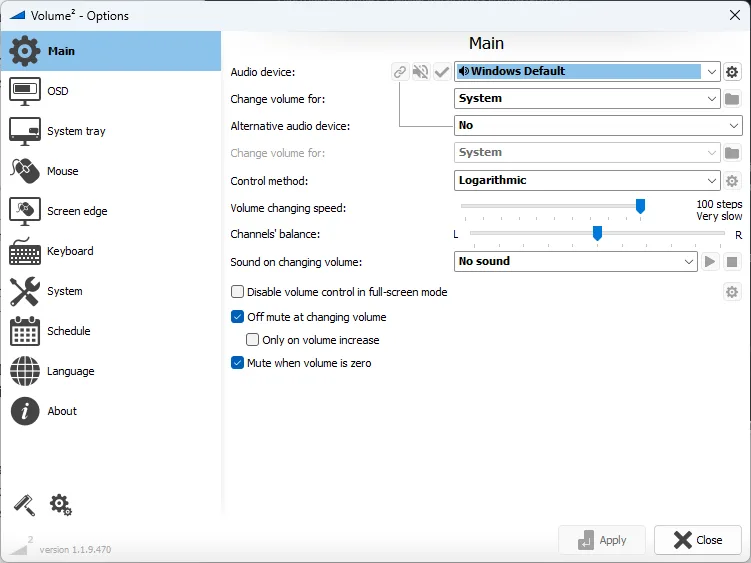
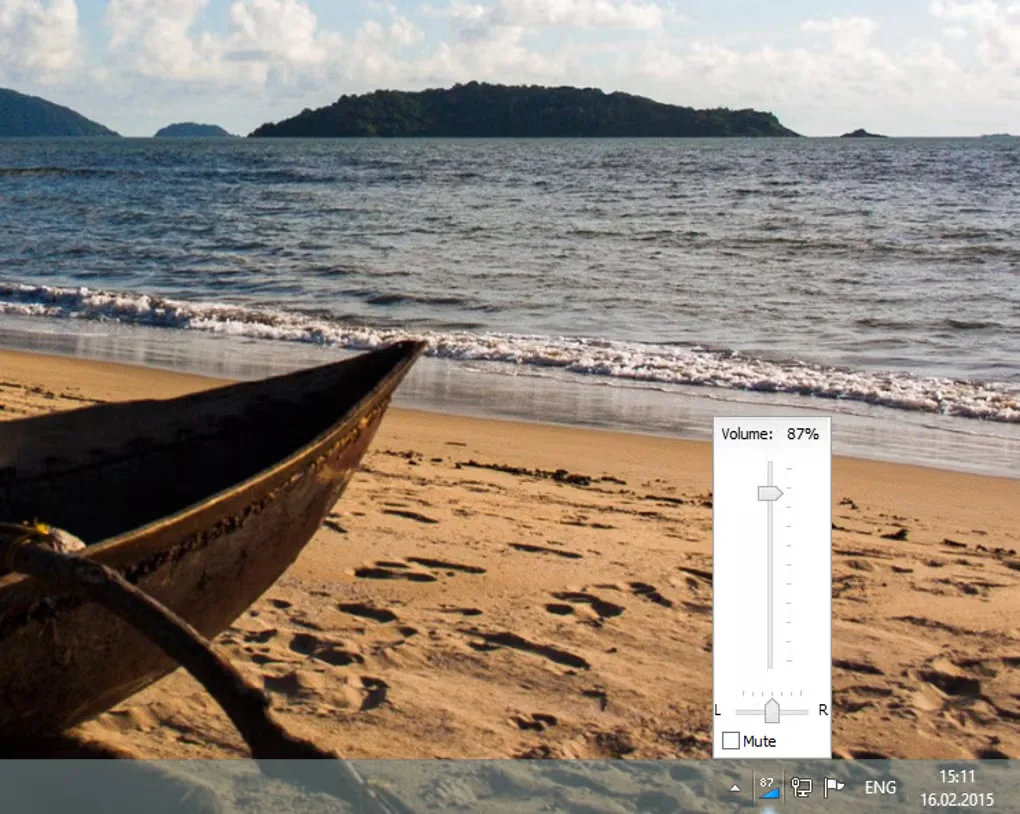
This entry links to the 64-bit portable ZIP for version 1.1.9.469, the stable version identified on the publisher homepage when consulted. GitHub also lists a newer 1.1.9.470 release; this is not a claim that 1.1.9.469 is the newest build. The publisher's settings screenshot depicts 1.1.9.470, while the second image illustrates an older Windows volume panel. From 1.1.9.469 onward, the publisher provides only 64-bit builds. The direct download is free; the Microsoft Store and Steam editions charge a donation amount that varies by store and country.
What it offers
- Adjust volume with the mouse wheel over the taskbar, a screen edge or the tray icon.
- Assign global hotkeys for volume, mute, device switching and muting microphones.
- Target an application, the active window or a specific audio device.
- Choose a skinned, track-bar or custom-text on-screen volume display.
- Schedule volume or default-device changes by time, PC lock or unlock, or idle period.
Good to know
- Version 1.1.9.469 and later are provided only as 64-bit builds; this package is not for 32-bit Windows.
- The program is free to use and distribute under the publisher's license, but modification and reverse engineering are restricted; the repository contains only part of the program as open source.
Product images
Sources
References used for this listing. Retrieval dates do not indicate hands-on testing.
- Volume² — advanced Windows volume control ↗Retrieved
- irzyxa/Volume2 — publisher repository ↗Retrieved
- Volume² publisher license agreement ↗Retrieved
- Volume² 1.1.9.469 release notes ↗Retrieved
- Volume² 1.1.9.469 release asset catalog ↗Retrieved
- Volume² release feed ↗Retrieved
- Volume² screenshots — OSD skins, tray icons and peak meters ↗Retrieved
- Volume 2 - Download — normal passive browser observation ↗Retrieved
More in utilities
View category ↗
1.1.1.1 with WARP 2026.8.2115.0
Encrypt traffic from your Mac to Cloudflare’s network with WARP, or use DNS-only mode for encrypted DNS queries to the 1.1.1.1 resolver.
1.1.1.1 with WARP 2026.8.2115.0
Encrypt traffic between your Windows PC and Cloudflare, or use encrypted DNS only, with the free 1.1.1.1 with WARP app.

3uTools 9.12.005
Manage iPhone and iPad photos, music, apps and backups from Windows with 3uTools, a free utility that also includes device checks and firmware flashing tools.