

Development Windows
WebStorm for Windows
Edit, navigate and debug JavaScript and TypeScript projects with WebStorm, JetBrains' IDE for Windows. Free for non-commercial use; commercial use has a 30-day trial.
- Operating system
- Windows 10 and Windows 11
- Architecture
- x86_64 (standard Windows download)
- Download package
- EXE installer
Windows ARM64 is a separate publisher download. JetBrains Runtime is bundled; a separate Java installation is not required.
Link checked · Download guidance
What is WebStorm?
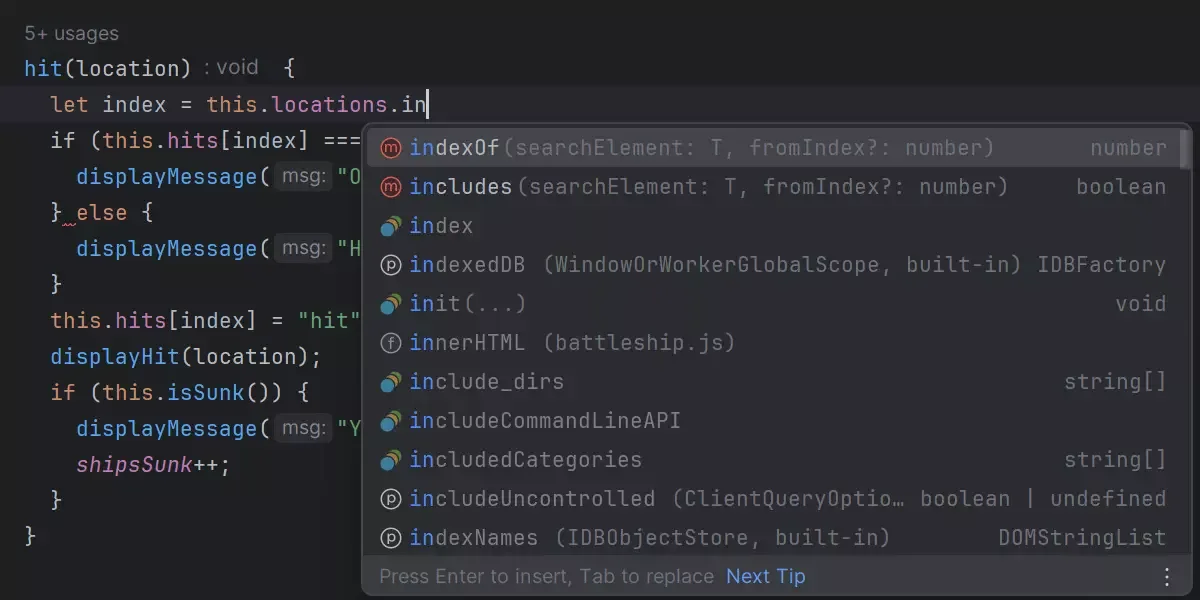
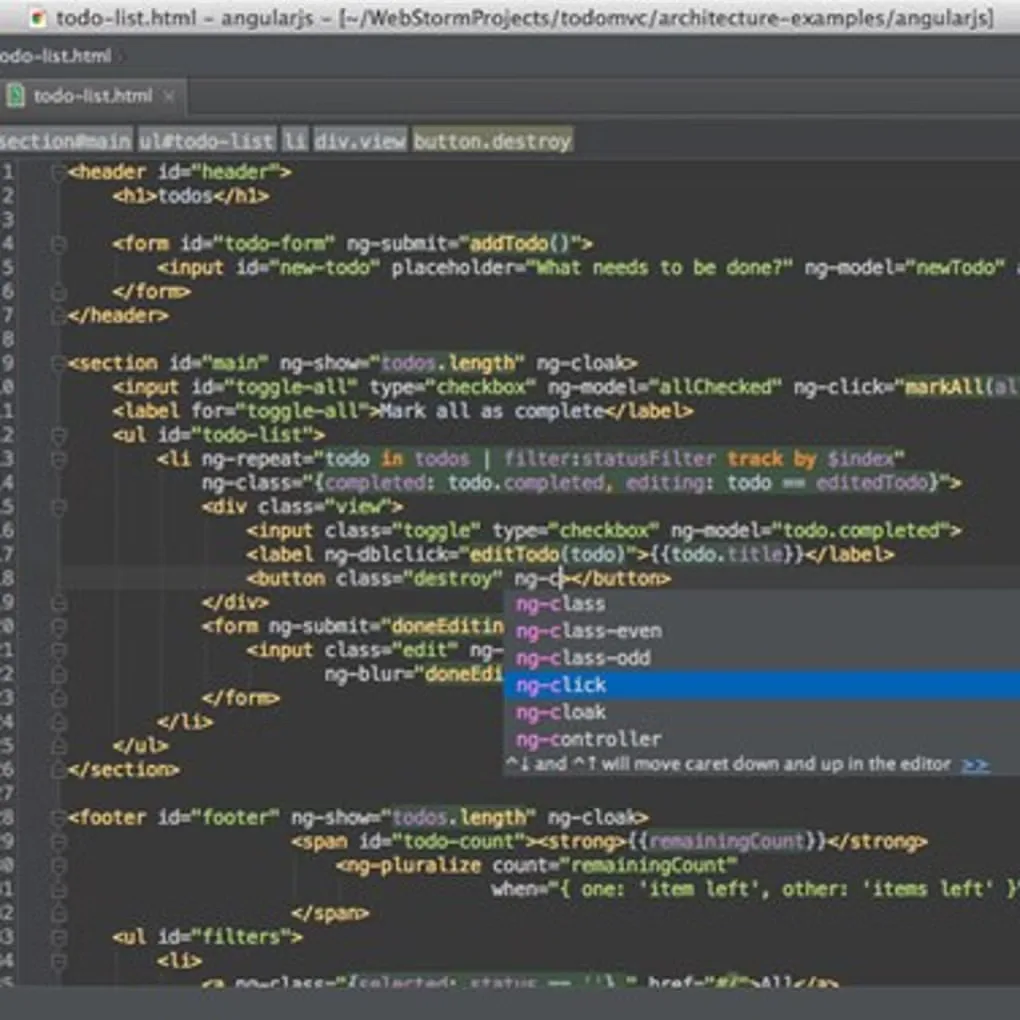
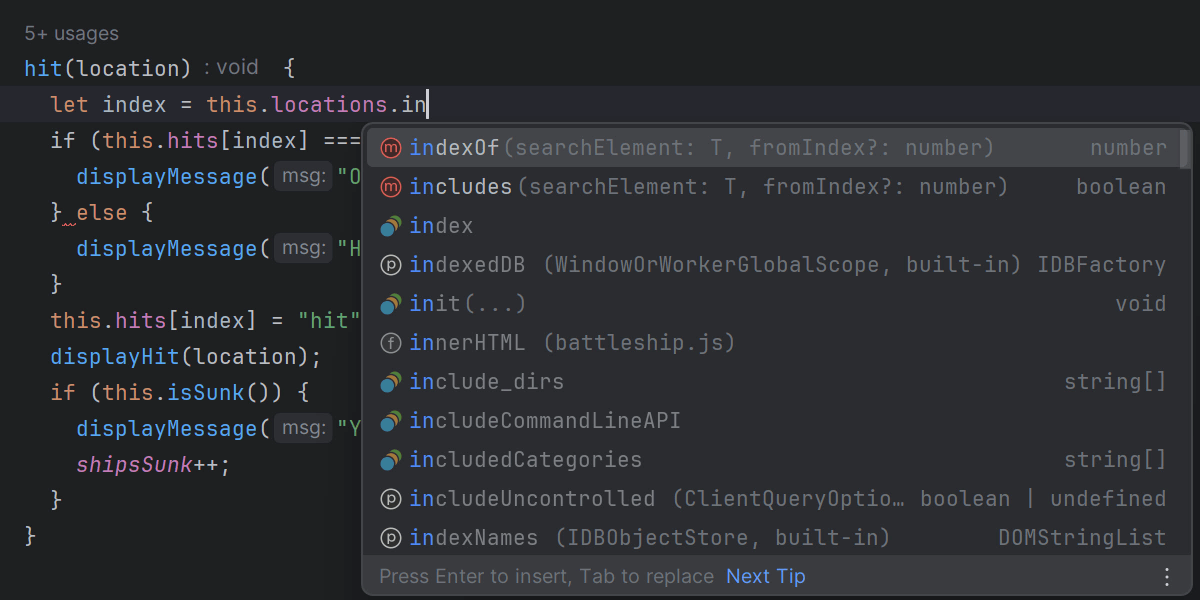
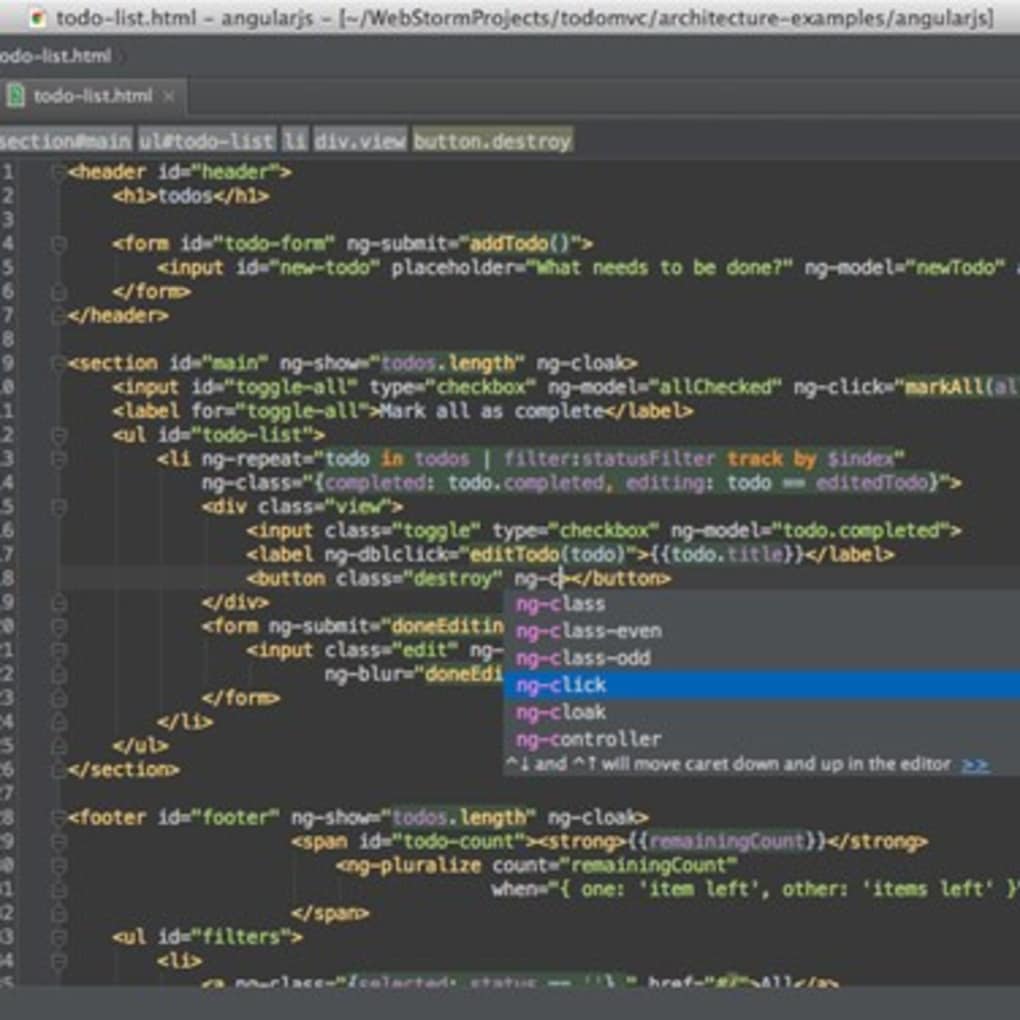
WebStorm brings JavaScript and TypeScript editing, code navigation and debugging into one development environment. Context-aware completion, inspections and refactoring tools help you work across a project's files rather than edit each occurrence manually. It also supports HTML, CSS and frameworks including React, Angular and Vue.
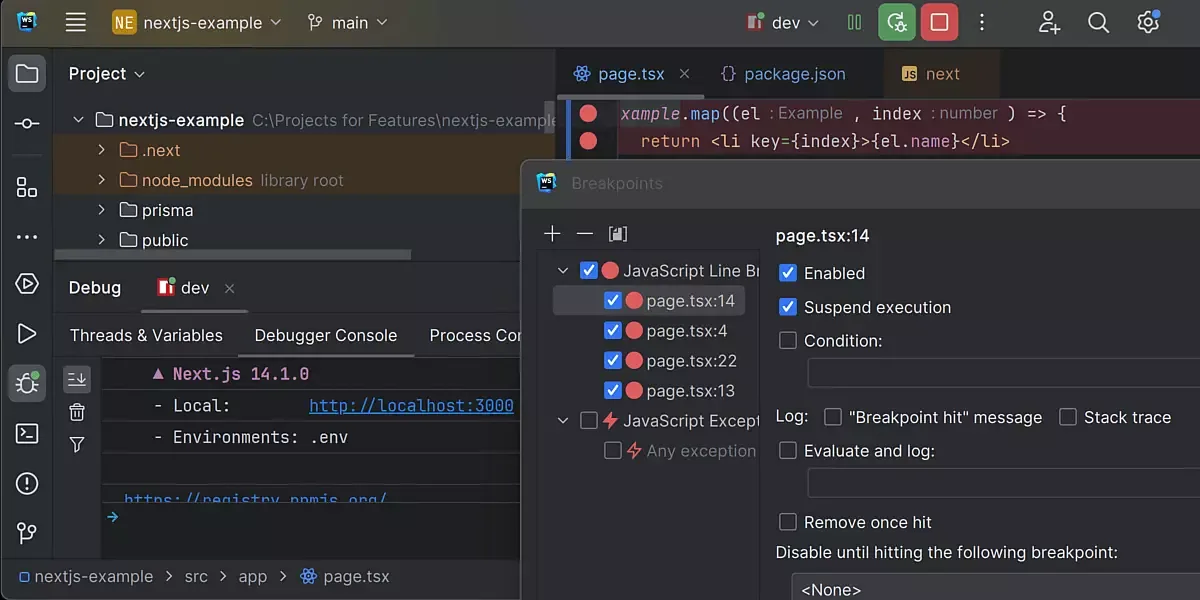
Its integrated tools cover common development tasks: debug browser-side or Node.js code, run supported unit tests, inspect Git changes and use a terminal without leaving the IDE. npm, Yarn and pnpm integrations provide package-management controls in the same workspace.
The free license is for non-commercial work, not unrestricted commercial development. JetBrains offers a 30-day commercial trial; continued commercial use requires the appropriate paid license. The Windows requirements also matter: the publisher lists a four-core processor, 8 GB total RAM with 3 GB available for IDE processes, and 10 GB of disk space. This entry links to the standard Windows EXE; the publisher offers Windows ARM64 separately.
What it offers
- Context- and type-aware code completion for JavaScript, TypeScript and related web technologies.
- Code inspections, symbol navigation and project-wide rename and extraction refactorings.
- Integrated debugging for client-side JavaScript and Node.js applications.
- Run and debug tests with supported tools including Jest, Mocha and Vitest.
- Git tools, a built-in terminal and npm, Yarn and pnpm integrations.
Good to know
- Free use is limited to non-commercial work; commercial use has a 30-day trial and requires an appropriate paid license afterward.
- Publisher requirements include four CPU cores, 8 GB total RAM with 3 GB available for the IDE, and 10 GB disk space.
Product images
Sources
References used for this listing. Retrieval dates do not indicate hands-on testing.
- WebStorm - Download — Windows listing and screenshot gallery ↗Retrieved
- Download WebStorm: The JavaScript and TypeScript IDE by JetBrains ↗Retrieved
- Thank you for downloading WebStorm! ↗Retrieved
- WebStorm: The JavaScript and TypeScript IDE for You and Your Agents ↗Retrieved
- WebStorm Features ↗Retrieved
- Install WebStorm | WebStorm 2026.2 Help ↗Retrieved
More in development
View category ↗
010 Editor 17.0
Inspect and edit binary files on Mac with 010 Editor, a paid text and hex editor with Binary Templates, file comparison and a 30-day trial.
010 Editor 17.0
Inspect and edit binary files with 010 Editor for Windows, a text and hex editor with Binary Templates, file comparison and scripting. Includes a 30-day trial.
10x Editor
Edit and navigate C++ projects on Windows with a built-in parser, workspace search and Visual Studio project support. A paid license is required after the 30-day trial.