

Development Windows
WezTerm for Windows
Organize command-line work in tabs and split panes with WezTerm, a free, open-source terminal emulator with Lua configuration for Windows.
- Operating system
- 64-bit Windows 10 build 17763 or later
- Architecture
- 64-bit
- Download package
- EXE installer (Inno Setup)
Administrator privileges required for this installer; the publisher offers a separate ZIP package without special privileges.
Link checked · Download guidance
What is WezTerm?
WezTerm is a terminal emulator and multiplexer for keeping several command-line sessions in tabs, panes and windows. It supports local and remote terminal work, mouse interaction and scrollback, alongside font ligatures, color emoji, font fallback and hyperlinks. Lua configuration lets you change settings such as font size, window geometry and color scheme.
The linked Windows EXE is the publisher-listed release 20240203-110809-5046fc22, not a nightly build. It requires 64-bit Windows 10 build 17763 or later and administrator privileges for setup. The publisher also offers a ZIP package that does not require special privileges, but this card links to the installer. Customization uses a Lua file rather than a conventional preferences form; the publisher documents the configuration format and automatic reload behavior.
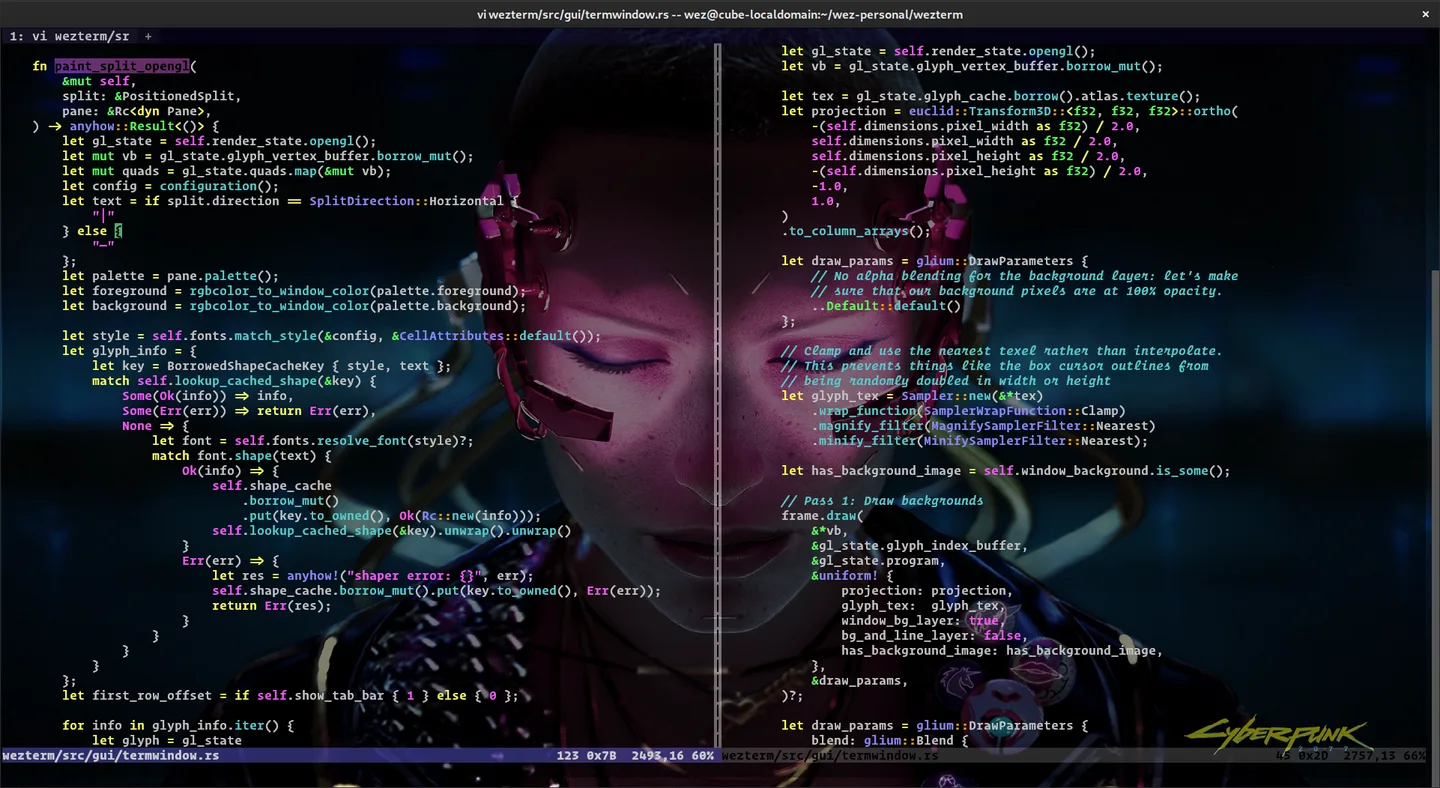
The screenshot is a publisher-provided illustration of WezTerm with source code and a custom background. Its exact operating system is not established; it is not evidence of a Windows installation performed by SoftGalaxy.
What it offers
- Arrange terminal sessions in panes, tabs and windows on local or remote hosts.
- Use mouse interaction and scrollback within multiplexed terminal sessions.
- Display font ligatures, color emoji, fallback fonts and true-color output.
- Follow terminal hyperlinks and customize colors, fonts and geometry through Lua configuration.
Good to know
- Requires 64-bit Windows 10 build 17763 or later; earlier Windows versions are unsupported.
- The selected EXE installer requires administrator privileges.
- Custom settings are written in a Lua configuration file.
Product images
Sources
References used for this listing. Retrieval dates do not indicate hands-on testing.
- WezTerm - Wez’s Terminal Emulator ↗Retrieved
- Windows - Wez’s Terminal Emulator ↗Retrieved
- Configuration - Wez’s Terminal Emulator ↗Retrieved
- WezTerm license ↗Retrieved
- WezTerm - Download ↗Retrieved
More in development
View category ↗
010 Editor 17.0
Inspect and edit binary files on Mac with 010 Editor, a paid text and hex editor with Binary Templates, file comparison and a 30-day trial.
010 Editor 17.0
Inspect and edit binary files with 010 Editor for Windows, a text and hex editor with Binary Templates, file comparison and scripting. Includes a 30-day trial.
10x Editor
Edit and navigate C++ projects on Windows with a built-in parser, workspace search and Visual Studio project support. A paid license is required after the 30-day trial.