
Utilities macOS
WinBox
Manage MikroTik RouterOS devices from macOS with WinBox, a free native application for configuration, device discovery and live network monitoring.
Version 4.4 · Direct publisher file
Link checked · Download guidance
What is WinBox?
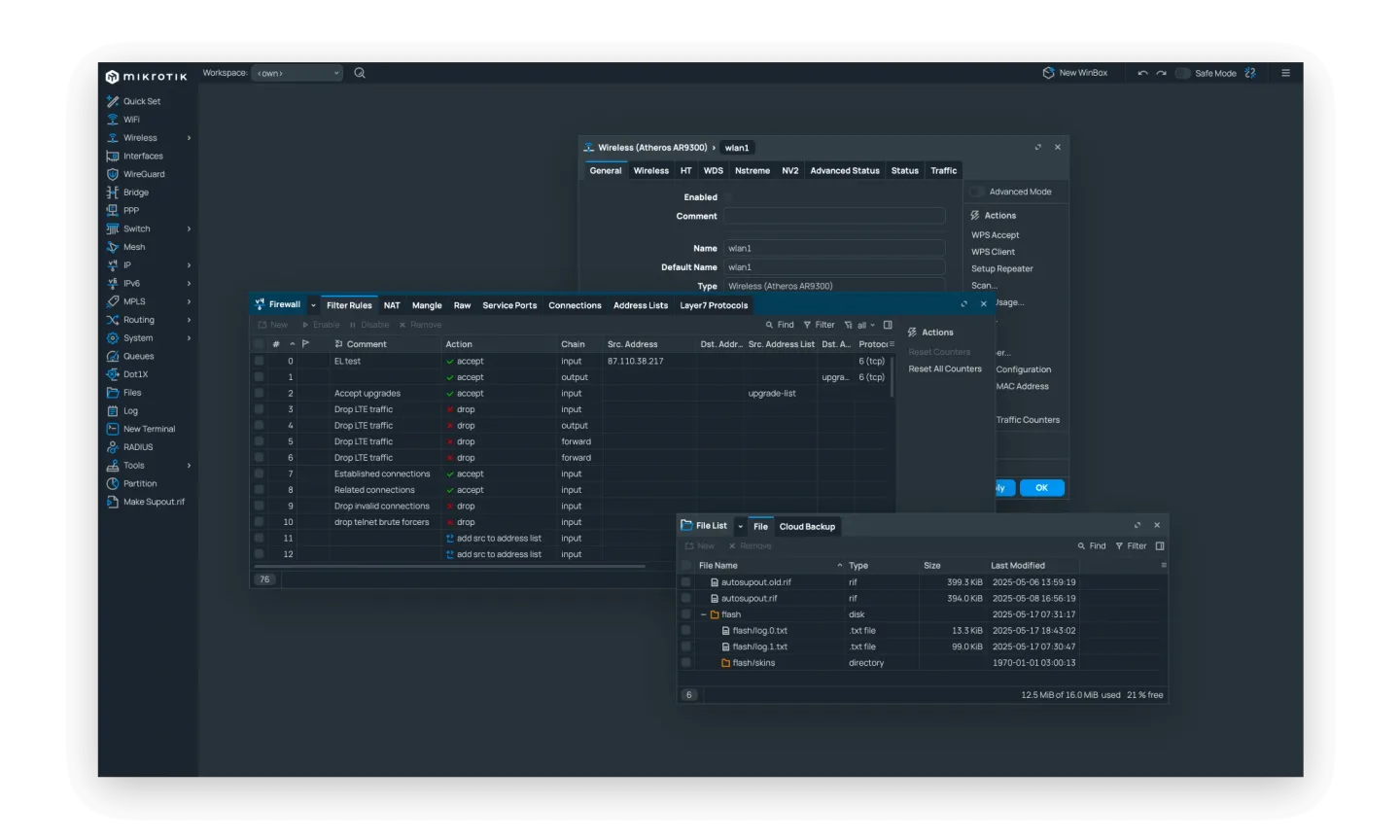
WinBox gives Mac users a graphical interface for administering MikroTik RouterOS. Configure VLANs, firewall rules and routing tables, monitor device resources and traffic, or keep several device sessions open. Version 4 is a native macOS application rather than the older Windows program run through Wine.
Start with a known router address and its login details, use Neighbors to find devices on the local Layer 2 network, or reopen an entry from Saved. Workspaces help organize connections and internal windows. The menus available after connecting depend on the packages installed on the router.
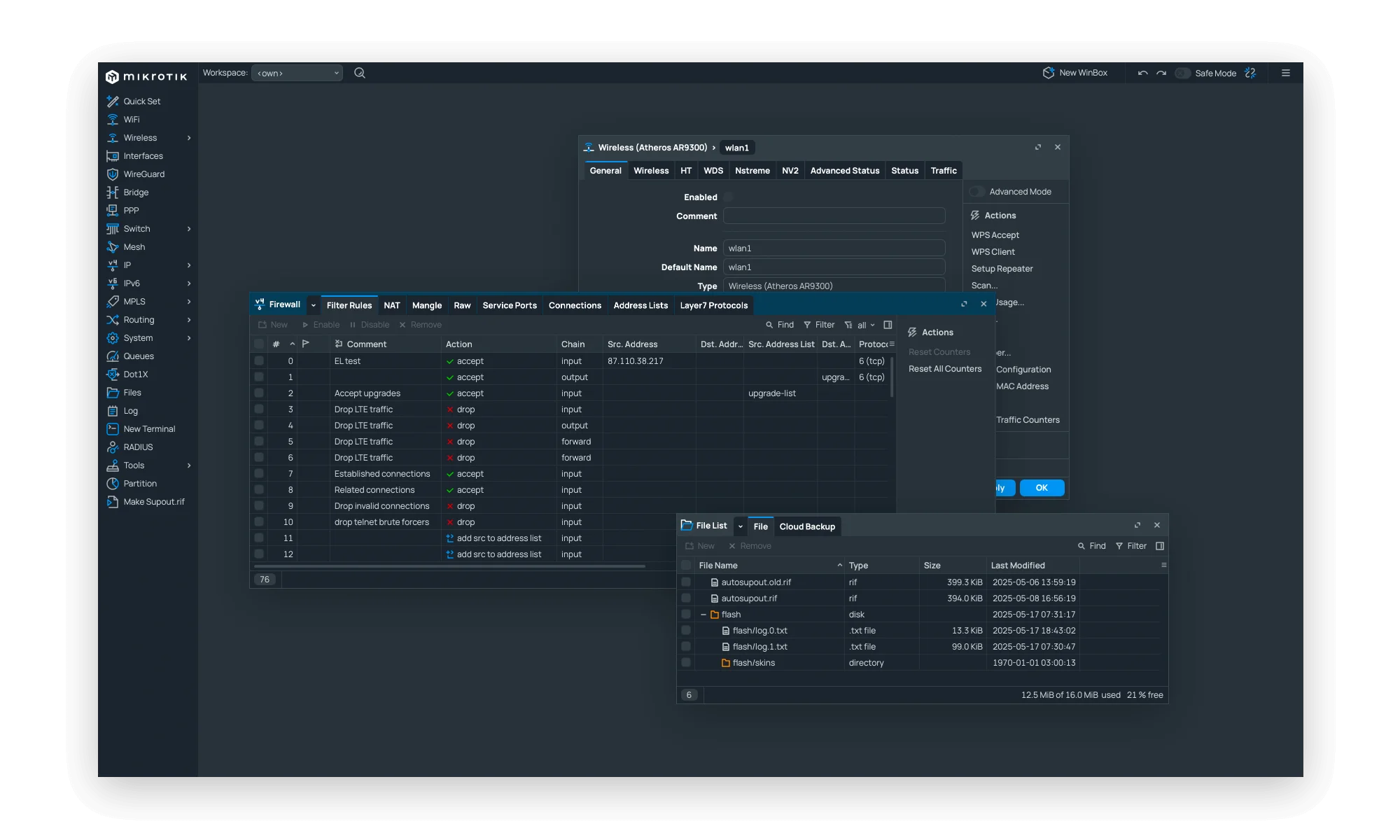
The linked download is MikroTik’s WinBox 4.4 DMG, announced on September 14, 2026. The current manual instructs Mac users to open the DMG, drag WinBox to Applications and launch it there. The publisher screenshot illustrates the cross-platform WinBox interface; it is not a capture of this DMG running on a Mac.
This is a RouterOS administration tool, not a universal configuration utility for every device that appears in discovery. MikroTik recommends IP connections when possible because MAC sessions rely on broadcasts and are not fully reliable. The consulted publisher sources do not specify the minimum macOS release or CPU architecture for this DMG; the older Softonic macOS 10.15 listing is not treated as a confirmed requirement for 4.4.
What it offers
- Configure RouterOS VLANs, firewall rules and routing tables through a graphical interface.
- Monitor traffic, CPU use, memory and device health.
- Discover local devices through Neighbors and keep frequently used connections in Saved.
- Organize connections and windows with workspaces and manage multiple device sessions.
- Use the built-in script editor for RouterOS automation.
Good to know
- Discovery can show devices that WinBox cannot administer; Cisco devices using CDP may appear, while SwOS devices open in a browser.
- MAC-address connections use broadcasts and are not fully reliable; the publisher recommends an IP address when possible.
- Minimum macOS version and DMG CPU architecture are not confirmed in the consulted publisher sources.
Product images
Sources
References used for this listing. Retrieval dates do not indicate hands-on testing.
- MikroTik · WinBox ↗Retrieved
- WinBox 4.4 released! — MikroTik announcement ↗Retrieved
- WinBox — current RouterOS Manual ↗Retrieved
- WinBox for Mac - Download ↗Retrieved
More in utilities
View category ↗
1.1.1.1 with WARP 2026.8.2115.0
Encrypt traffic from your Mac to Cloudflare’s network with WARP, or use DNS-only mode for encrypted DNS queries to the 1.1.1.1 resolver.
1.1.1.1 with WARP 2026.8.2115.0
Encrypt traffic between your Windows PC and Cloudflare, or use encrypted DNS only, with the free 1.1.1.1 with WARP app.

3uTools 9.12.005
Manage iPhone and iPad photos, music, apps and backups from Windows with 3uTools, a free utility that also includes device checks and firmware flashing tools.