
Utilities Windows
WinDjView
Read DjVu documents on Windows with tabs, page thumbnails, continuous scrolling and printing. WinDjView is free software; text search and copying require a document with a built-in text layer.
- Operating system
- Windows 10, 8, 7, Vista and XP; Windows Server 2008 and 2003 listed by publisher
- Architecture
- Not specified for the selected setup package in the inspected catalog
- Download package
- EXE installer: WinDjView-2.1-Setup.exe
Version 2.1 requires Windows XP or later according to its release notes. Windows 11 is not explicitly listed; no installation or compatibility test was performed.
Link checked · Download guidance
What is WinDjView?
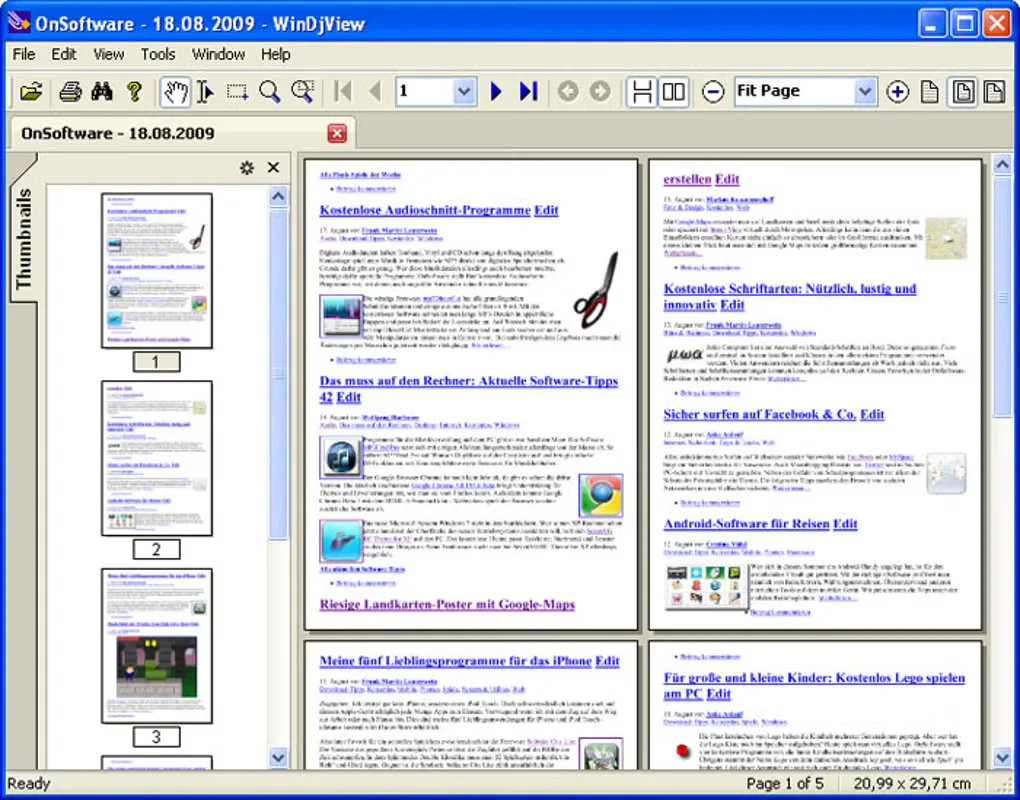
WinDjView opens DjVu documents on Windows using the DjVuLibre decoding library. It suits reading scanned books, manuals and other multipage DjVu files: open documents in tabs, move through page thumbnails and choose continuous scrolling or a single-page layout. Facing-page grouping, page-width zoom and fullscreen mode provide different ways to read the same document.
Bookmarks and annotations help mark places to revisit. The viewer also offers printing, 90-degree page rotation, brightness and contrast adjustments, and export of pages or selected regions to BMP, PNG, GIF, TIF and JPG images. Text searching and copying depend on a built-in text layer; an image-only scan does not gain searchable text merely by opening it in WinDjView.
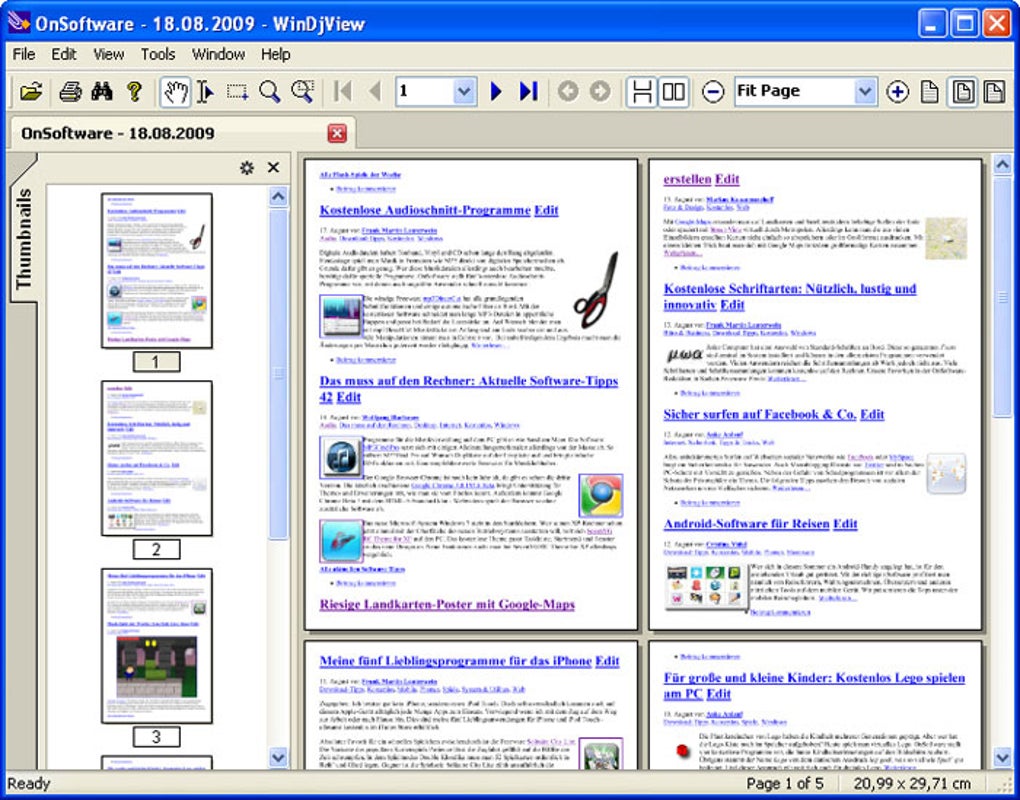
The publisher identifies version 2.1 and dates its release to February 23, 2015. Its Windows list names Windows 10, 8, 7, Vista and XP, plus Server 2008 and 2003; it does not explicitly name Windows 11. The linked file is WinDjView-2.1-Setup.exe from the project's SourceForge catalog. The gallery image shows an older Windows interface and illustrates the viewer rather than proving the appearance of version 2.1.
What it offers
- Open DjVu documents in tabs or separate windows.
- Read with continuous scrolling, single-page layout or facing-page grouping.
- Navigate with adjustable thumbnails, document contents and hyperlinks.
- Add bookmarks and annotations; search and copy text in documents with a built-in text layer.
- Print documents and export pages or selected regions as BMP, PNG, GIF, TIF or JPG images.
- Use fullscreen, magnification, rotation and brightness, contrast or gamma adjustments.
Good to know
- Text search, copying and dictionary lookup only work when the DjVu document contains a built-in text layer.
- The publisher's explicit Windows compatibility list does not include Windows 11; compatibility with it was not verified.
- The retained gallery screenshot depicts an older interface, not a verified capture of the selected 2.1 build.
Product images
Sources
References used for this listing. Retrieval dates do not indicate hands-on testing.
More in utilities
View category ↗
1.1.1.1 with WARP 2026.8.2115.0
Encrypt traffic from your Mac to Cloudflare’s network with WARP, or use DNS-only mode for encrypted DNS queries to the 1.1.1.1 resolver.
1.1.1.1 with WARP 2026.8.2115.0
Encrypt traffic between your Windows PC and Cloudflare, or use encrypted DNS only, with the free 1.1.1.1 with WARP app.

3uTools 9.12.005
Manage iPhone and iPad photos, music, apps and backups from Windows with 3uTools, a free utility that also includes device checks and firmware flashing tools.