
Development Windows
WinEdt
Edit LaTeX documents with WinEdt for Windows, a commercial text editor with syntax highlighting, code folding and a PDF viewer. A separate TeX system is required for typesetting.
- Operating system
- Windows 10 and Windows 11
- Architecture
- 64-bit
- Download package
- EXE installer
The selected publisher package is winedt11.exe. A separate TeX system is needed for LaTeX typesetting. Older Windows compatibility is not confirmed here.
Link checked · Download guidance
What is WinEdt?
WinEdt is a Windows text editor aimed at writing and managing LaTeX documents. It works as a front end for a separate TeX system such as MiKTeX or TeX Live, bringing source editing and compilation controls into one workspace. Customizable highlighting, auto-completion and code folding help navigate structured documents; multilingual spell checking is available through dictionaries.
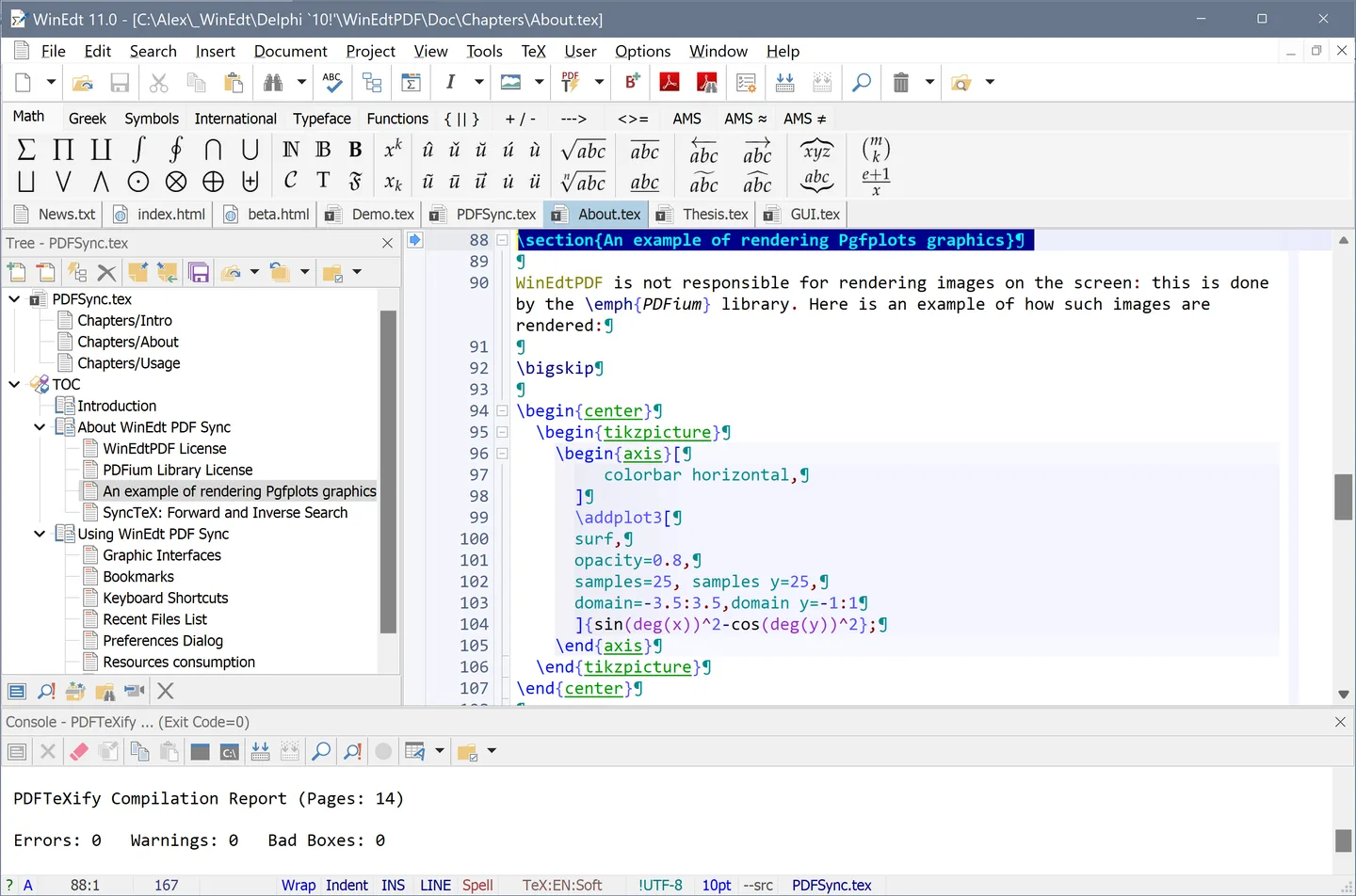
WinEdt 11 includes a PDF viewer with SyncTeX forward and inverse search for moving between source and output. The editor also supports HTML and NSIS work, although LaTeX is its main focus. The publisher's Windows screenshot illustrates an earlier WinEdt 11.0 interface, not a capture of the offered 11.2 build.
This download is the publisher's 64-bit Windows EXE installer. WinEdt is not a TeX distribution: install a separate TeX system to typeset documents. The fully functional evaluation lasts 31 days; continued use requires a paid license. When moving from WinEdt 10, custom preferences and configuration scripts need manual migration rather than a complete automatic import.
What it offers
- Edit LaTeX, HTML and NSIS source with customizable syntax highlighting.
- Use customizable auto-completion and code folding for structured text.
- Check spelling with multilingual dictionaries; English dictionaries are included.
- Preview PDF output with the included viewer and SyncTeX forward and inverse search.
Good to know
- A separate TeX system, such as MiKTeX or TeX Live, is required for typesetting; WinEdt is the editor and front end.
- Use beyond the 31-day evaluation period requires a paid license.
- WinEdt 10 preferences and configuration customizations are not fully imported automatically into WinEdt 11.
Product images
Sources
References used for this listing. Retrieval dates do not indicate hands-on testing.
- WinEdt 11 — official product overview ↗Retrieved
- Installing WinEdt ↗Retrieved
- WinEdt Downloads ↗Retrieved
- WinEdt Registration ↗Retrieved
- WinEdt News ↗Retrieved
- WinEdt in Action ↗Retrieved
More in development
View category ↗

010 Editor 17.0
Inspect and edit binary files on Mac with 010 Editor, a paid text and hex editor with Binary Templates, file comparison and a 30-day trial.
010 Editor 17.0
Inspect and edit binary files with 010 Editor for Windows, a text and hex editor with Binary Templates, file comparison and scripting. Includes a 30-day trial.
10x Editor
Edit and navigate C++ projects on Windows with a built-in parser, workspace search and Visual Studio project support. A paid license is required after the 30-day trial.