

Utilities Windows
WinHex for Windows
Inspect and edit binary files and disk data with WinHex, a Windows hex editor with search, comparison and license-dependent recovery tools.
Version 21.9 · Direct publisher file
Link checked · Download guidance
What is WinHex?
WinHex is a hexadecimal editor for examining the bytes in files and storage devices. It combines low-level editing with search and replace, file comparison, a data interpreter and templates for working with structured data. These tools suit binary inspection and disk-analysis tasks where a conventional text editor does not show the underlying values.
The publisher also lists disk imaging, file-system interpretation and data recovery capabilities, but availability depends on the license type. WinHex is commercial software with an evaluation version, not an unrestricted free editor. Personal licenses are restricted to non-commercial use outside business, institutional and government environments; professional licenses permit use in those environments.
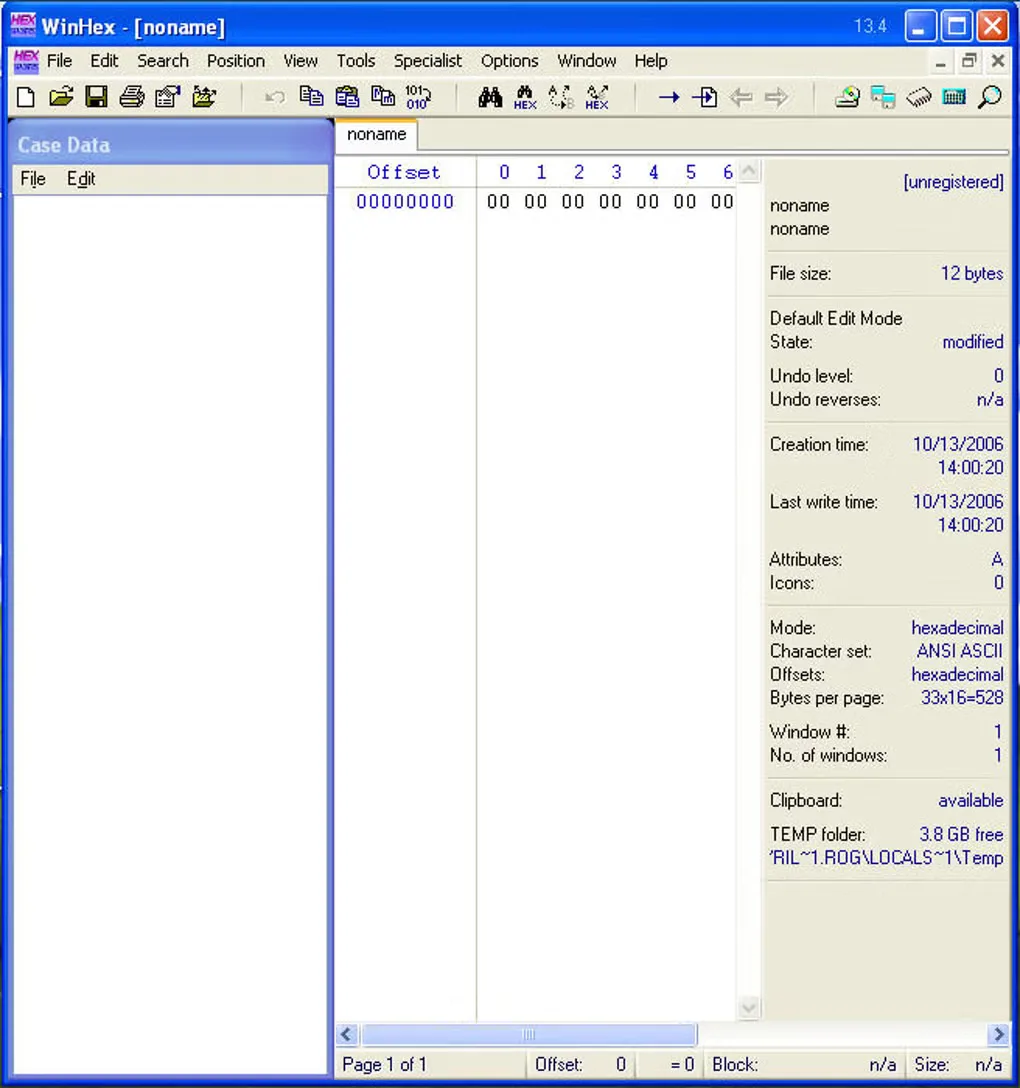
This entry links to the publisher's Windows ZIP package. The gallery image shows the historical WinHex 13.4 interface, not the publisher-listed 21.9 release. It illustrates the hex editor layout rather than documenting the current interface.
What it offers
- Inspect and edit binary files and disk data in a hexadecimal editor.
- Search and replace byte patterns, analyze files and compare file contents.
- Interpret data values and use templates to work with data structures.
- Use file-system interpretation, disk imaging and recovery tools where supported by the selected license.
Good to know
- Available features depend on the license type; the evaluation version does not provide unrestricted licensed functionality.
- Personal licenses exclude business, institutional and government use; those environments require an appropriate license.
Product images
Sources
References used for this listing. Retrieval dates do not indicate hands-on testing.
More in utilities
View category ↗
1.1.1.1 with WARP 2026.8.2115.0
Encrypt traffic from your Mac to Cloudflare’s network with WARP, or use DNS-only mode for encrypted DNS queries to the 1.1.1.1 resolver.
1.1.1.1 with WARP 2026.8.2115.0
Encrypt traffic between your Windows PC and Cloudflare, or use encrypted DNS only, with the free 1.1.1.1 with WARP app.

3uTools 9.12.005
Manage iPhone and iPad photos, music, apps and backups from Windows with 3uTools, a free utility that also includes device checks and firmware flashing tools.